














Peace of Mind: Choosing a Baby Monitor with Privacy in Focus
How to pick a private, safe baby monitor: Wi-Fi vs non-Wi-Fi, cord safety, smart device locks, and what health groups in four countries advise.
On this page
- Key points
- What a baby monitor does, and what it cannot do
- Types of baby monitors and how they affect privacy
- How to lock down a Wi-Fi baby monitor
- Physical safety: cords, placement, batteries and light
- What official bodies say in Australia, the UK, the US and Canada
- Choosing the right monitor for your stage and home
- Common mistakes parents make with baby monitors
- Baby monitor privacy and safety checklist
- Frequently asked questions
- Sources
Short answer: If privacy is your top concern, pick a non-Wi-Fi baby monitor. It uses a direct radio link between the camera and the parent screen. It never connects to the internet. If you want to watch from your phone on Wi-Fi, lock it down first. Change the default password, turn on two-step login, and install every software update. Whatever monitor you pick, keep the camera and its power cord at least 1 metre (about 3 feet) away from the cot.
Health groups in Australia (Red Nose), the UK (The Lullaby Trust), the US (American Academy of Pediatrics) and Canada (Health Canada) all agree on one big rule. A baby monitor does not prevent Sudden Infant Death Syndrome (SIDS). Room sharing with your baby is much safer than relying on a gadget.
Key points
- Best for privacy: non-Wi-Fi audio or video monitors stay off the internet.
- Wi-Fi risk: internet cameras can be hacked if you leave weak passwords or skip updates.
- Cord danger: babies can strangle in loose power cords. Keep cords at least 1 metre from the cot.
- Sleep safety: monitors help you hear or see your baby, but they do not replace safe sleep habits.
- Breathing monitors: health bodies do not recommend consumer breathing or sock monitors for healthy babies.
- Smart locks: if you use Wi-Fi, use a unique passphrase, two-step login, and automatic updates.
What a baby monitor does, and what it cannot do
A baby monitor is a simple helper. It lets you hear or see your baby when you are in another room. You can cook dinner, fold laundry, or rest while your baby naps in a safe cot.
That is all a monitor should do. It cannot keep your baby safe by itself. It cannot stop a baby from rolling onto their tummy or getting tangled in loose blankets.
Monitors do not prevent SIDS
SIDS stands for Sudden Infant Death Syndrome. It is the sudden, unexplained death of a baby during sleep. Many parents buy a monitor hoping it will prevent SIDS.
Official health groups say there is no proof that any baby monitor prevents SIDS. Red Nose Australia, The Lullaby Trust in the UK, the American Academy of Pediatrics (AAP) in the US, and Health Canada all say the same thing. The safest place for a baby to sleep for the first 6 months is in a bare, firm cot in your own bedroom.
When your baby sleeps in your room, you can hear them breathe and stir. You do not need a camera or an app to check on them.
What about breathing and movement monitors?
Some shops sell under-mattress pads, clip-on sensors, and smart socks. These claim to track your baby's breathing, heart rate, or oxygen levels. They sound reassuring, especially to tired new parents.
Medical groups urge caution here. Researchers at the Children's Hospital of Philadelphia (CHOP) and the AAP point out that consumer monitors are not medical devices. They are not tested to hospital standards. They can give false alarms that wake the whole house and cause needless panic.
Worse, they can give false calm. A parent might ignore early signs of illness because the app looks normal. If your baby has a medical need, your doctor will prescribe a real hospital-grade monitor. For healthy babies, safe sleep habits matter far more than sensors.
Baby Monitors worth a look
Real products from our catalogue. We don't show star ratings or review counts; check the current price, stock and reviews on Amazon before you buy.
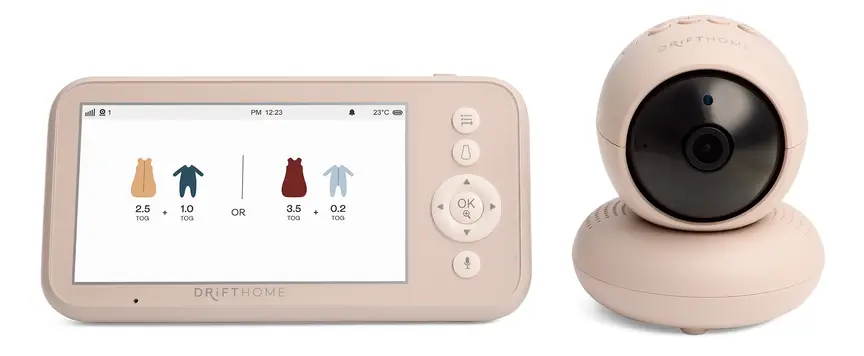
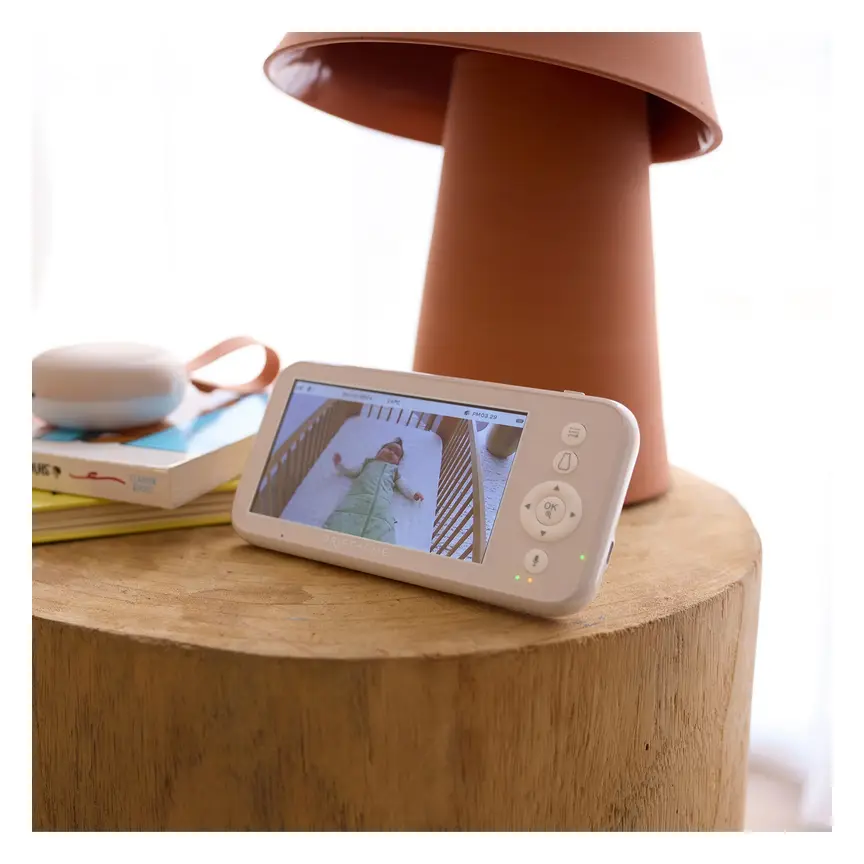
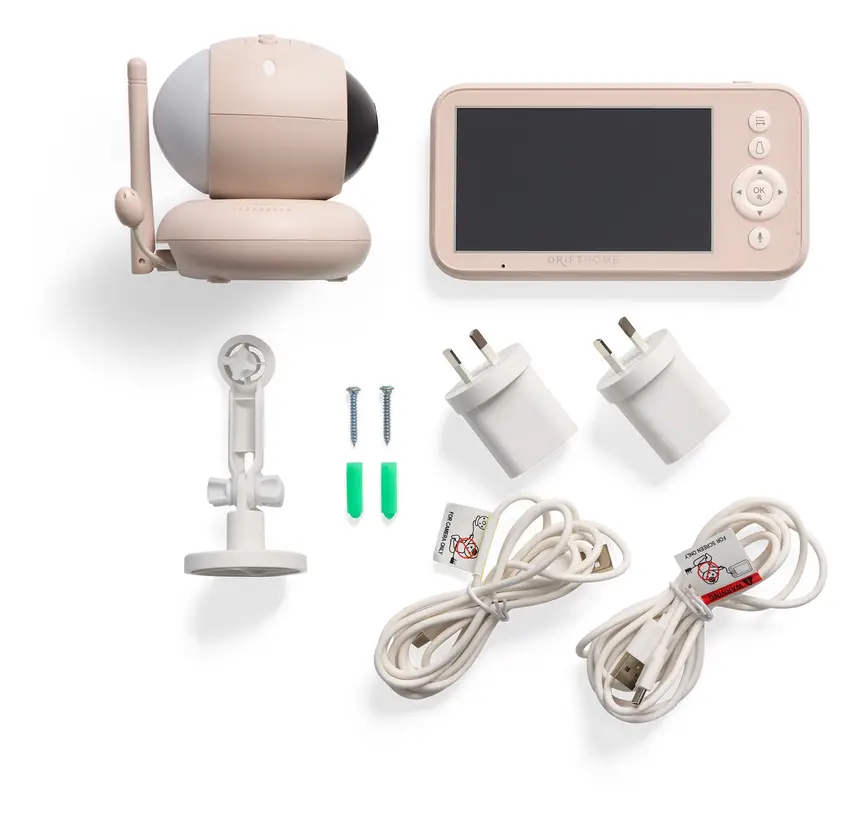
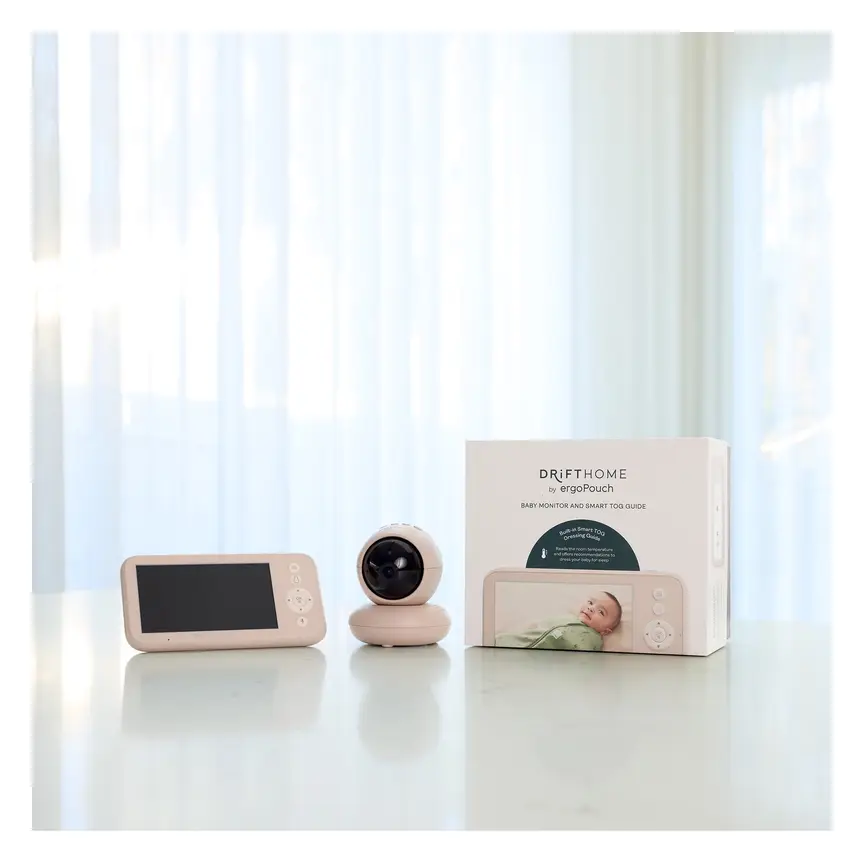

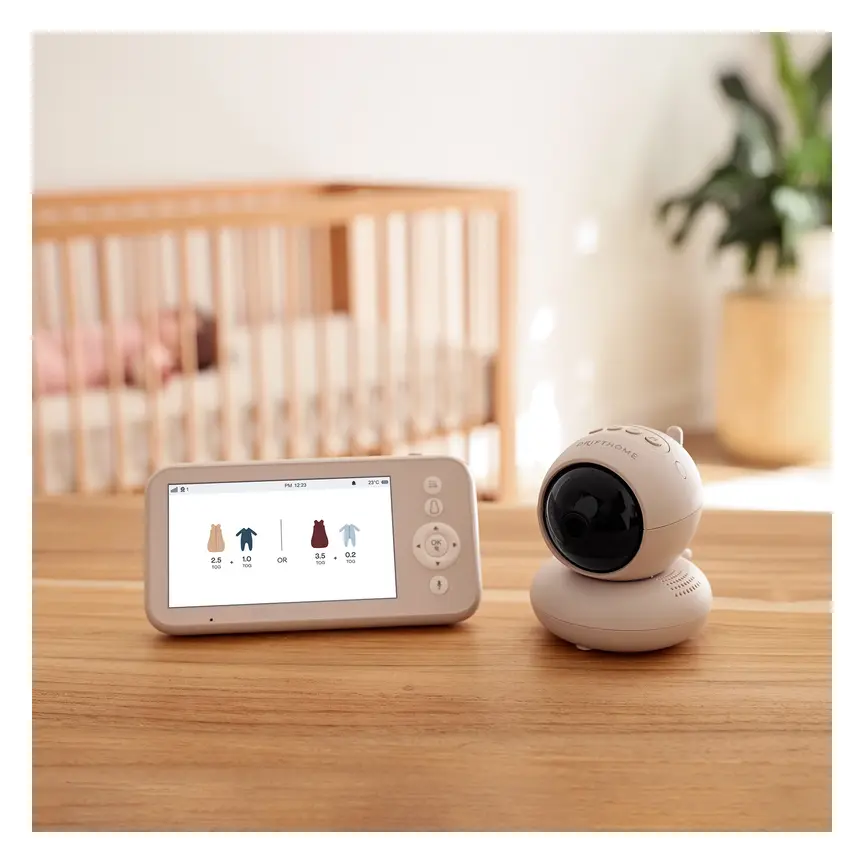
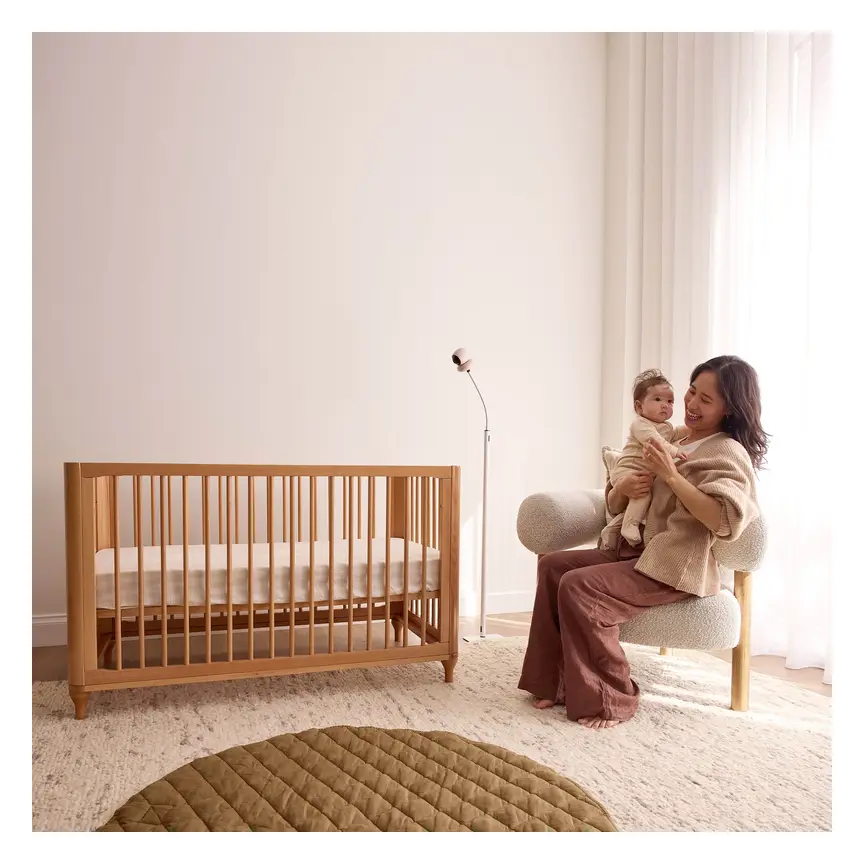

ergoPouch Drifthome Baby Monitor
A non-Wi-Fi monitor with a built-in TOG dressing guide and up to 300 m range.
Read our full review →

Eufy Baby Monitor E20
A monitor that works with or without Wi-Fi. You can share the app with up to 5 family members.
Read our full review →
Eufy Baby Monitor E21
The step-up Eufy monitor. It works with or without Wi-Fi and shares with up to 5 people.
 Reviewed
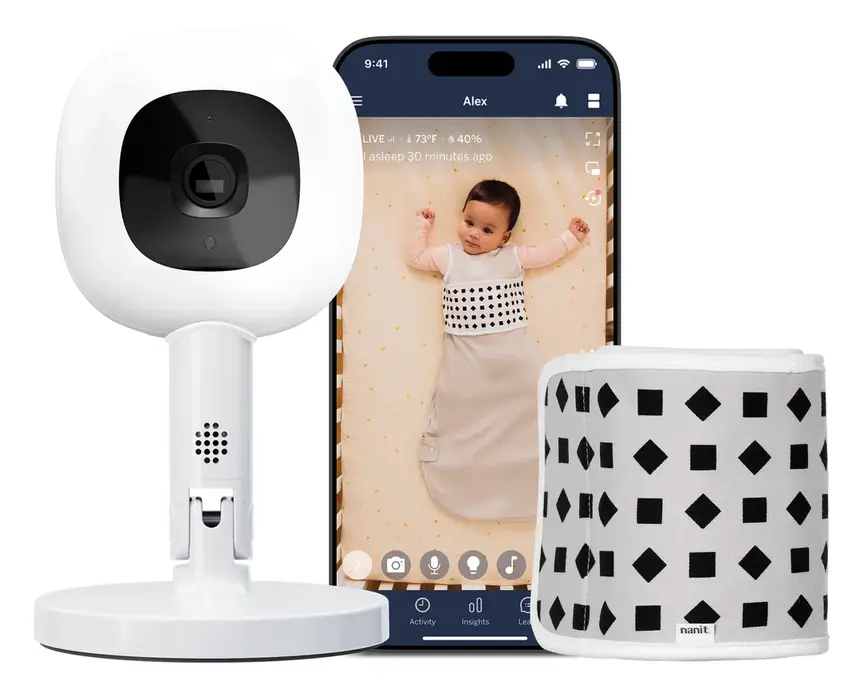
Nanit Pro Camera
Overhead 1080p Wi-Fi camera that tracks sleep and — with patterned Breathing Wear — breathing motion, without any electronics on the baby.
Read our full review →Types of baby monitors and how they affect privacy
Baby monitors fall into three main groups. Each group sends sound or video in a different way. How it sends that data decides how private it is.
1. Audio-only monitors (DECT)
Audio-only monitors are the classic choice. You put one unit in the nursery and carry the parent unit with you. Most modern audio monitors use digital cordless phone tech called DECT.
DECT signals are scrambled, which means outsiders cannot easily listen in on a nearby radio. There is no camera and no internet connection. Because there is no video, there is nothing for a stranger to watch. Battery life on the parent unit is often long, and the range through house walls is usually strong.
2. Non-Wi-Fi video monitors (FHSS)
Non-Wi-Fi video monitors give you a camera and a small handheld screen. They talk straight to each other over radio waves. Most use a method called frequency hopping (FHSS).
Frequency hopping means the camera and screen jump between radio channels many times every second. They also scramble the signal. Someone would need to be very close to your home with special gear to even try to catch the signal. For almost all families, this is very private.
There are a few trade-offs. You cannot check the video on your phone when you are at work or out at dinner. You have to carry the parent screen around the house. Thick brick or concrete walls can also shorten the range.
3. Wi-Fi video monitors (smart monitors)
Wi-Fi monitors connect to your home router, just like your phone or laptop. You watch the video through an app on your phone. This lets you check on your baby from anywhere in the world.
Many Wi-Fi monitors also record clips to the cloud. Cloud storage means the video is saved on the company's computers over the internet. Some offer temperature alerts, sleep tracking, or room-wide views.
This extra convenience brings real privacy risks. Anything on the internet can be targeted by hackers. If you use a weak password, or reuse a password from another site, strangers can log into your camera. Even if your own password is strong, the company's servers could suffer a data leak.
4. Dual-mode monitors
Some newer monitors do both. They come with a local parent screen that works without Wi-Fi. They also let you connect to Wi-Fi and use a phone app when you want to.
If privacy matters to you, you can leave the Wi-Fi turned off at home. Then you only turn it on when a grandparent wants to check in, or when you go out and leave a babysitter at home.
Side-by-side comparison of monitor types
| Feature | Audio-only (DECT) | Non-Wi-Fi video (FHSS) | Wi-Fi smart video |
|---|---|---|---|
| How it connects | Direct scrambled radio | Direct radio between camera and screen | Home Wi-Fi router and phone app |
| Internet needed? | No | No | Yes |
| Privacy risk | Very low | Low | Higher, depends on setup and brand |
| Watch away from home? | No | No | Yes, from anywhere with data |
| Range at home | Usually strong through walls | Good, but thick walls reduce it | Works anywhere Wi-Fi reaches |
| Works if internet drops? | Yes | Yes | No, or local features only |
| Best for | Simple sound checks and travel | Most families who want video and privacy | Parents who travel or work away from home |
How to lock down a Wi-Fi baby monitor
If you choose a Wi-Fi monitor, you do not have to accept poor privacy. Good security habits cut the risk right down. Government cyber teams in Canada, Australia, the UK and the US all give clear steps to follow.
Before you buy
- Pick a known brand: cheap, unbranded cameras from online marketplaces often skip basic security. They may never get software fixes.
- Check update support: look for a maker that clearly states how long it will send security updates for that model.
- Check local storage: some cameras save clips to a small memory card inside the camera instead of the cloud. Local storage keeps your video out of company servers.
- Look for security labels: in the US, look for the Cyber Trust Mark. In the UK and Australia, new laws require makers to ban default passwords and share update timelines.
When you set it up
- Change the default password right away. Never leave a factory password like "admin" or "1234" in place. Hackers run automated tools that test default passwords on thousands of cameras every day.
- Use a long, unique passphrase. Pick three or four random words mixed with numbers or symbols. Never reuse a password you use for email, shopping, or banking.
- Turn on two-factor authentication (2FA). Two-factor authentication means the app asks for a second code when you log in from a new phone. Even if someone steals your password, they cannot get in without that code.
- Update the firmware straight away. Firmware is the built-in software that runs the camera. Makers release updates to patch security holes. Turn on automatic updates if the app has that option.
- Secure your home Wi-Fi. Give your home Wi-Fi router a strong password too. Check your router settings and make sure modern Wi-Fi encryption is turned on. Encryption scrambles your data so neighbours cannot read it.
- Use a guest Wi-Fi network. Many routers let you set up a separate guest network. Put your smart monitor on the guest network. That way, if the camera is ever hacked, the attacker cannot reach your laptop or phone.
Everyday privacy habits
- Turn off features you do not use. If you only watch the monitor inside your house, turn off remote access in the app. Turn off cloud recording if you do not need saved clips.
- Check the shared users list. Many apps let you share access with a partner or grandparent. Check that list every few months. Remove old phones or people who no longer babysit.
- Cover or unplug it when not needed. You do not need a camera running while you feed, dress, or change in the bedroom. Point the camera at the wall, close the shutter, or turn it off at the power point.
- Check the camera light. Most cameras show a small light when someone is viewing the live feed. If the light turns on when nobody in your house is watching, unplug the camera and change your passwords right away.
Physical safety: cords, placement, batteries and light
Digital privacy is only half the story. Physical safety in the nursery matters just as much. Every year, safety bodies warn parents about simple setup mistakes that put babies in danger.
Keep cords far away from the cot
A power cord is a serious strangulation hazard. The U.S. Consumer Product Safety Commission (CPSC) warns that babies and toddlers have died after pulling baby monitor cords into their cot. Once a baby can reach, roll, or stand, they will grab anything within reach.
Follow the 1-metre rule. Place the camera and every bit of its power cord at least 1 metre (about 3 feet) away from the cot, bassinet, or playpen. Do not rely on draping the cord behind a chest of drawers if a toddler can reach behind it.
If you mount a camera on the wall near the cot, run the cord inside a rigid plastic cord cover screwed to the wall. Even better, place the camera on a high shelf across the room, well out of reach.
Keep the cot completely clear
Never clip a monitor onto the cot rail. Never place a camera, parent unit, or sensor inside the cot unless it is a tested product made to go under the mattress. A heavy unit can fall onto your baby. A curious toddler can chew on plastic parts or pull off small pieces.
Red Nose and The Lullaby Trust remind parents that a safe cot holds only a firm, flat mattress and a baby dressed safely for sleep. No toys, no pillows, no bumpers, and no loose gadgets.
Battery and charging safety
Most parent units run on built-in lithium-ion batteries. These hold a lot of power in a small space. Fire services, such as Fire and Rescue NSW, warn parents to handle lithium-ion batteries with care.
- Only use the charger that came with your monitor.
- Charge the parent unit on a hard, flat surface like a bedside table. Never charge it on a bed, sofa, or under a pillow, where heat builds up.
- Stop using the unit if the battery swells, leaks, smells odd, or gets too hot to touch.
Some sensors or remotes use small round button batteries. Product Safety Australia warns that swallowed button batteries can burn through a child's throat in hours. Check that any button battery cover is held shut by a screw, so little fingers cannot open it.
Light, noise and temperature
Many cameras have bright blue or green status lights. At night, bright light in a dark bedroom can disturb your baby's sleep. Look for a monitor that lets you turn off status lights in the settings. If it does not, a tiny piece of dark tape over the light (away from air vents) works well.
Watch the volume on two-way talk features too. A sudden loud voice from a speaker right next to a sleeping baby can startle them. Keep the speaker volume gentle, and avoid placing the camera right by your baby's ear.
Finally, if your monitor shows the room temperature, treat it as a rough guide only. Camera chips warm up as they run, which can make the reading a degree or two higher than the real room temperature. Check how your baby's chest or tummy feels with your hand rather than trusting a screen number alone.
What official bodies say in Australia, the UK, the US and Canada
Different countries have different names for their safety and cyber agencies, but their core advice matches closely.
| Country | Health & sleep bodies | Safety & cyber bodies | Main advice on baby monitors |
|---|---|---|---|
| Australia | Red Nose Australia | Department of Home Affairs; Product Safety Australia (ACCC) | Monitors do not prevent SIDS. Room share for 6–12 months. Smart devices must drop default passwords and state update periods. Keep cords and button batteries away from children. |
| UK | The Lullaby Trust; NHS | UK Government (smart device security rules) | Room share for the first 6 months. Monitors are not a substitute for checking your baby. Smart devices sold in the UK must ban easy default passwords and publish security support times. |
| US | American Academy of Pediatrics (AAP) | U.S. CPSC; Federal Communications Commission (FCC) | Room share without bed sharing. Do not use consumer monitors to prevent SIDS. Keep monitor cords at least 3 feet (about 1 metre) from the crib. Look for the U.S. Cyber Trust Mark on smart devices. |
| Canada | Health Canada; Canadian Paediatric Society | Get Cyber Safe (Government of Canada) | Room share for at least 6 months. Keep all cords out of reach. Use strong passwords, two-step login, updated firmware, and a secure home network for any Wi-Fi baby gear. |
It is worth noting how clear the laws are becoming. Both the UK and Australia now require makers of smart home devices to stop shipping products with weak factory passwords like "admin". They also have to tell buyers how long the device will get security fixes. The US has launched the voluntary Cyber Trust Mark so shoppers can spot safer smart gadgets at a glance.
Side by side: more baby monitors to compare
Real products from our catalogue. We don't show star ratings or review counts; check the current price, stock and reviews on Amazon before you buy.

VTech BM2220 Digital Audio Baby Monitor
A low-cost sound-only monitor with two-way talk, a room temperature sensor and a night light.


Eufy SpaceView Pro
Budget-friendly closed-system monitor with a large parent screen and pan/tilt camera.

Infant Optics DXR-8 PRO
No app, no cloud, no subscription: a dedicated parent screen on a closed radio link, with interchangeable lenses.
Choosing the right monitor for your stage and home
You do not need the most expensive monitor on the shelf. Match the monitor to your baby's age and the shape of your home.
By age stage
| Age stage | What is happening | What monitor fits best |
|---|---|---|
| Newborn to 6 months | Baby should sleep in your bedroom at night. Daytime naps may be in your room or a nearby room. | Often no monitor needed at night. A simple audio or non-Wi-Fi video monitor works well for daytime naps. |
| 6 to 12 months | Many families move baby to their own room. Baby starts sitting, rolling, and pulling up. | Non-Wi-Fi video or secure Wi-Fi monitor. Re-check cord distance as baby can now stand in the cot. |
| 1 to 3 years (toddler) | Toddler climbs, reaches higher, and may move to a toddler bed. | Mount the camera high on the wall with covered cords, or keep it on a high shelf outside the bed area. Audio-only often works great at this age. |
By home layout and lifestyle
- Small apartment or single-storey home: a basic DECT audio monitor or non-Wi-Fi video monitor is plenty. You will likely hear your baby cry anyway, and the radio signal easily covers the home.
- Large or multi-storey home with brick walls: thick walls block non-Wi-Fi radio signals. Test the range as soon as you unbox it, while you can still return it. If radio range drops out upstairs, a well-secured Wi-Fi monitor (or dual-mode monitor) may hold a steadier link.
- Families who travel: non-Wi-Fi monitors shine on holiday. They work straight out of the bag in a hotel, cabin, or grandparent's house. You never have to connect your baby's camera to shaky hotel Wi-Fi.
- Parents returning to work: if you want to check in during the day while a relative minds your baby, a dual-mode or locked-down Wi-Fi monitor makes sense. Just make sure everyone in the house knows when the camera is on.
Common mistakes parents make with baby monitors
Most monitor problems come from how a device is set up, not from the brand itself. Watch out for these everyday slips.
1. Leaving the factory password on a Wi-Fi camera
Many parents plug in a Wi-Fi camera, scan the code, and leave the login as it came out of the box. Hackers scan the internet for these open cameras all day long. Changing the password takes two minutes and blocks most attacks.
2. Skipping app and firmware updates
An update pop-up can feel annoying at bedtime, so people tap "remind me later" for months. Updates often fix quiet security bugs that hackers already know about. Turn on auto-updates or check the app once a month.
3. Placing the camera too close to the cot
Parents put the camera on the cot rail so they can see their baby's eyelashes. A baby grows fast. One morning they reach out, grab the cord, or pull the camera down. Always keep at least 1 metre of clear space between the cot and any monitor or cord.
4. Watching the screen instead of sleeping
Bright screens next to your bed make it hard to rest. Babies grunt, wriggle, and make small noises in light sleep. If you watch every twitch on video, you will wake yourself up for no reason. Try turning the screen off at night and leaving only the sound on low, or set the screen to light up only when your baby cries.
5. Buying a used Wi-Fi camera without resetting it
Second-hand baby gear saves money. A used non-Wi-Fi monitor is usually safe once you check the cords and battery. A used Wi-Fi camera can still be linked to the old owner's account. Always do a full factory reset, update the firmware, and create your own fresh account before using it.
6. Trusting a monitor instead of safe sleep rules
No camera or sensor makes a soft mattress, loose blanket, or tummy sleep safe. Always put your baby down on their back, on a firm flat mattress, with their face and head uncovered.
Baby monitor privacy and safety checklist
| Do | Don't |
|---|---|
| Pick a non-Wi-Fi monitor if you want simple privacy | Leave default passwords on any Wi-Fi camera |
| Use a unique passphrase and two-step login on apps | Reuse your email or bank password for a monitor app |
| Install firmware and app updates right away | Ignore security updates for months |
| Keep cameras and cords at least 1 metre from the cot | Clip a camera or drape a cord near the cot rail |
| Place your baby on their back in a clear cot | Rely on a monitor or sensor to prevent SIDS |
| Use the original charger on a hard, flat surface | Charge the parent screen under a pillow or on a bed |
| Factory-reset any second-hand Wi-Fi camera | Share camera access with people who no longer need it |
More options, from budget to premium
Real products from our catalogue. We don't show star ratings or review counts; check the current price, stock and reviews on Amazon before you buy.
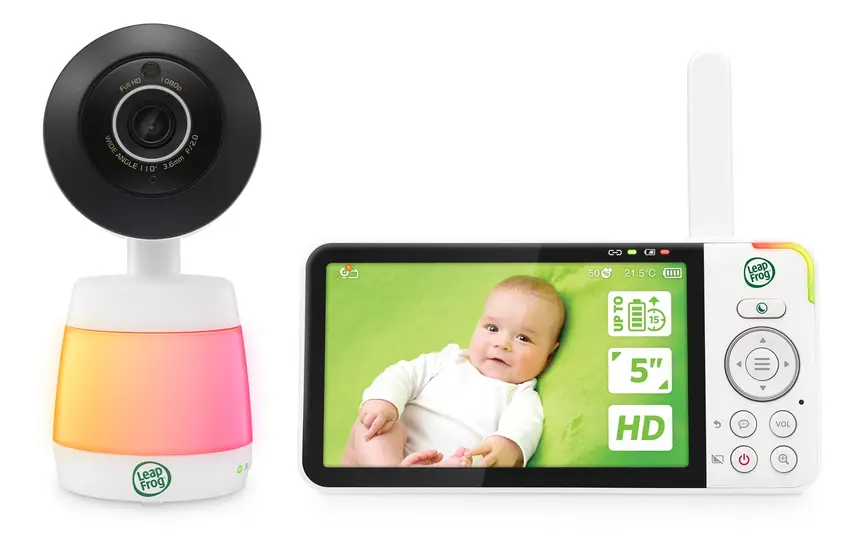 Reviewed
LeapFrog LF3925HD HD Video Monitor
A 5" HD monitor with a 1080p pan-and-tilt camera and colour night vision.
Read our full review →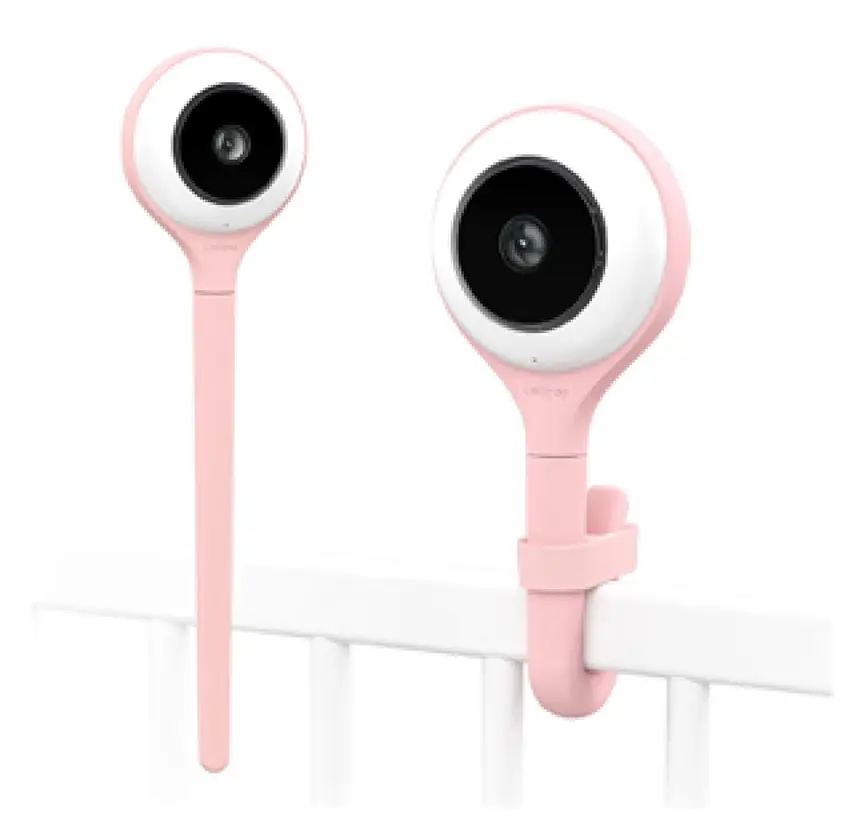
Lollipop Smart Baby Camera
A Wi-Fi camera with AI cry, noise and crossing alerts and 1080p video.

Oricom Babysense7 Breathing & Movement Monitor
A sensor pad listed as a medical device on the Australian Register of Therapeutic Goods. It sounds an alarm if it stops sensing breathing movement.
Frequently asked questions
Can someone really hack a baby monitor?
Yes, it can happen with Wi-Fi baby monitors. Most cases happen when owners keep the default password, reuse an old password that leaked elsewhere, or never update the camera software. Using a strong unique password, two-step login, and regular updates stops nearly all of these attacks. Non-Wi-Fi monitors cannot be hacked over the internet because they never go online.
Is a non-Wi-Fi baby monitor completely private?
Nothing is 100 per cent unbreakable, but a non-Wi-Fi digital monitor is very close. It uses a local radio link between the camera and your handheld screen. Someone would need to be right outside your home with special radio gear to try to intercept a scrambled FHSS or DECT signal. For normal family life, it is far more private than an internet camera.
Do I need a baby monitor if my baby sleeps in my room?
At night, usually no. When your baby sleeps in a cot or bassinet next to your bed, you can hear them and check on them right away. A monitor can still be handy during the day if your baby naps in the bedroom while you are in the kitchen or garden.
Do breathing or sock monitors prevent SIDS?
No. Red Nose Australia, The Lullaby Trust, the American Academy of Pediatrics, and Health Canada all say there is no proof that consumer breathing, heart-rate, or movement monitors prevent SIDS. Safe sleep practices—back to sleep, a firm flat mattress, a clear cot, no smoking around baby, and room sharing—are what protect babies.
How far should a baby monitor be from the cot?
Keep the camera and every part of its power cord at least 1 metre (about 3 feet) away from the cot, bassinet, or bed. As your baby grows into a toddler who can stand and reach, check the distance again. Use wall-mounted cord covers if a cord runs down a wall anywhere near a toddler's reach.
Should I buy a second-hand Wi-Fi baby monitor?
Be careful with second-hand smart cameras. First, check that the model is still supported by the maker and still gets security updates. Older cameras that no longer get updates can have known security holes. Second, do a full factory reset so the old owner's account is wiped completely. For second-hand shopping, a non-Wi-Fi monitor is much simpler and safer to reuse.
Is it safe to use a baby monitor with two-way talk?
Yes, two-way talk is fine to use, as long as you keep the volume gentle. Loud voices from a speaker right near a cot can startle a young baby. Keep the camera at least 1 metre away, and test the speaker volume while you are standing in the nursery so you know how loud it sounds.
Sources
- Red Nose Australia – Baby monitors
- The Lullaby Trust (UK) – Baby monitors
- U.S. Consumer Product Safety Commission – Infants and toddlers can strangle in baby monitor cords (Publication 5066)
- Get Cyber Safe (Government of Canada) – Cyber security tips for your baby gear
- Australian Department of Home Affairs – Security standards for smart devices
- UK Government – Security rules for smart devices (PSTI)
- Federal Communications Commission (US) – U.S. Cyber Trust Mark
- Children's Hospital of Philadelphia – Consumer baby monitors have little proven benefit for healthy infants (2017)
Related guides
More Gadgets & Electronics →
How to Choose an AI Baby Monitor: Features, Safety and Privacy

Using AI to Sort and Store Baby Photos: A Simple Privacy Guide

How to Sort and Store Your Baby’s Photos with AI Tools
