














AI Cry Detection and Sleep Tracking Monitors: Do They Help, and Can They Make You More Worried?
AI cry detection and sleep tracking baby monitors in plain words: what they can and can't do, the SIDS facts, false alarms, privacy and safe setup.

On this page
- What do "AI cry detection" and "sleep tracking" mean?
- Do monitors prevent SIDS? What the experts say
- How accurate are home baby monitors?
- Can a smart monitor make you more anxious?
- Types of monitor side by side
- How to choose a smart monitor
- Safe setup: cords, placement and alerts
- How your needs change as your baby grows
- Common mistakes
- FAQ
- Sources
Short answer: Smart baby monitors with "AI cry detection" and "sleep tracking" are handy tools. They are not safety devices. They can tell you your baby is crying or awake, and some keep a log of naps and night sleep. But no health group in Australia, the UK, the US or Canada says any monitor lowers the risk of SIDS. A monitor can calm you, or it can make you more worried. It depends on how you set it up and how you use it.
This guide explains how these monitors work, what the research says, how alerts can feed worry, and how to set one up safely.
What do "AI cry detection" and "sleep tracking" mean?
The words on the box can be confusing. Here is what the main features really do.
Cry detection
Every sound monitor picks up noise. "AI cry detection" means the app has been taught to tell a baby's cry apart from other sounds, like a fan, a car outside or a big sister talking. When it hears what it thinks is a cry, it sends an alert to your phone.
The good part: you get fewer alerts for random noises. The weak part: it can still miss a quiet grizzle, or think another sound is a cry.
Some apps also say they can "translate" a cry. They might label it "hungry", "tired" or "in pain". There is very little proof this works. Treat the label as a guess. Look at your baby and trust what you see.
Sleep tracking with a camera
Some video monitors watch for movement in the cot. From how much your baby moves, the app guesses when they fell asleep and when they woke up. It then draws a chart of their sleep.
These guesses can go wrong. Bad lighting, a poor camera angle, or a parent's arm in the way can all mess up the chart.
Breathing and movement monitors
A third group watches for breathing. Some use a pad under the mattress. Some clip onto the nappy. Some use the camera to watch the chest move. Others are worn on the foot or ankle and measure heart rate and oxygen in the blood. (Doctors call this "pulse oximetry". It means shining a small light through the skin to estimate oxygen levels.)
These are the monitors parents most often buy for peace of mind. They are also the ones where it matters most whether the product is a proper medical device. More on that below.
Room sensors
Many smart monitors also show the room temperature and how damp the air is (humidity). That is useful. But a number on an app does not tell you if your baby is too hot or too cold. To check, feel your baby's back of the neck or tummy. Dress them for the room.
Do monitors prevent SIDS? What the experts say
This is the most important part of this guide. Safe sleep experts in all four countries say there is no proof that any monitor prevents SIDS (sudden infant death syndrome) or SUDI (sudden unexpected death in infancy).
- Australia: Red Nose says there is no scientific evidence that any type of monitor will prevent a sudden unexpected infant death. It says monitors may help parents feel calmer. What really lowers the risk is following its six safe sleep tips.
- United Kingdom: The Lullaby Trust says there is no research showing monitors help prevent SIDS. It says to follow all safer sleep advice whether you use a monitor or not. A monitor can never replace an adult looking after the baby. It also says to keep your baby in your room for the first six months, day and night.
- United States: The American Academy of Pediatrics (AAP), in its 2022 safe sleep advice, says not to use home breathing or heart monitors as a way to lower the risk of SIDS. If you do use one, keep following every safe sleep rule.
- Canada: Health Canada and the Canadian Paediatric Society give the same core advice: baby on their back, in a bare crib, cradle or bassinet, in your room for at least the first six months. Health Canada also says to keep monitor cords out of reach and to mount the monitor on the wall, not on the crib.
So a monitor should sit on top of a safe sleep setup. It should never replace it. These are the things that actually protect your baby:
- Baby sleeps on their back.
- Baby has their own cot with a firm, flat mattress that fits well.
- No pillows, bumpers, soft toys or loose blankets in the cot.
- Baby's head and face stay uncovered.
- The home is smoke-free.
- Baby sleeps in your room for at least six months.
The camera just lets you see all that.
Baby Monitors worth a look
Real products from our catalogue. We don't show star ratings or review counts; check the current price, stock and reviews on Amazon before you buy.
 Reviewed
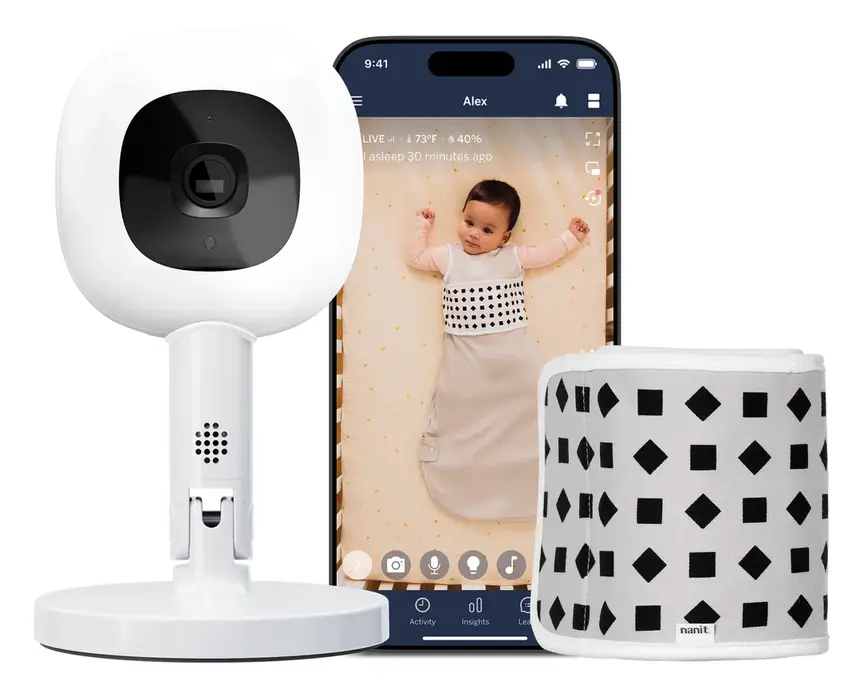
Nanit Pro Camera
Overhead 1080p Wi-Fi camera that tracks sleep and — with patterned Breathing Wear — breathing motion, without any electronics on the baby.
Read our full review →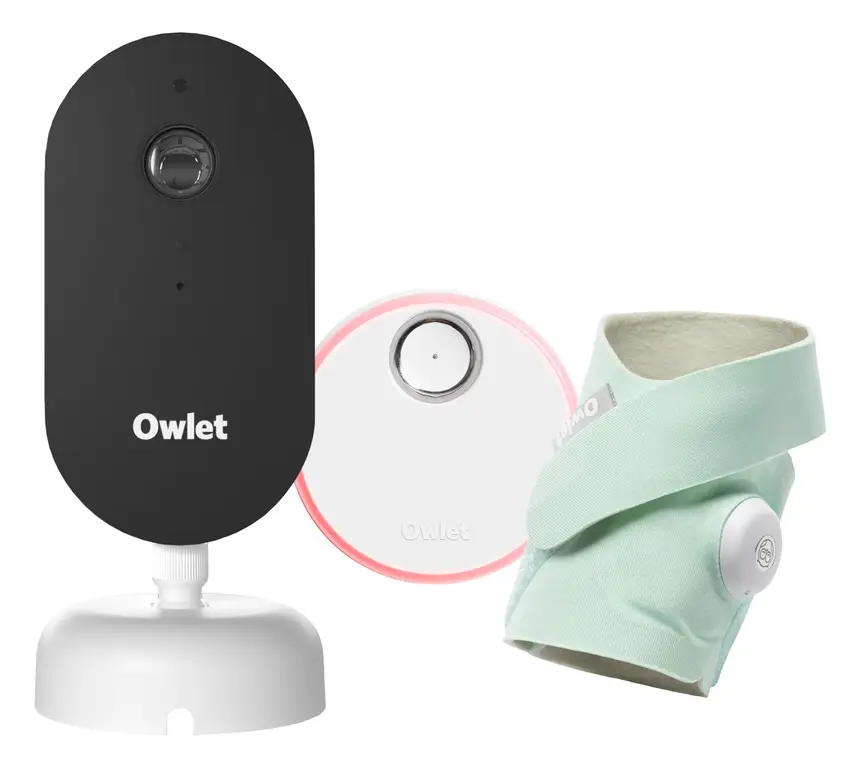 Reviewed
Owlet Dream Duo 3
A 2K camera plus the Dream Sock sensor that tracks pulse rate and oxygen. Like all monitors, it cannot prevent SIDS or SUDI.
Read our full review →
VTech V-Care Premium 7" HD Smart Monitor
A 7" monitor with a 1080p camera and AI alerts, such as face-covered detection.

How accurate are home baby monitors?
There is not much independent research on home baby monitors. Most of it is a few years old. But what we have is a useful reality check.
In 2017, children's doctors at the Children's Hospital of Philadelphia wrote about phone-connected baby monitors in the medical journal JAMA. They said there was no public proof these products measured a baby's heart rate or oxygen correctly. They warned that wrong readings could lead to healthy babies having needless trips to hospital and tests.
In 2018, the same team ran a small study with 30 babies. They compared two home oxygen monitors with a hospital monitor. One home monitor picked up low oxygen but was not consistent. The other never picked up any of the low-oxygen moments the hospital monitor found. It sometimes showed a heart rate that was too low. These exact products have since changed, so the study does not tell you about what is sold today. It does show why you should not take accuracy claims on trust.
Since then, at least one sock-style oxygen monitor has been cleared by the US Food and Drug Administration (FDA) for use with healthy babies without a prescription. "Cleared" means the FDA has checked that the readings and alerts do what the maker says. It does not mean the sock prevents SIDS. The AAP's advice has not changed.
Each country has its own way of checking medical devices:
- Australia: medical devices must be listed on the Australian Register of Therapeutic Goods, run by the Therapeutic Goods Administration.
- UK: the Lullaby Trust says to look for "MD" or "medical device" on the box or the maker's information. Many "peace of mind" monitors are not medical devices.
- US: look for FDA clearance for the exact feature you care about.
- Canada: Health Canada licenses medical devices.
For cry detection and sleep charts, there is almost no independent testing. Treat claims on the box as the maker's own claims.
Can a smart monitor make you more anxious?
Many parents buy a smart monitor because they are scared. Maybe the birth was hard. Maybe the baby came early. Maybe the family has lost a baby before. A monitor can help. But a stream of numbers and alerts can also become a new worry.
Why more data does not always mean less worry
- False alarms. An alarm that turns out to be a loose sensor still gives you a huge fright. Lots of false alarms ruin your sleep. Very tired parents are more likely to fall asleep with the baby on a sofa or in an adult bed, which is risky.
- Normal looks scary. Babies breathe unevenly. They pause for a moment, wake often and wriggle a lot. A chart can make normal baby behaviour look like a problem.
- False comfort. The Lullaby Trust warns that movement monitors can pick up movement that isn't the baby. Walking near the cot or a moving car or pram can do it. A green "all fine" light can tempt parents to relax safe sleep rules, like adding a soft toy "because the monitor will tell me".
- Checking over and over. Some parents open the app dozens of times a night. If that is you, the device is taking away your rest, not giving it back.
Signs a monitor is helping you
- You sleep better because you know you will hear your baby.
- Alerts are rare, and they almost always mean something.
- You use the sleep log to spot patterns, like shorter naps in a hot room, and you make simple changes.
- Your safe sleep setup has not changed.
Signs to step back
- You keep checking the video or chart without a reason.
- You panic when the app shows a number you don't understand.
- You have started skipping safe sleep steps because the device is "watching".
If you worry about your baby's breathing all the time, talk to your child health nurse, health visitor, midwife or GP. Lots of new parents feel anxious. It is common, and help is available.
Types of monitor side by side
| Type | What it does | Good points | Weak points |
|---|---|---|---|
| Sound-only monitor (no Wi-Fi) | Sends sound to a parent unit | Simple. No app or account. Works without the internet. | No video. No log. You still need to check in person. |
| Video monitor (no Wi-Fi) | Camera sends picture to its own screen | See your baby without going in. Can't be reached from the internet. | Short range. Usually no smart features. |
| Wi-Fi smart camera with AI cry detection | Streams to your phone. Spots cries and movement. | Watch from anywhere. Fewer alerts for random noise. Sleep logs. | Needs careful security setup. Video may be stored online. May need a paid plan. |
| Under-mattress or clip-on movement monitor | Alarms if it senses no movement for a while | Some are proper medical devices. | Doesn't work well if baby shares a bed. Can be set off, or fooled, by other movement. |
| Wearable oxygen monitor (sock or band) | Measures heart rate and oxygen. Alerts if numbers go outside a set range. | Some are cleared as medical devices in some countries. | No proof it prevents SIDS. Must fit well to read right. Can add to worry. |
How to choose a smart monitor
1. Work out what you really need
If you just want to hear your baby from the next room, a basic sound monitor or a video monitor without Wi-Fi does the job. It also avoids most privacy worries. AI features are worth paying for if you need to watch from far away (for example, a carer is at home while you are at work), or if your house is noisy and simple monitors keep going off.
2. Check any health claim
If a product says it tracks breathing, oxygen or heart rate, check if it is a proper medical device where you live (see the list above). If a product hints that it protects against SIDS, that is a red flag. No health regulator in these four countries accepts that claim.
3. Check security and privacy
A Wi-Fi camera in your baby's room is connected to the internet. That means it needs to be kept safe from strangers. Each country now has rules or labels to help:
- UK: Since 29 April 2024, new rules (called PSTI) ban simple default passwords, like "admin" or "12345", on smart devices. Makers must also say how to report a security problem and how long the device will get security updates.
- Australia: New security rules apply to most home smart devices made from 4 March 2026. They also ban shared default passwords, and makers must give a way to report problems and say how long they will support the device.
- US: The U.S. Cyber Trust Mark is a voluntary label, launched in January 2025. It is meant to help you spot connected products, including baby monitors, that meet a set of security checks.
- Canada: The government's Get Cyber Safe program has simple tips for keeping baby gadgets secure.
Wherever you live, choose a brand that offers two-step login (a code sent to your phone as well as a password), keeps the video locked so others can't read it (this is called encryption), sends regular updates, and says clearly how long it will support the device.
4. Know what you are paying for
Sleep charts and saved video clips are often part of a monthly paid plan. Read what happens to your baby's videos and sound clips. Where are they stored? Can you delete them? Find out if the monitor still works well without the paid plan before you buy.
5. Check the design
Look for a wall mount or a floor stand that keeps the camera well away from the cot. Make sure the cable is long enough to keep the plug out of reach. Good night vision matters too, so you are not tempted to put the camera closer.
Side by side: more baby monitors to compare
Real products from our catalogue. We don't show star ratings or review counts; check the current price, stock and reviews on Amazon before you buy.
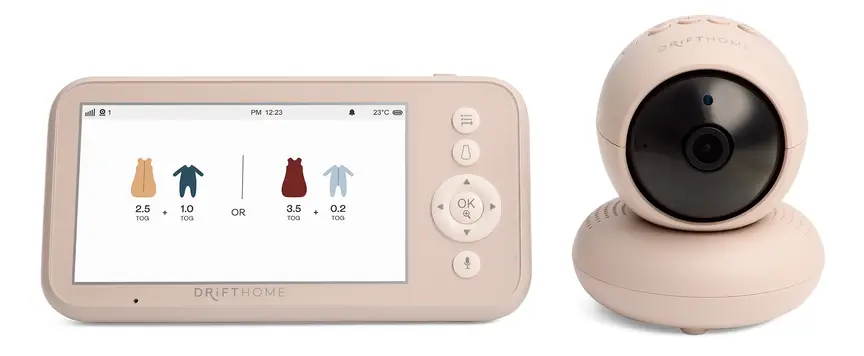
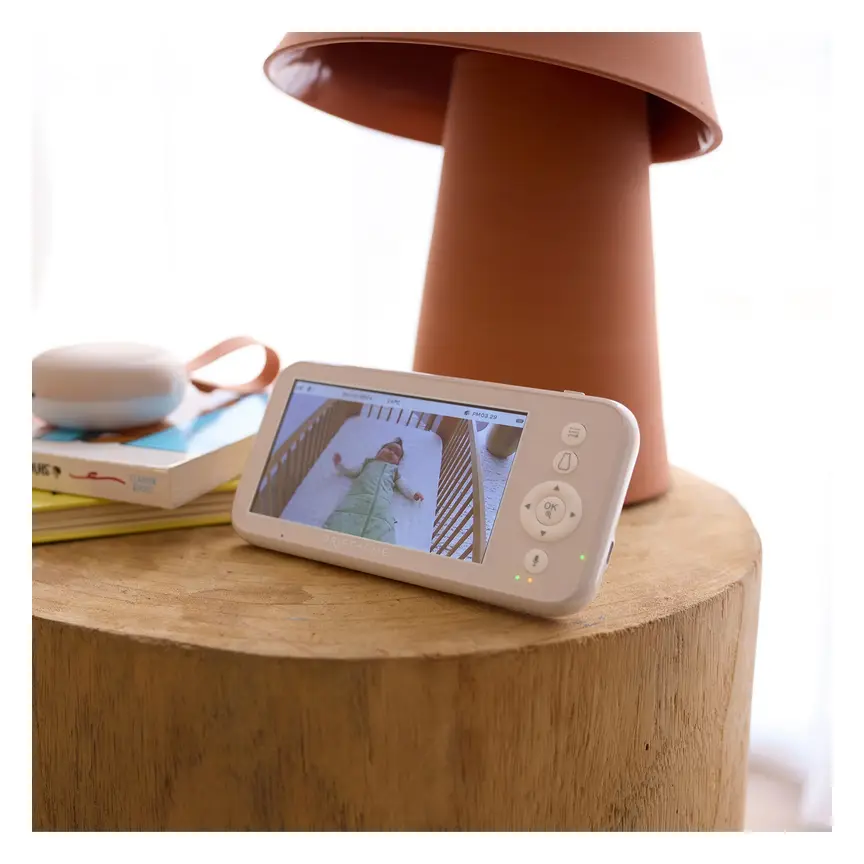
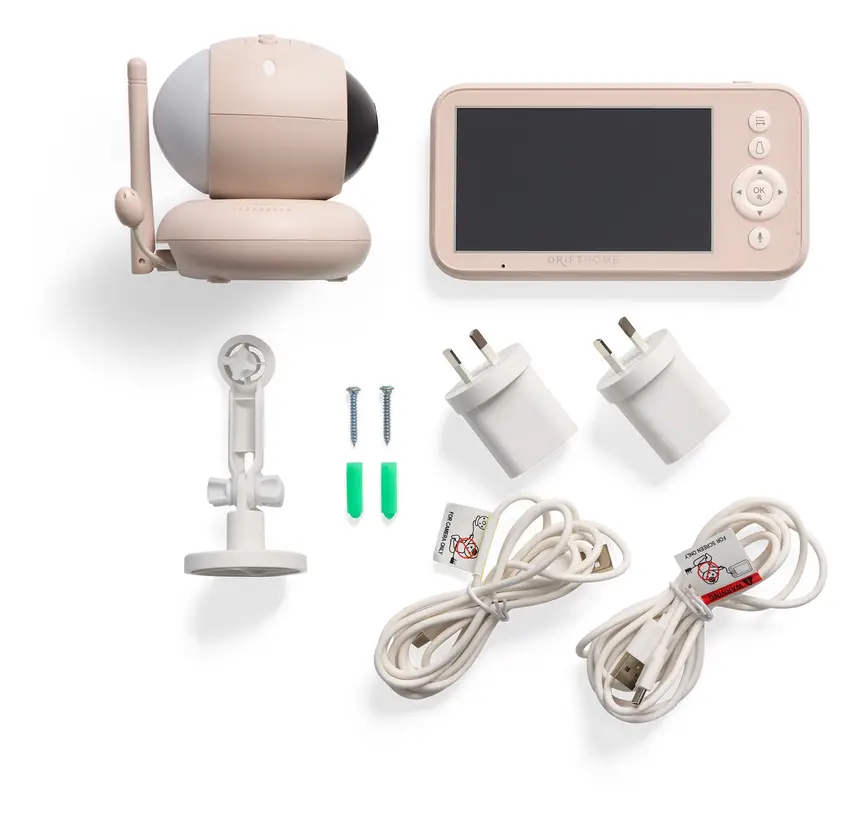
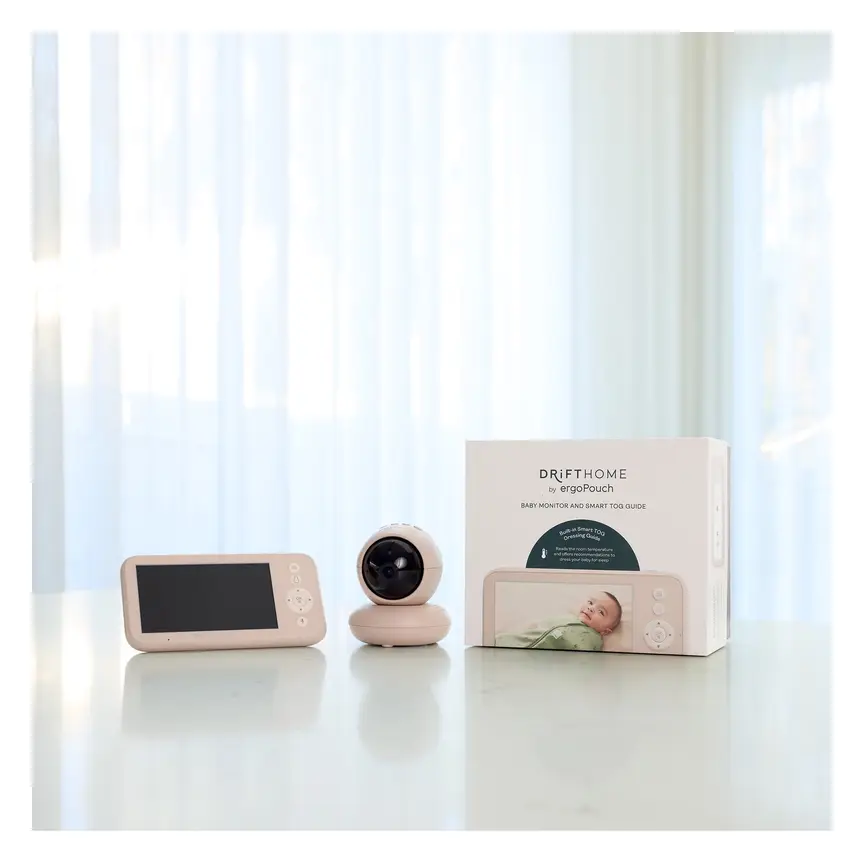

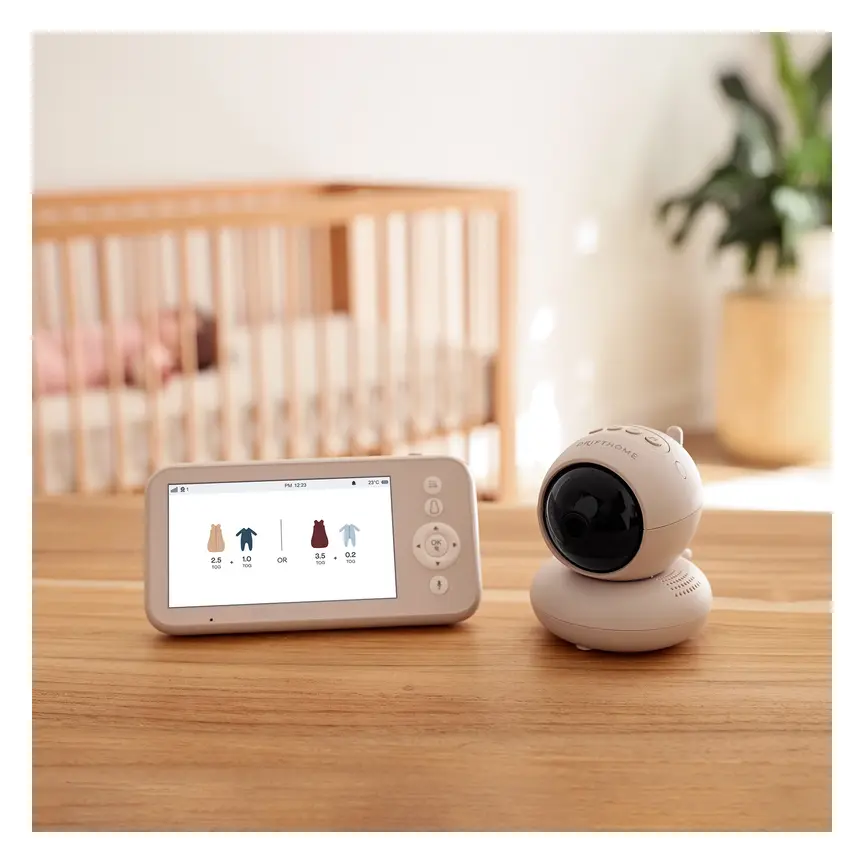
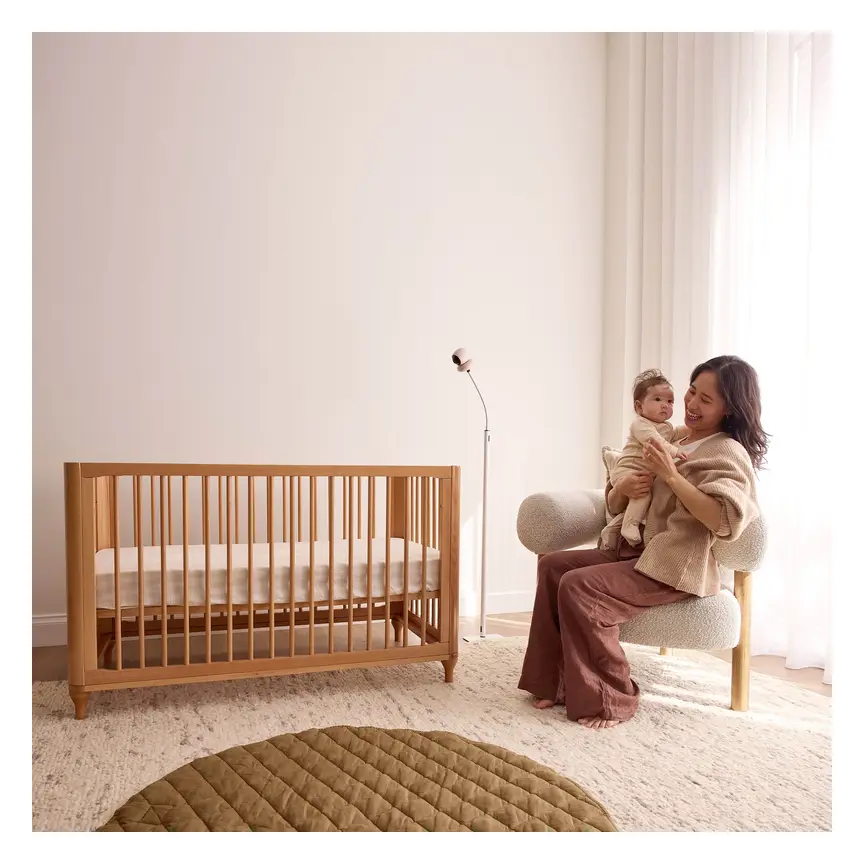

ergoPouch Drifthome Baby Monitor
A non-Wi-Fi monitor with a built-in TOG dressing guide and up to 300 m range.
Read our full review →

Eufy Baby Monitor E20
A monitor that works with or without Wi-Fi. You can share the app with up to 5 family members.
Read our full review →
Eufy Baby Monitor E21
The step-up Eufy monitor. It works with or without Wi-Fi and shares with up to 5 people.

Eufy SpaceView Pro
Budget-friendly closed-system monitor with a large parent screen and pan/tilt camera.
Safe setup: cords, placement and alerts
The biggest proven danger with baby monitors is not wrong data. It is the cord. In 2011, the US Consumer Product Safety Commission (CPSC) announced a recall of about 1.7 million video monitors after two babies were strangled by the camera cord. The CPSC tells parents to keep monitor cords at least 3 feet (about 1 metre) from any part of a cot, bassinet or play yard. Health Canada says the same: keep cords from monitors, lamps and sound machines out of reach, and mount the monitor on the wall, not on the crib.
Setup checklist
- Put the camera on the wall or a steady stand at least 1 metre from the cot. Never put it on the cot rail or edge.
- Run the cable along the wall. Use cord covers. Keep the plug well out of reach, even once your baby can stand and pull.
- Check the distance again whenever you move the cot, and when your baby starts rolling, reaching and standing.
- Don't add anything to the cot for the monitor. No wedges, pillows or sleep positioners. Only use a sensor mat if it is made for that cot and used exactly as the instructions say.
- Set the alert level so you get useful alerts, not constant noise.
- Agree with your partner or carer who answers night alerts, so you both get some unbroken sleep.
- If a breathing alarm goes off, go to your baby straight away. If your baby is not breathing or not responding, call for an ambulance (000 in Australia, 999 in the UK, 911 in the US and Canada). Start CPR if you know how.
Security checklist
- Change any default password. Use a long password you don't use anywhere else.
- Turn on two-step login.
- Install updates when they come out.
- If your router has a guest network, put smart gadgets on it.
- Turn off features you don't use, like remote viewing, cloud recording or the talk-back speaker.
- Before you sell or give away the monitor, reset it to factory settings and remove it from your account.
How your needs change as your baby grows
Newborn to 3 months
This is when parents feel most worried. It is also when safe sleep matters most. Experts in all four countries say to keep your baby in their own cot or bassinet in your room for at least the first six months, day and night. A monitor is most useful for day naps when you are in another room. Wearable monitors must fit properly. Some are only meant for babies of a certain age or weight, so read the instructions.
3 to 6 months
Babies start to roll. Stop wrapping with arms in once your baby shows signs of rolling. A camera alert that your baby has rolled onto their tummy may be useful. But the advice stays the same: always put your baby down on their back. Once they can roll both ways on their own, you can let them find their own position.
6 to 12 months
Babies pull up, reach and grab. Check the cord distance again now. Many families move their baby to their own room after six months. This is when watching from another room and cry alerts become more useful.
Toddlers
Sleep charts matter less now. A camera can still show you if your toddler is trying to climb out of the cot. If they are, it is time to move them to a bed, not to add more monitoring.
Common mistakes
- Thinking the monitor keeps your baby safe. It doesn't. Keep following back to sleep, a bare cot and room sharing.
- Putting the camera on the cot. The cord and the camera both become dangers within reach.
- Believing cry "translations". A label like "hungry" is a computer's guess. Respond to your baby, not the label.
- Keeping default settings. Weak passwords, no two-step login, and features switched on that you never use.
- Forgetting your own sleep. Jumping at every small alert all night can leave you dangerously tired.
- Using a movement monitor when sharing a bed. The Lullaby Trust says these don't work well then, because they pick up the adult's breathing and movement.
- Waiting on the app instead of getting help. If your baby seems unwell, has trouble breathing, looks pale or blue, or is floppy or hard to wake, get medical help now, whatever the app says.
More options, from budget to premium
Real products from our catalogue. We don't show star ratings or review counts; check the current price, stock and reviews on Amazon before you buy.

Infant Optics DXR-8 PRO
No app, no cloud, no subscription: a dedicated parent screen on a closed radio link, with interchangeable lenses.
 Reviewed
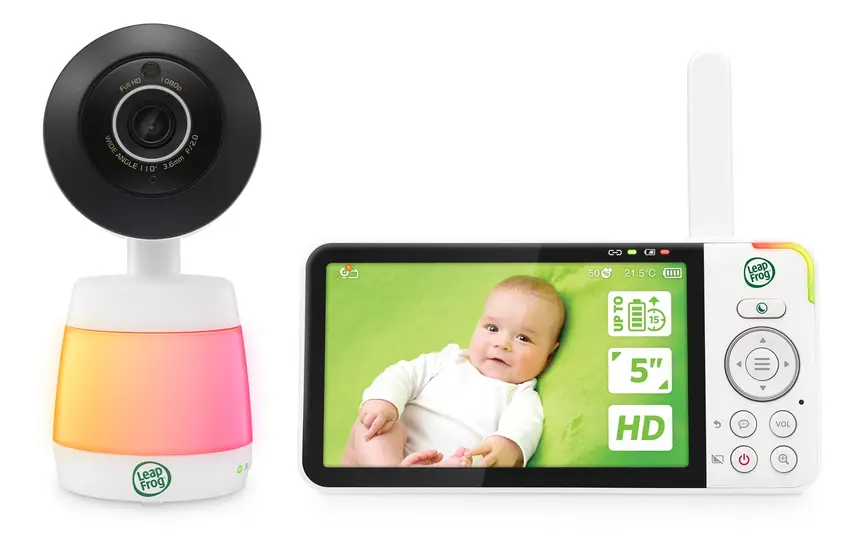
LeapFrog LF3925HD HD Video Monitor
A 5" HD monitor with a 1080p pan-and-tilt camera and colour night vision.
Read our full review →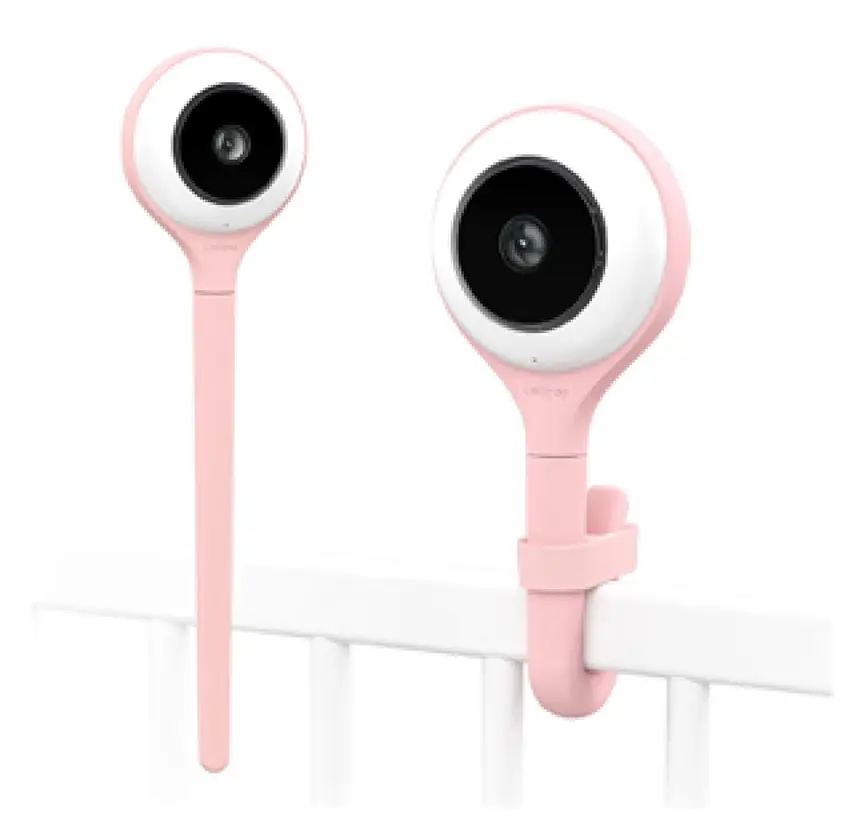
Lollipop Smart Baby Camera
A Wi-Fi camera with AI cry, noise and crossing alerts and 1080p video.
FAQ
Do AI baby monitors prevent SIDS?
No. Red Nose, the Lullaby Trust, the American Academy of Pediatrics and Canadian health groups all say there is no proof any monitor prevents SIDS. Safe sleep habits are what lower the risk.
Is a sock monitor the same as a hospital monitor?
Not really. Some have been cleared as medical devices in some countries for certain uses. But they don't replace monitoring that a doctor has ordered. If your baby has a health problem that needs watching at home, your baby's care team will tell you what equipment to use.
Can cry detection tell me why my baby is crying?
It can tell you your baby is probably crying. Claims that an app can tell hunger from pain or tiredness are not well proven. Use what you know about your baby and their routine.
How far from the cot should the camera be?
At least 1 metre (3 feet), with the cord and plug out of reach. Health Canada says to mount the monitor on a wall, not on the crib.
Can Wi-Fi baby monitors be hacked?
Any device on the internet has some risk. A strong password you don't reuse, two-step login, regular updates and a brand that supports its products all lower the risk. If you don't need to watch from far away, a monitor without Wi-Fi avoids most internet risks.
My monitor keeps giving false alarms. What should I do?
First check the fit and where the sensor or camera is placed. Then adjust the sensitivity. If false alarms keep happening, ask yourself if the device is giving you more stress than comfort. It may be better to stop using it than to switch the alarm off and keep relying on it.
Is sleep tracking useful at all?
It can be. It may help you spot patterns, like nap length, wake times, or how room temperature affects sleep. Look at the trend over a week or two, not one bad night. Remember the numbers are guesses.
The app says my baby's breathing is uneven. Should I worry?
Newborns often breathe unevenly, and that is normal. If you are worried, look at your baby, not the app, and get medical advice. Get help straight away if your baby is struggling to breathe, has blue or pale lips, stops breathing for a long time, or is very hard to wake.
Sources
- Red Nose Australia – Baby monitors
- The Lullaby Trust (UK) – Baby monitors
- HealthyChildren.org (American Academy of Pediatrics) – Safe sleep: back is best (2022)
- Children's Hospital of Philadelphia – Consumer baby monitors have little proven benefit for healthy infants (2017)
- JAMA – Accuracy of two consumer infant pulse oximetry monitors (Bonafide et al., 2018)
- Health Canada – Is Your Child Safe? Sleep Time
- Caring for Kids (Canadian Paediatric Society) – Safe sleep for babies
- U.S. CPSC – Strangulation deaths prompt recall of video baby monitors with cords (2011)
- UK Government – Security rules for smart devices (PSTI)
- Australian Department of Home Affairs – Security standards for smart devices
- Federal Communications Commission (US) – U.S. Cyber Trust Mark
- Get Cyber Safe (Government of Canada) – Cyber security tips for your baby gear
Related guides
More Gadgets & Electronics →
Smart Baby Monitors: How They Help, Their Limits, and How to Use Them Safely

Indoor Air Quality Monitors for Baby's Room: What They Measure and What to Do With the Numbers
