














Baby Cameras and Safe Video Storage: SD Cards, Cloud Backups and Privacy
Learn how baby camera video storage works. Compare local microSD cards, home hubs, and cloud storage, plus cyber safety and cord rules for your nursery.

On this page
- Key points at a glance
- How baby camera video storage works
- The 5 main storage options for baby cameras compared
- Side-by-side comparison table: baby camera storage options
- How to decide between offline storage and cloud storage
- Privacy and cyber security: keeping your family's videos safe
- Physical safety in the nursery: cords, placement, and batteries
- How to choose the right microSD card for a baby camera
- How to back up your baby's memories for the long term
- Age stages: how camera and storage needs change
- Official guidance across Australia, the UK, the US, and Canada
- Common mistakes parents make (and how to avoid them)
- Frequently asked questions
- Sources
Short answer: Many baby cameras can record video and save photos of your child. The safest way to store these clips is on a local microSD card. A home base station that stays off the internet is also very safe. Some parents prefer a Wi-Fi camera with cloud storage instead. If you use cloud storage, turn on two-factor login right away. Always use a strong and unique password for your camera app. Most importantly, keep the camera and every power cord far out of your baby's reach.
Cyber security and child safety groups give the same basic advice in four countries. In Australia, this comes from the Department of Home Affairs, ACCC Product Safety Australia, and Red Nose. In the UK, it comes from the Office for Product Safety and Standards, the National Cyber Security Centre, and The Lullaby Trust. In the US, the Federal Communications Commission, the U.S. Consumer Product Safety Commission, and the American Academy of Pediatrics set the rules. In Canada, Get Cyber Safe, Health Canada, and the Canadian Paediatric Society share the same guidance.
Key points at a glance
- Five main storage types exist. You can use a microSD card in the camera or a card in the parent screen. You can also use a home hub, encrypted cloud storage, or direct phone saving.
- Offline storage is the most private. A non-Wi-Fi monitor with a memory card does not touch the internet. Strangers online cannot hack it.
- Cloud storage is handy but needs care. It lets you watch clips when you are away from home. Still, it often costs a monthly fee and needs strong account security.
- Back up the clips you love. Memory cards can fail or get lost over time. Cloud plans also wipe old clips after a set number of days. Copy your favourite videos to your computer and a backup drive.
- Physical safety comes first. Power cords can strangle a baby. Keep cameras and cables at least 1 metre away from the cot, bassinet, or playpen.
- A camera never replaces safe sleep. Always place your baby on their back to sleep. Use a firm, flat mattress with no loose bedding.
How baby camera video storage works
Most parents buy a baby monitor to check on their sleeping child in real time. Many modern video monitors do more than show a live feed. They let you press a button to record a sweet moment. Some also save short clips automatically when your baby moves or cries.
Before a camera can save a video, that file has to go somewhere. Where the file goes matters a lot. It affects your family privacy and your monthly budget. It also changes how easy it is to keep the video for years.
Some cameras keep everything inside your house on a tiny memory chip. Other cameras send the video through your home Wi-Fi router. The video then travels over the internet to computers run by the camera brand. A few hybrid cameras can do both jobs at the same time.
Understanding these options makes shopping much easier. You can pick a setup that fits your budget and your comfort with technology.
The 5 main storage options for baby cameras compared
Shops sell dozens of different baby monitor brands. Even so, every recording baby camera uses one of five main storage methods. Here is how each option works in daily family life.
1. MicroSD card inside the camera unit
A microSD card is a tiny, flat memory card. It is about the size of your fingernail. It slides into a small slot on the side or bottom of the nursery camera.
When the camera records, it writes the video straight onto that card. Sooner or later, the card gets full. Then the camera deletes the oldest video to make room for new clips. This automatic process is called loop recording.
Why parents like it:
- There is no monthly fee to pay after you buy the card.
- Your videos stay inside your house instead of going to a company server.
- The camera keeps recording even if your home internet drops out.
Things to watch out for:
- Moving lots of big video files to a computer takes a little effort. You often have to pop the card out of the camera first.
- A microSD card is a serious choking hazard because it is tiny. Never take it out or leave it near the cot.
- Memory cards do not last forever. They slowly wear out after thousands of hours of recording.
2. MicroSD card inside the parent handheld screen
Closed-loop monitors do not use Wi-Fi at all. They are often called non-Wi-Fi or private radio monitors. They come with a nursery camera and a separate handheld screen for the parent. On many models, the memory card slot sits inside the parent screen rather than the camera.
The camera sends live video to the parent screen over a private radio link. When you press record, the parent screen saves the clip onto its own card. Some models can also record automatically when sound or motion wakes the screen.
Why parents like it:
- Neither the camera nor the viewer connects to the internet.
- You can take the card out of the parent unit in the kitchen. You do not need to walk into a dark bedroom while your baby is sleeping.
- The tiny memory card stays with the parents, far away from curious toddlers.
Things to watch out for:
- The parent screen must be switched on to record video. It also has to stay within radio range of the camera.
- Video saved on a parent screen is often lower quality than video saved in the camera.
3. Local home base station or network recorder
Some smart camera systems come with a small box that stays in the living room. This box plugs straight into your home Wi-Fi router. Makers call this box a home hub, base station, or network video recorder.
The nursery camera sends video over your home network to this box. The box stores the clips on a built-in hard drive or a large memory card.
Why parents like it:
- You get plenty of storage space without paying a monthly cloud fee.
- You can still watch your recorded clips on a phone app if you choose.
- Your saved videos stay safe in the living room box. Even if someone unplugs the nursery camera, your older clips remain on the hub.
Things to watch out for:
- The starter kit usually costs more money up front.
- The hub connects to your router, so you still need strong Wi-Fi and app passwords.
4. Cloud storage via a phone app
Wi-Fi baby cameras can send video clips over the internet to remote computers. This remote storage is called the cloud. You open an app on your phone to see a timeline of clips from the night before. From there, you can tap a button to save your favourite moments to your phone.
Why parents like it:
- It is very easy to scroll through night events and share a cute clip with grandparents.
- You can check saved videos from work or while travelling away from home.
- You never have to handle tiny memory cards or card readers.
Things to watch out for:
- Most camera brands charge a monthly or yearly fee for cloud video history.
- Without a paid plan, many cloud cameras only show live video or still snapshots.
- Your nursery video travels over the internet and sits on an outside company's servers.
- If your home internet drops out, cloud recording stops working until the connection returns.
5. Manual saving straight to your phone
Many Wi-Fi camera apps have a record button and a photo button on the live view screen. When you tap record while watching live, the video saves straight to your phone photo album.
Why parents like it:
- This feature is usually free, even if you do not pay for a cloud plan.
- The video lands straight in your phone gallery, ready to back up or send to family.
Things to watch out for:
- It only records while you have the phone app open and watching live.
- It will not catch funny moments that happen while you are asleep.
- Your phone storage can fill up quickly if you record lots of long videos.
Baby Monitors worth a look
Real products from our catalogue. We don't show star ratings or review counts; check the current price, stock and reviews on Amazon before you buy.
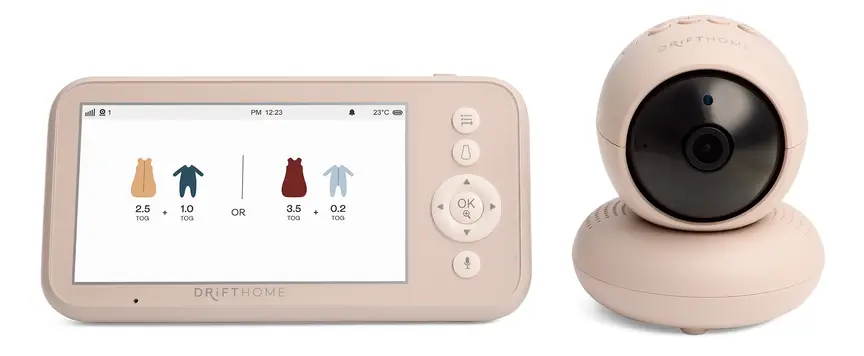
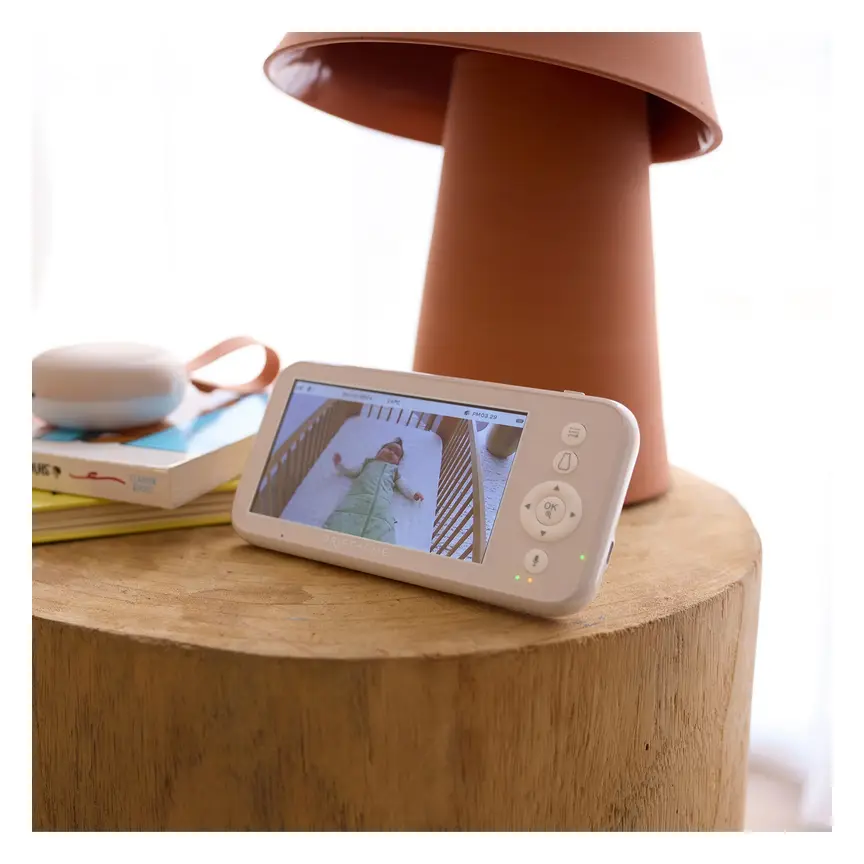
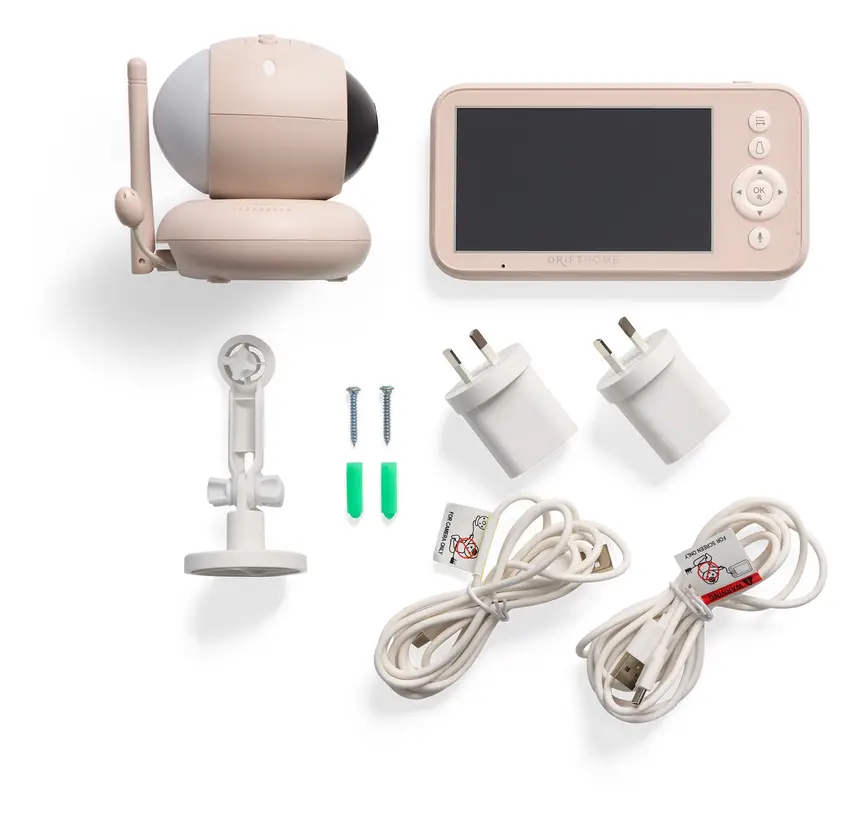
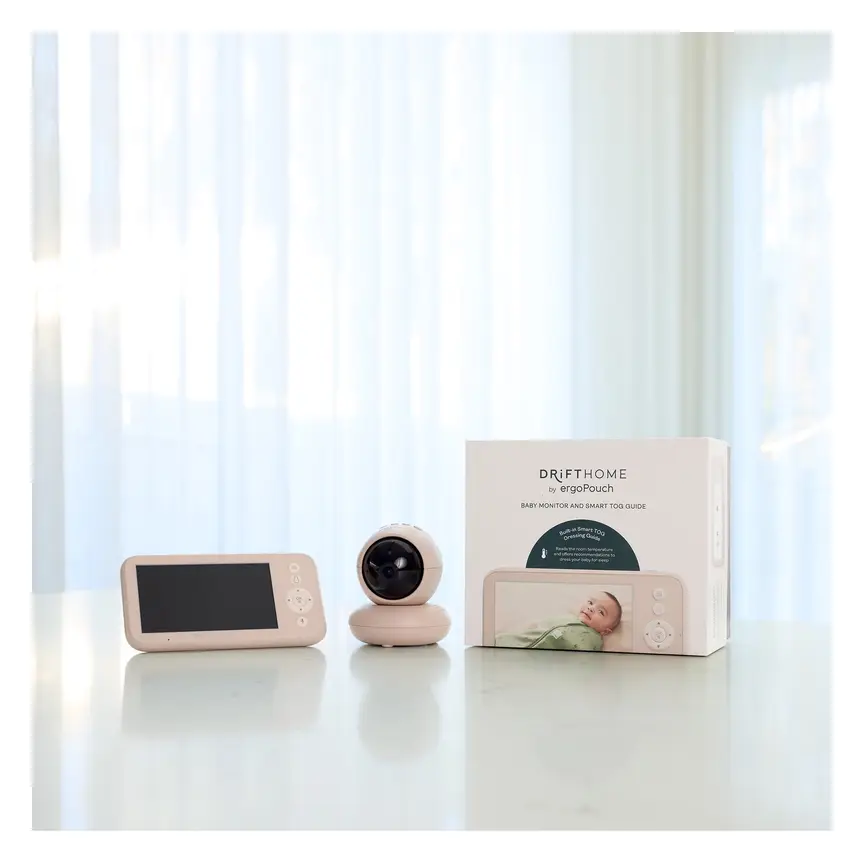

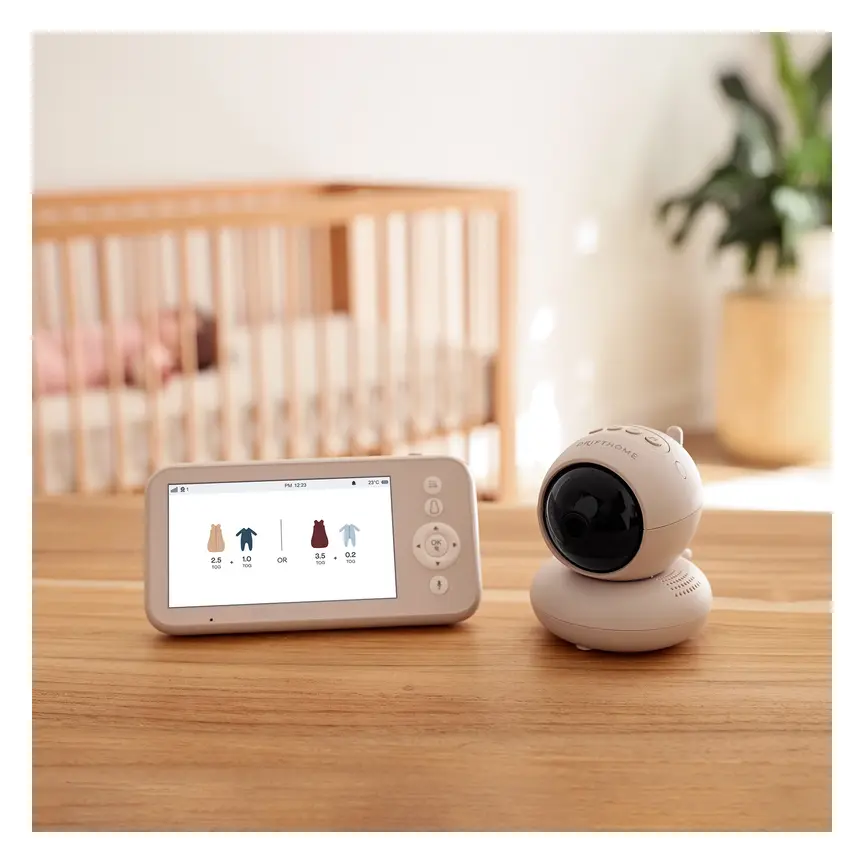
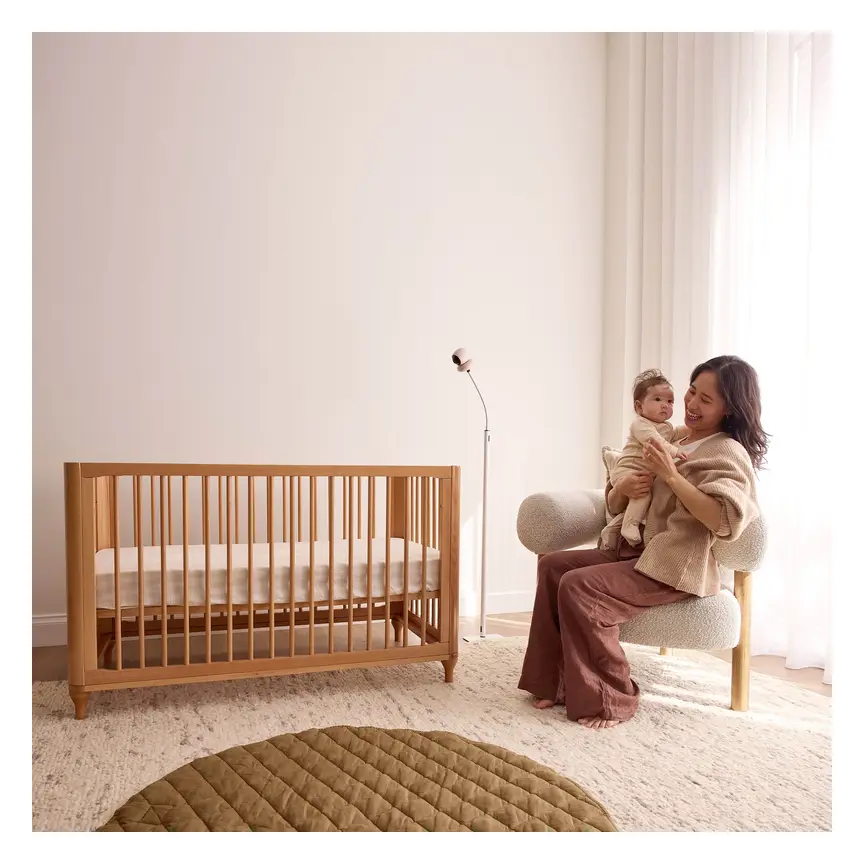

ergoPouch Drifthome Baby Monitor
A non-Wi-Fi monitor with a built-in TOG dressing guide and up to 300 m range.
Read our full review →

Eufy Baby Monitor E20
A monitor that works with or without Wi-Fi. You can share the app with up to 5 family members.
Read our full review →
Eufy Baby Monitor E21
The step-up Eufy monitor. It works with or without Wi-Fi and shares with up to 5 people.

Infant Optics DXR-8 PRO
No app, no cloud, no subscription: a dedicated parent screen on a closed radio link, with interchangeable lenses.
Side-by-side comparison table: baby camera storage options
This table compares the five storage methods side by side so you can see the trade-offs clearly.
| Storage option. | Internet needed. | Ongoing cost. | Privacy level. | Automatic recording. | Best for. |
|---|---|---|---|---|---|
| MicroSD card in camera. | No, or optional on hybrid cameras. | None after buying the card. | High, and even higher if Wi-Fi is off. | Yes, continuous or motion clips. | Parents who want full recording with zero monthly fees. |
| MicroSD card in parent screen. | No internet needed. | None after buying the card. | Very high because it stays offline. | On some models when the screen is on. | Families who want total offline privacy and easy card access. |
| Home hub or base station. | Uses home router, internet optional. | No monthly fee. | High because files stay in your home. | Yes, continuous or motion clips. | Parents who want app playback without paying for cloud plans. |
| Cloud storage. | Yes, needs steady upload speed. | Usually needs a monthly or yearly plan. | Moderate, depends on account security. | Yes, saves motion and sound clips. | Parents who check clips away from home and share by phone. |
| Direct phone recording. | Uses your phone link to the camera. | No monthly fee. | Moderate, uses your phone storage. | No, manual button press only. | Saving a quick daytime clip while watching live. |
How to decide between offline storage and cloud storage
Choosing between a memory card and the cloud comes down to how your family lives. Neither choice is wrong when you set it up safely.
Pick offline storage (microSD card or non-Wi-Fi monitor) if:
- You want complete peace of mind that no outside server holds video of your bedroom.
- Your home internet is slow, drops out often, or has a monthly data cap.
- You do not want another monthly subscription bill added to your family budget.
- You take the monitor on camping trips, to hotel rooms, or to a grandparent's house.
Pick cloud or hybrid storage if:
- One parent works shifts or travels and loves watching clips from the night before.
- You want automatic alerts and short event clips saved without touching a memory card.
- You are happy to set up a strong password and two-factor login on day one.
Why hybrid cameras are popular: Some newer monitors give you both options in one box. They come with a non-Wi-Fi parent screen for night-time use at home. They also have a microSD slot in the camera and optional Wi-Fi for phone viewing. If you decide you do not like the phone app, you can turn the Wi-Fi radio off and use the memory card alone.
Privacy and cyber security: keeping your family's videos safe
A baby camera looks into one of the most private rooms in your home. It captures video and audio of your sleeping child. It also records you talking, feeding, changing, and comforting your baby at night.
When a camera connects to the internet, weak security can put that privacy at risk. Strangers could view the live feed or download stored clips if the account is not locked down. Cyber agencies in Australia, the UK, the US, and Canada publish clear steps to stop this.
Why Wi-Fi cameras get targeted
Most camera hacks do not happen because a criminal picks out your house on purpose. Instead, automated computer bots scan the internet day and night. They look for smart cameras that still use factory default passwords like "admin" or "12345".
Password reuse is the second big danger. Many people use the same email and password on every website. If an old shopping site has a data leak, criminals steal that password list. Then they run computer programs that test those exact passwords on popular baby camera apps. If you reused an old password, the bot gets right into your camera account.
Official smart device rules across Australia, the UK, the US, and Canada
Governments in all four countries now have rules and programmes to make smart home cameras safer:
- Australia: The Department of Home Affairs sets security standards for consumer smart devices. Makers must ban universal default passwords on all devices. They must also give security researchers a clear way to report software flaws. Finally, brands must tell shoppers how long the device will get security updates.
- United Kingdom: The UK Government enforces strict smart device laws through the Office for Product Safety and Standards. Under these Product Security and Telecommunications Infrastructure rules, smart cameras sold in the UK cannot have guessable default passwords. Makers must also state the exact minimum date until which the camera will get security updates.
- United States: The Federal Communications Commission (FCC) runs the U.S. Cyber Trust Mark programme. Shoppers can look for the shield logo on smart cameras and baby monitors. The mark shows that the device meets federal rules for strong passwords, data encryption, and automatic software updates.
- Canada: The Canadian Centre for Cyber Security runs the Get Cyber Safe public awareness campaign. It advises parents to buy smart baby gear that encrypts video data and supports two-factor login. It also tells families to buy from known sellers that send out regular software fixes.
Step-by-step cyber safety checklist for parents
If you use a Wi-Fi or hybrid baby camera, follow these seven steps before putting it in the nursery:
- Create a long, unique password. Make your camera app password at least 12 to 16 characters long. An easy trick is to join four random everyday words together into a passphrase. Never use this password on any other website or app.
- Turn on two-factor authentication (2FA). Some apps call this multi-factor authentication or two-step verification. When it is on, typing your password on a new phone is not enough. The app also asks for a secret one-time code sent to your phone or an authenticator app. This stops hackers cold even if they steal your password.
- Turn on automatic firmware updates. Firmware is the internal software that runs inside the camera. Brands release updates to patch security holes. Turn on auto-update in the app settings, or check for updates on the first day of every month.
- Check your home Wi-Fi router settings. Log into your home router and change its admin password from the factory default. Check that your Wi-Fi network uses modern security encryption like WPA2 or WPA3. If your router offers a guest network, keep guests on that separate network.
- Manage family sharing carefully. Many camera apps let you invite a partner, grandparent, or babysitter to view the video stream. Always send each person their own invite link so they use their own login. Never hand out your main account password. Remove a babysitter's access when they no longer work for you.
- Turn on memory card encryption if available. Some cameras let you lock the local microSD card inside the app menu. When card encryption is on, the video files are scrambled. Nobody can pull the card out and watch the videos on a laptop without your account login.
- Turn the camera off when the cot is empty. When your baby is awake and playing in the living room, switch the camera off. You can also close the physical lens cover if your camera has one.
Physical safety in the nursery: cords, placement, and batteries
Digital privacy matters, but physical safety in the nursery comes first. Safety regulators in Australia, the UK, the US, and Canada warn that baby monitor cords can strangle an infant.
The 1-metre (3-foot) cord rule
Power cords, wall adapter wires, and sensor cables can wrap tightly around a baby's neck. At first, a newborn stays in one spot. Within a few months, that same baby can roll, sit, and reach through cot bars. Soon they can pull themselves up to stand and grab anything hanging near the cot.
Follow these strict placement rules from Red Nose (Australia), The Lullaby Trust (UK), the U.S. Consumer Product Safety Commission (CPSC) and American Academy of Pediatrics (US), and Health Canada:
- Keep the camera and all cords at least 1 metre (3 feet) away. Measure this distance from every edge of the cot, bassinet, portable cot, or toddler bed.
- Never balance or clip a camera on the cot rail. Do not attach a camera to the headboard or the side of a bassinet either. A baby can kick or pull the camera and its wire straight into the bed.
- Never mount a camera directly over the cot. Screws, sticky pads, and wall brackets can loosen over time. If a camera mounted on the ceiling or high wall falls, it can hit your sleeping baby. Mount the camera on a wall off to the side instead.
- Cover the power cord flat against the wall. Use solid plastic cord covers or wall channels that a child cannot pull open. Make sure there are no loose loops of wire hanging near the floor.
- Check the setup again as your child grows. Toddlers climb on chairs and chests of drawers. Make sure a climbing toddler cannot reach the camera wire from nearby furniture.
Remember that household cots must meet strict national safety rules. These include AS/NZS 2172 in Australia, BS EN 716 in the UK, and ASTM F1169 in the US. Keeping cords and cameras far outside the cot keeps that sleeping zone safe.
Small parts and memory cards
A microSD card is tiny and light. A baby or toddler can swallow or inhale one in a second. Healthdirect Australia, the NHS in the UK, the AAP in the US, and the Canadian Paediatric Society all give a simple rule. Any object small enough to fit inside a cardboard toilet paper roll is a choking danger for children under three.
- Check that the microSD slot on your camera sits flat or hides behind a firm cover.
- Never take a memory card in or out while holding your baby.
- Never swap memory cards while standing over the cot, in case you drop the tiny card into the bedding.
- Keep spare memory cards and USB card readers in a high or locked drawer.
Button batteries and lithium-ion batteries
Parent viewer screens and cordless cameras run on rechargeable lithium-ion batteries. Some camera remotes or room temperature sensors use coin-shaped button batteries.
- Button batteries: Product Safety Australia (ACCC) warns that swallowed button batteries cause severe internal burns in less than two hours. Check every small accessory before bringing it into your home. Any battery cover must be held shut with a captive screw so a child cannot open it.
- Lithium-ion charging safety: Fire and Rescue NSW shares clear rules for rechargeable baby monitors. Always use the original charging cable and plug that came in the box. Cheap replacement chargers can overheat the battery. Place the parent screen on a hard, flat surface like a kitchen bench or bedside table while charging. Never charge a monitor on a bed, under a pillow, or on a couch where heat gets trapped. Stop using any unit right away if the casing swells, cracks, or feels very hot.
Safe sleep reminder
Red Nose Australia, The Lullaby Trust, the AAP, and Health Canada all give the same warning. No baby camera or breathing monitor can prevent Sudden Infant Death Syndrome (SIDS). Experts at the Children's Hospital of Philadelphia and researchers in the medical journal JAMA agree. Their studies show that consumer baby monitors do not lower SIDS risk for healthy babies.
A camera is a helpful tool for watching your child and saving sweet memories. Even so, you must still follow every safe sleep rule. Always place your baby on their back for every sleep. Use a firm, flat mattress that fits the cot snugly (tested to AS/NZS 8811.1 in Australia). Keep the cot completely bare, with no pillows, bumpers, loose blankets, or soft toys. Share a bedroom with your baby for at least the first six months.
Light and sound in the nursery
Many baby cameras have small status lights on the front. Lots of models can also play lullabies or white noise through a built-in speaker.
- Camera lights: Sleep studies show that blue light and bright white light at night can disrupt a child's sleep hormone, melatonin. Pick a camera that lets you switch off the status light inside the menu. Good night-vision cameras use invisible infrared light, or a very faint dull red glow, so the room stays dark.
- Built-in sound players: A study by Hugh and colleagues in the journal Pediatrics tested infant sleep machines. They found that many machines played far too loudly when placed right next to a cot. Raising Children Network advises keeping any white noise soft, below 50 decibels, which sounds like a quiet chat. Keeping the camera at least 1 metre away from the cot also protects your baby's ears.
Side by side: more baby monitors to compare
Real products from our catalogue. We don't show star ratings or review counts; check the current price, stock and reviews on Amazon before you buy.
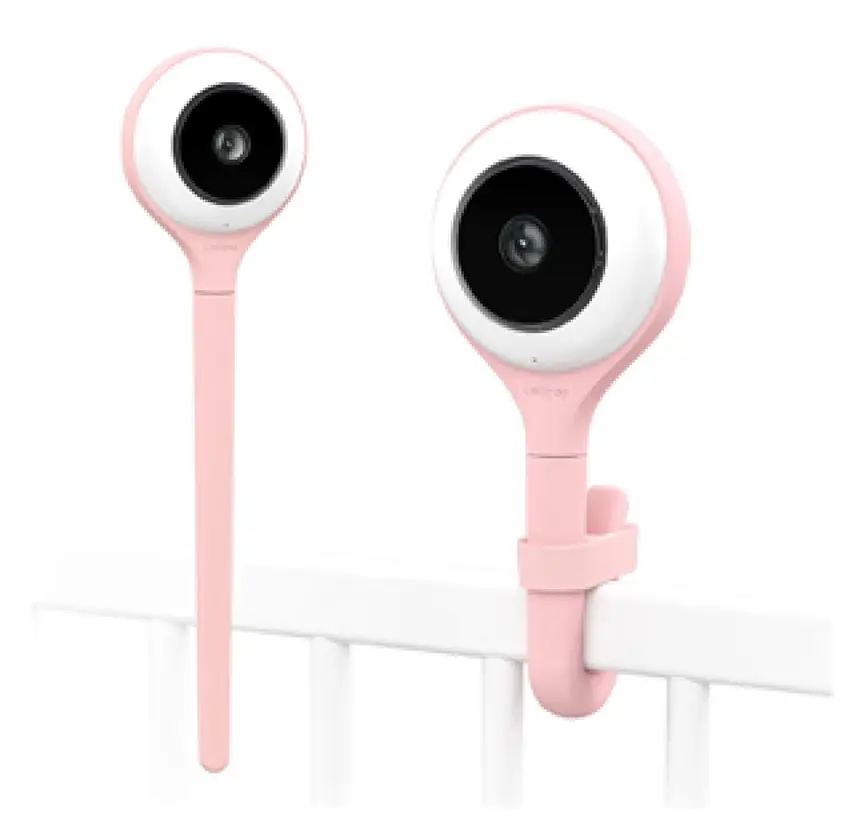
Lollipop Smart Baby Camera
A Wi-Fi camera with AI cry, noise and crossing alerts and 1080p video.

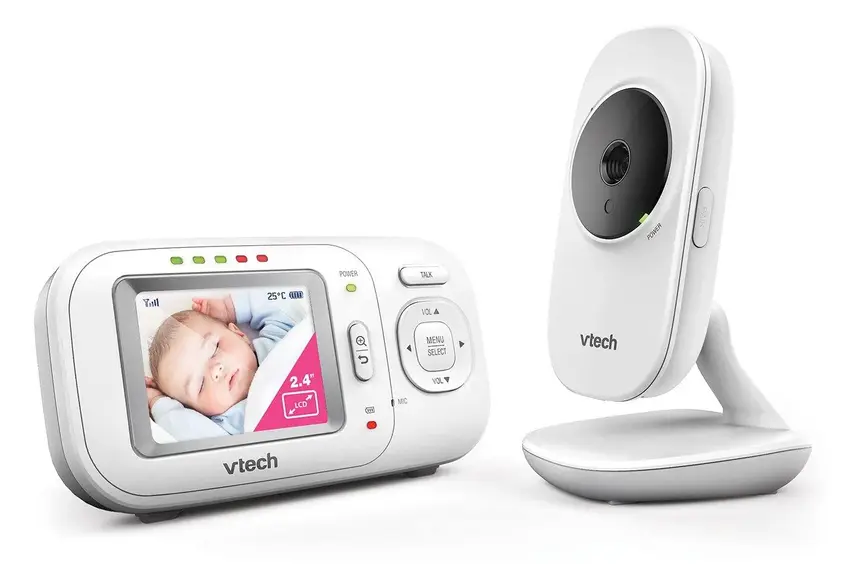
VTech BM2700 Video and Audio Baby Monitor
Non-wifi video monitor

VTech BM3350N Video Baby Monitor
Non-wifi video monitor
How to choose the right microSD card for a baby camera
If your camera saves clips onto a microSD card, buying the right card saves a lot of trouble. Cheap memory cards are not built for continuous video. They often corrupt files or stop working after a few months.
1. Buy a card marked "High Endurance"
Ordinary memory cards are made for holiday cameras that take a few dozen photos a week. A baby camera works much harder. It writes video onto the card for 10 to 12 hours every single night. Look for a package that says High Endurance or Max Endurance. These cards are specially made for security cameras and dashcams that record non-stop.
2. Check the largest card size your camera can read
Check your camera instruction manual before buying a giant memory card. Some older or simpler baby monitors only accept cards up to 32 GB or 64 GB. Many newer cameras accept 128 GB, 256 GB, or 512 GB cards. If you put a 256 GB card into a camera built for 32 GB, the camera will not read it.
3. Check the write speed symbol
High-definition video needs a card that writes data smoothly without freezing. Look for a small symbol on the card that says Class 10, U1, or U3. You may also see a video speed mark like V10 or V30. Any of these marks is plenty fast enough for a baby camera.
4. Format the card inside the camera
When you slide a brand-new card into the camera, open the camera settings menu. Choose the option that says Format SD Card. Formatting sets up the folder structure the camera needs so recording runs smoothly.
How much video fits on a microSD card?
How many days of video fit on a card depends on two things. The first is the video clarity. The second is whether the camera records non-stop or only when your baby moves.
| Card size. | Continuous high-definition recording. | Motion-only clips. |
|---|---|---|
| 32 GB. | About 2 to 4 days. | About 2 to 4 weeks. |
| 64 GB. | About 4 to 8 days. | About 1 to 2 months. |
| 128 GB. | About 8 to 16 days. | About 2 to 4 months. |
| 256 GB. | About 16 to 30 days. | Several months. |
Keep in mind how loop recording works. Once the card fills up, the camera erases the oldest day of video. Suppose your baby stood up for the first time or babbled a funny song on Tuesday morning. Download that clip to your phone or computer within a couple of days so it does not get wiped.
How to back up your baby's memories for the long term
A baby camera is only a temporary recorder. It is not a safe place to store family memories for 20 years. Phones get lost or broken. Memory cards wear out. Cloud accounts close when your child grows up and you cancel the plan.
To keep your favourite clips safe until your child is an adult, use the 3-2-1 backup rule. Photographers use this simple habit because it protects against almost every accident:
- Keep 3 copies in total. Have your main video file plus two backup copies of the clips you truly care about.
- Use 2 different local storage devices. Keep one copy in a folder on your home laptop or desktop computer. Keep a second copy on a plug-in external hard drive or solid-state drive stored in a safe drawer.
- Keep 1 copy off-site. Store one copy in a personal cloud drive locked with a strong password and two-factor login. Another easy option is to keep a small backup drive at a trusted grandparent's house. If a house fire, flood, or theft ever happens at home, your family memories are still safe.
A simple monthly memory routine
You do not need to spend hours sorting video files. A ten-minute habit once a month works wonders:
- On the last Sunday of each month, open your camera app or plug your memory card into your computer.
- Pick only the 3 to 5 short clips from that month that make you smile. Nobody ever watches 200 hours of a baby sleeping peacefully. Keep the funny yawns, first waves, cot chats, and morning smiles.
- Trim the clips so each one is only 15 to 60 seconds long.
- Give each file a clear name with the date, such as
2026-11-standing-in-cot.mp4. - Copy those files into a yearly folder on your computer and onto your external backup drive.
Age stages: how camera and storage needs change
Your baby's sleep space and skills change fast over the first three years. Here is how to adjust your camera setup and video storage at each stage.
| Age stage. | What your baby is doing. | Camera and storage tips. |
|---|---|---|
| Newborn (0 to 3 months). | Sleeping in your bedroom in a cot or bassinet, with frequent night feeds. | You mostly need live viewing for daytime naps. Keep cords at least 1 metre away and turn off bright camera lights. |
| 4 to 8 months. | Rolling over and wriggling more. Moving to a nursery room after 6 months. | Motion clips help you see how your baby settled at night. Check that sitting babies cannot reach the camera wire. |
| 9 to 18 months. | Pulling up to stand, bouncing, waving, and babbling in the cot upon waking. | Great stage for saving cute morning clips. Move the camera further back and copy favourite videos off the card often. |
| Toddler (18 months to 3 years+). | Moving into a low toddler bed and walking around the bedroom alone. | Use a wide-angle view to see the whole room. Anchor all furniture to walls and lock every cord inside wall trunking. |
Official guidance across Australia, the UK, the US, and Canada
Each country has official agencies that publish free guides on smart device privacy, safe infant sleep, and nursery product recalls. Use this table to check the rules where you live.
| Safety topic. | Australia. | United Kingdom. | United States. | Canada. |
|---|---|---|---|---|
| Smart device cyber security. | Department of Home Affairs smart device standards. | GOV.UK and OPSS smart device security rules. | FCC U.S. Cyber Trust Mark programme. | Get Cyber Safe (Government of Canada). |
| Safe sleep and monitor advice. | Red Nose Australia and Raising Children Network. | The Lullaby Trust and the NHS. | American Academy of Pediatrics and NICHD. | Health Canada and Caring for Kids (CPS). |
| Product recalls and cord safety. | ACCC Product Safety Australia. | Office for Product Safety and Standards and RoSPA. | U.S. Consumer Product Safety Commission (CPSC). | Health Canada Recalls and Safety Alerts. |
| Battery fire and choking safety. | ACCC and Fire and Rescue NSW. | OPSS and UK fire and rescue services. | CPSC and Federal Aviation Administration (FAA). | Health Canada and Transport Canada. |
Common mistakes parents make (and how to avoid them)
- Thinking "cloud camera" means free video recording. Many Wi-Fi cameras show live video for free. However, they lock recorded clips behind a monthly fee once a 30-day trial ends. Check whether a camera also has a microSD slot for free recording before you buy.
- Clipping the camera onto the cot rail. Bendy tripod legs and cot clips look tidy in online adverts. In real life, they put the camera and its power cord right inside your baby's reach. Always mount the camera on a wall or shelf at least 1 metre (3 feet) away.
- Reusing an old password on the camera app. Using an old password is the main way strangers break into smart cameras. Create a fresh, long password just for your monitor app and turn on two-factor login.
- Forgetting that loop recording wipes old clips. A memory card inside a camera is a rolling buffer, not a permanent album. Save special clips to your phone or computer within a few days.
- Buying the cheapest memory card on the shelf. Budget memory cards made for still photos often fail under nightly video recording. Spend a few extra dollars on a High Endurance microSD card from a known brand.
- Posting nursery clips online without checking the background. Before sharing a sweet video on social media, watch and listen closely. Make sure private family chats, street numbers, or personal details are not in the clip.
- Selling a used monitor with the memory card still inside. When your child outgrows the monitor, take your microSD card out and keep it. Even deleted files can sometimes be recovered from an old card with computer software. Unlink the camera from your app account and run a full factory reset before handing it to a new owner.
More options, from budget to premium
Real products from our catalogue. We don't show star ratings or review counts; check the current price, stock and reviews on Amazon before you buy.

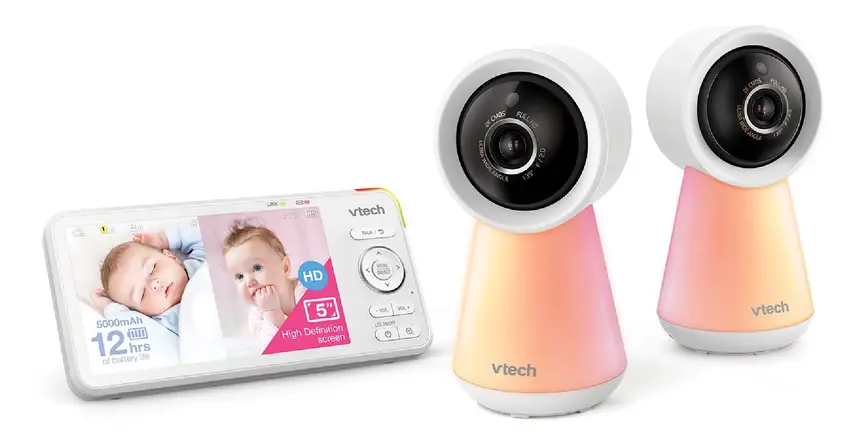
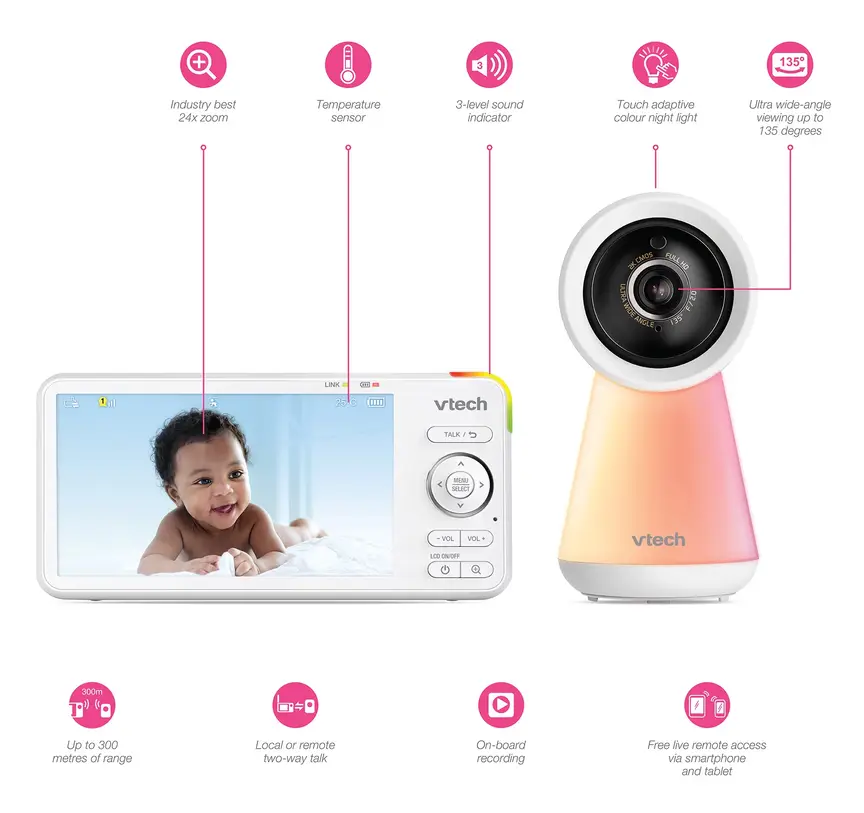
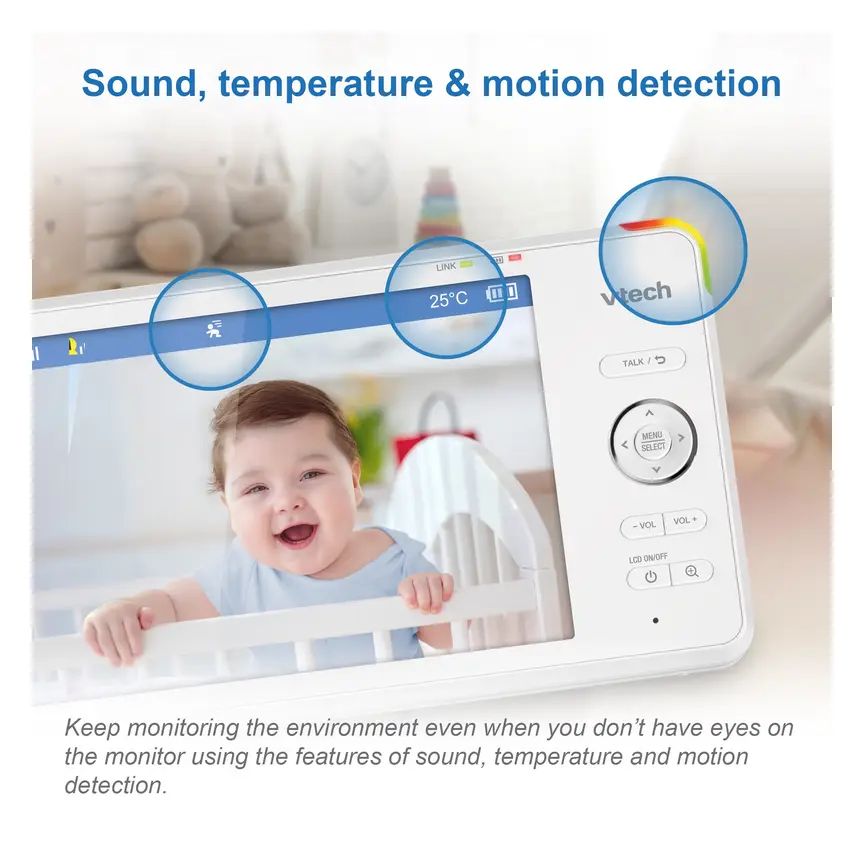
VTech RM5756HD Video Monitor (2 cameras)
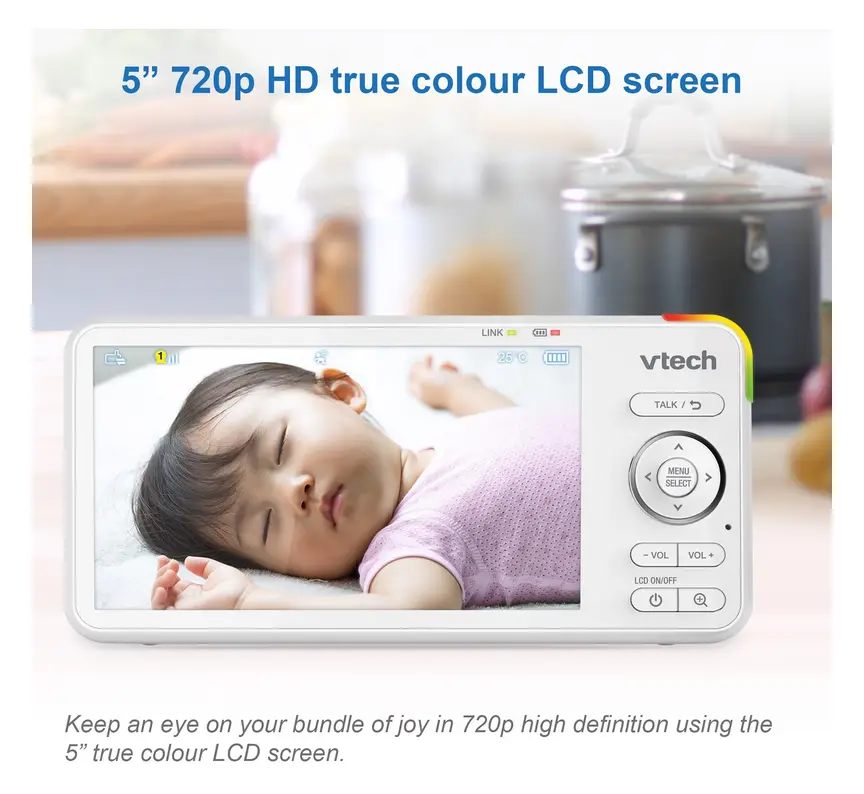
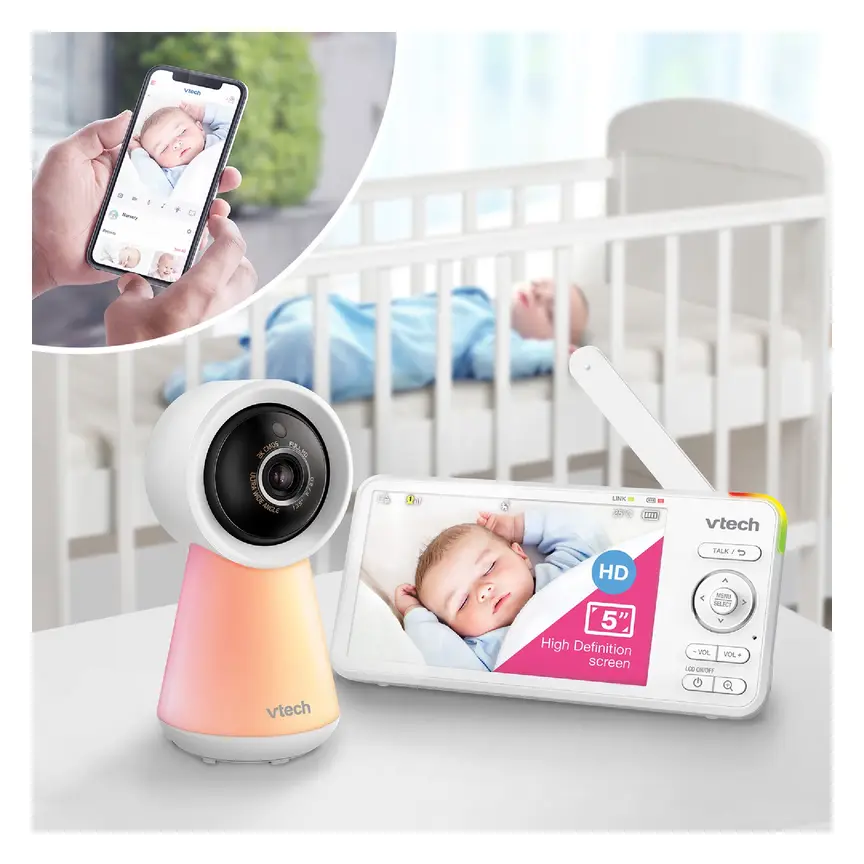
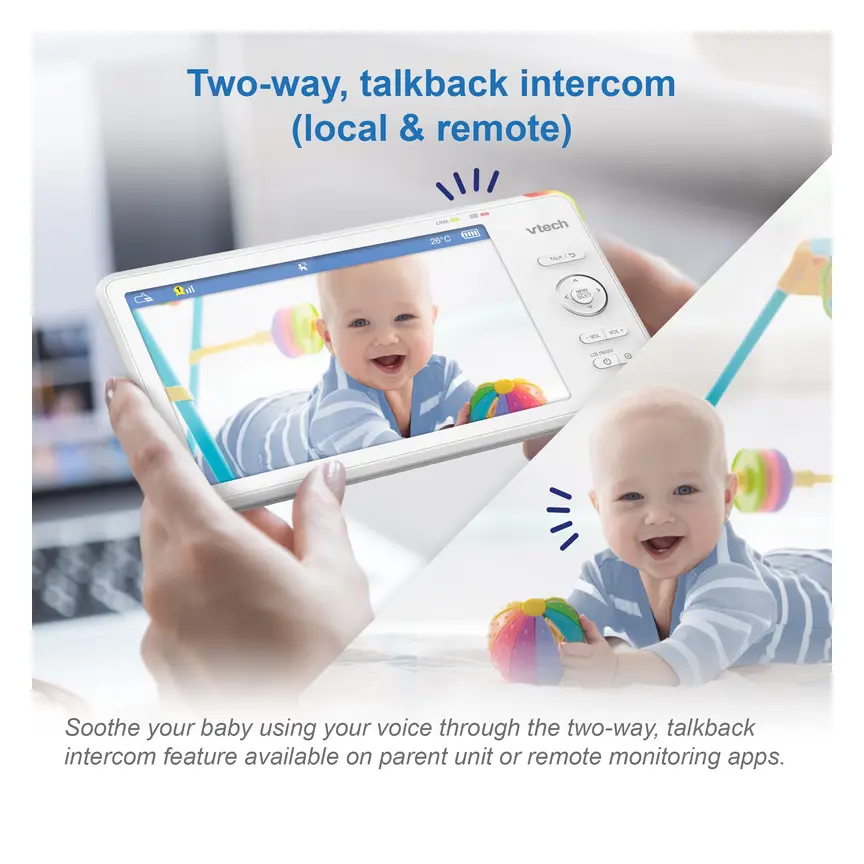
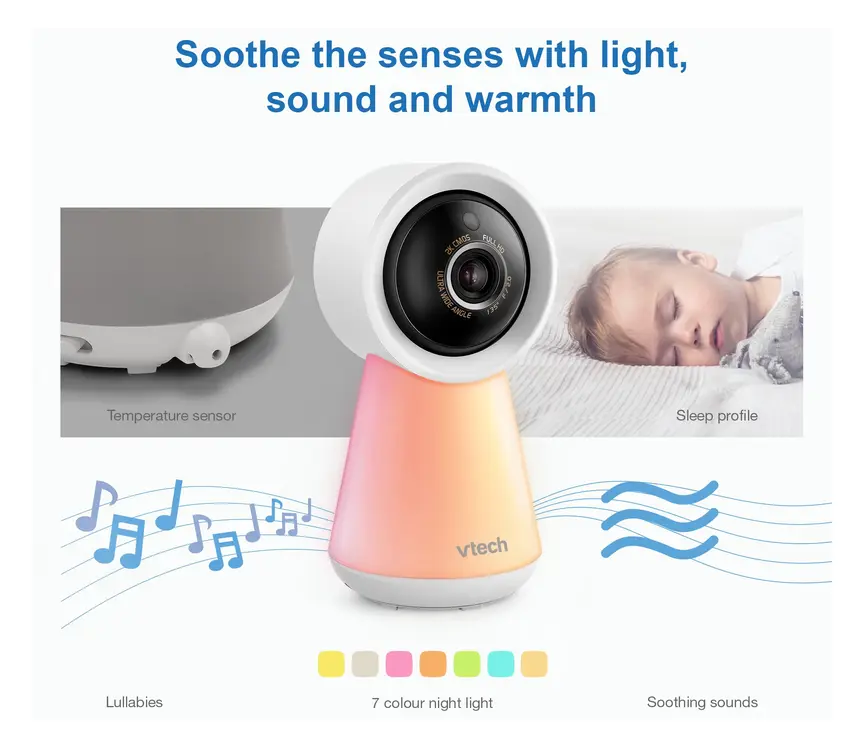
A 2-camera system with a 5" HD parent unit and 1080p cameras.
Read our full review →
VTech RM5764HDV2 Smart HD Pan and Tilt Baby Monitor
Smart video monitor
Frequently asked questions
Can a baby camera record video without Wi-Fi?
Yes. Many non-Wi-Fi baby monitors have a microSD card slot on the camera or on the parent screen. They record video straight onto the card over a private radio link. No internet is needed at all. Many hybrid cameras can also record onto a microSD card while Wi-Fi is switched off.
Is local SD card storage safer than cloud storage?
For internet privacy, yes. A microSD card in an offline monitor has no internet connection, so online hackers cannot reach it. Still, if the camera breaks or is stolen, the card inside goes with it. Cloud storage keeps clips safe if the camera breaks, as long as you use a strong password and two-factor login.
Do I have to pay a monthly fee to save videos from a baby monitor?
No. You can pick a camera with a microSD card slot, a recording parent screen, or a home hub. Once you buy the memory card, recording and watching clips is free. You only pay a monthly fee if you choose a camera that requires a paid cloud plan for video history.
How far away should a baby camera be from the cot?
Keep the camera and every cord at least 1 metre (3 feet) away from the cot, bassinet, or bed. This is the rule from Red Nose and the ACCC in Australia, The Lullaby Trust in the UK, the CPSC and AAP in the US, and Health Canada. Never attach a camera to the cot itself.
What should I do before selling or giving away a second-hand baby camera?
First, take the microSD card out of the camera or parent unit and keep it at home. Second, download any cloud clips you want to keep, then delete your cloud history. Finally, remove the camera from your phone app account and press the factory reset button on the unit.
Can I take a rechargeable baby monitor on a plane when travelling?
Yes, but pack the parent screen and any battery-powered camera in your carry-on cabin bag. Never pack lithium-ion batteries in checked hold luggage. Aviation regulators in Australia (CASA), the UK, the US (FAA and TSA), and Canada (Transport Canada and CATSA) require lithium-ion battery devices to stay in the cabin for fire safety.
Sources
- Australian Department of Home Affairs – Security standards for smart devices
- UK Government – Security rules for smart devices (PSTI)
- Federal Communications Commission (US) – U.S. Cyber Trust Mark
- Get Cyber Safe (Government of Canada) – Cyber security tips for your baby gear
- Red Nose Australia – Baby monitors
- The Lullaby Trust (UK) – Baby monitors
- U.S. Consumer Product Safety Commission – Infants and toddlers can strangle in baby monitor cords (Publication 5066)
- Fire and Rescue NSW – Lithium-ion batteries: shop, charge and recycle safely
Related guides
More Toys & Play →
Baby Car Cameras and Mirrors: Do They Help, and Are They Safe?

Baby Car Mirrors and Car Cameras: How to Choose and Use Them Safely

Baby and Toddler Play Mats: How to Choose a Safe Mat for Floor Time
