














How to Choose an AI Baby Monitor: Features, Safety and Privacy
How to choose an AI baby monitor: what AI features actually help, cord safety, Wi-Fi privacy, and what health groups in AU, UK, US and Canada advise.

On this page
- Key points
- What an AI baby monitor actually is
- What medical and safety groups say about baby monitors
- Types of baby monitors compared
- AI features: which ones help and which ones add stress
- How to choose the right monitor for your home
- Privacy and cyber security for Wi-Fi monitors
- Cord safety and safe placement
- Official advice in Australia, the UK, the US and Canada
- How your monitor needs change as your baby grows
- Common mistakes parents make
- Frequently asked questions
- Sources
Short answer: An AI baby monitor uses software to spot crying, movement, or rolled-over positions on video. It can be a helpful extra tool for tired parents. Still, no baby monitor can prevent sudden infant death or replace safe sleep habits. When you shop, put cord safety, clear night video, and strong Wi-Fi privacy ahead of fancy alerts.
Health and safety groups in Australia, the UK, the US and Canada all say the same thing. A firm, flat, clear cot in your bedroom for the first six months is what keeps your baby safest. A monitor is just a way to hear or see your baby when you are in another room.
Key points
- No monitor prevents SIDS: Red Nose (Australia), The Lullaby Trust (UK), the American Academy of Pediatrics (US), and the Canadian Paediatric Society all confirm this.
- Keep cords far away: Place the camera and all power cords at least 1 metre (about 3 feet) from the cot or bassinet.
- Think about Wi-Fi vs closed signal: Wi-Fi cameras send video to your phone anywhere, but they need strong passwords and updates. Non-Wi-Fi monitors use a local screen and cannot be reached from the internet.
- Watch out for extra fees: Some AI monitors lock sleep logs or video clips behind a monthly subscription.
- Wearable monitors are not medical tools: Consumer socks and clips can give false alarms or miss real breathing drops.
What an AI baby monitor actually is
A normal baby monitor sends sound or video from your baby's room to a screen or phone. An AI baby monitor adds smart software on top of that feed. Here, "AI" just means computer software trained to spot patterns in video or sound.
Instead of only showing a live picture, the software watches for specific events. It might send a ping to your phone when your baby cries. It might tell you when your baby rolls onto their tummy. Some models also log how long your baby slept each night.
Three main types on the market
- Camera-only AI monitors: A camera sits above or beside the cot. It uses video software to track movement, sound, and room warmth.
- Wearable sensor monitors: A soft sock, band, or nappy clip sits on your baby. It sends movement or oxygen readings to an app.
- Hybrid monitors: A camera works with a dedicated parent screen at home, plus a phone app over Wi-Fi.
Camera-only monitors do not touch your baby. They leave the cot completely clear. That is a big plus for safe sleep.
What medical and safety groups say about baby monitors
Many new parents buy an AI monitor hoping it will protect their baby while they sleep. It is easy to see why. Ads often show calm parents sleeping soundly while an app watches over the nursery.
However, medical groups across the world urge parents to be realistic about what monitors can do.
- Australia (Red Nose): Red Nose says there is no proof that baby monitors reduce the risk of sudden infant death. It advises parents to follow safe sleep steps every time, whether they use a monitor or not.
- UK (The Lullaby Trust and NHS): The Lullaby Trust says monitors are helpful for hearing your baby from another room. Still, they do not prevent SIDS. The NHS advises keeping your baby in the same room as you for at least the first six months.
- US (American Academy of Pediatrics and Children's Hospital of Philadelphia): The AAP advises against using home breathing or oxygen monitors to prevent SIDS. Doctors at the Children's Hospital of Philadelphia also note that consumer monitors have little proven benefit for healthy babies.
- Canada (Canadian Paediatric Society): Caring for Kids advises room-sharing on a firm, flat surface. Monitors do not replace close care or safe sleep rules.
The problem with consumer breathing and oxygen monitors
Some smart monitors claim to track your baby's breathing rate or blood oxygen levels. Doctors warn that shop-bought monitors are not tested like hospital gear.
A 2018 study published in JAMA tested two popular consumer pulse oximetry monitors on babies in hospital. A pulse oximeter is a sensor that shines light through the skin to estimate blood oxygen. The researchers found that one monitor often missed real drops in oxygen. The other monitor gave frequent false alarms when the baby was fine.
False alarms wake tired parents for no reason. Worse, a false "all clear" reading can make parents wait too long before calling a doctor when a baby looks unwell. Always trust your eyes and your instincts over a screen. If your baby is breathing fast, looks pale, or is hard to wake, seek medical help right away.
Baby Monitors worth a look
Real products from our catalogue. We don't show star ratings or review counts; check the current price, stock and reviews on Amazon before you buy.

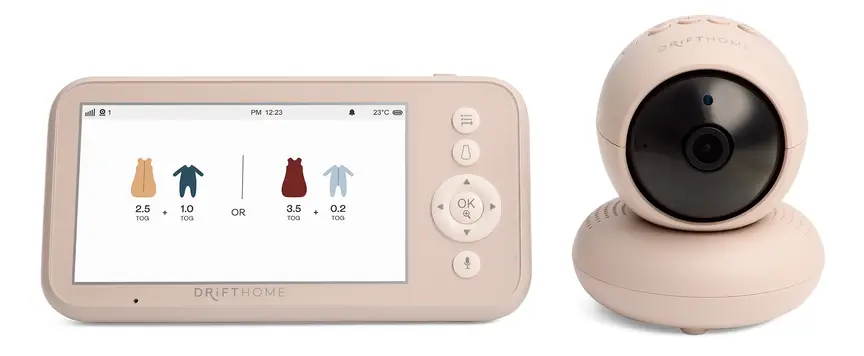
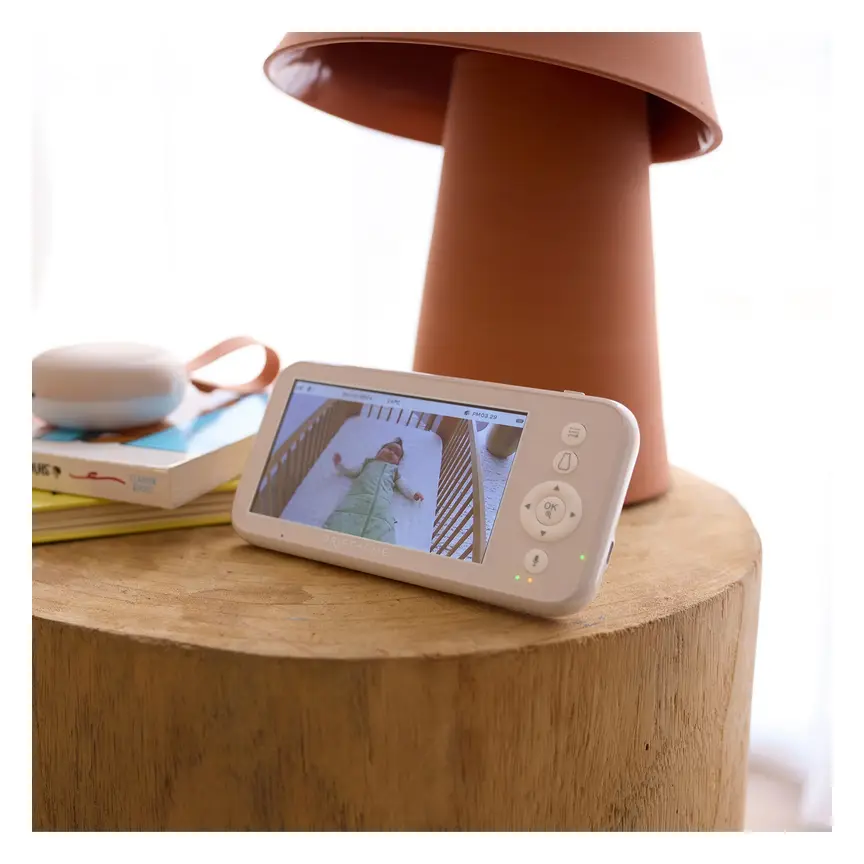
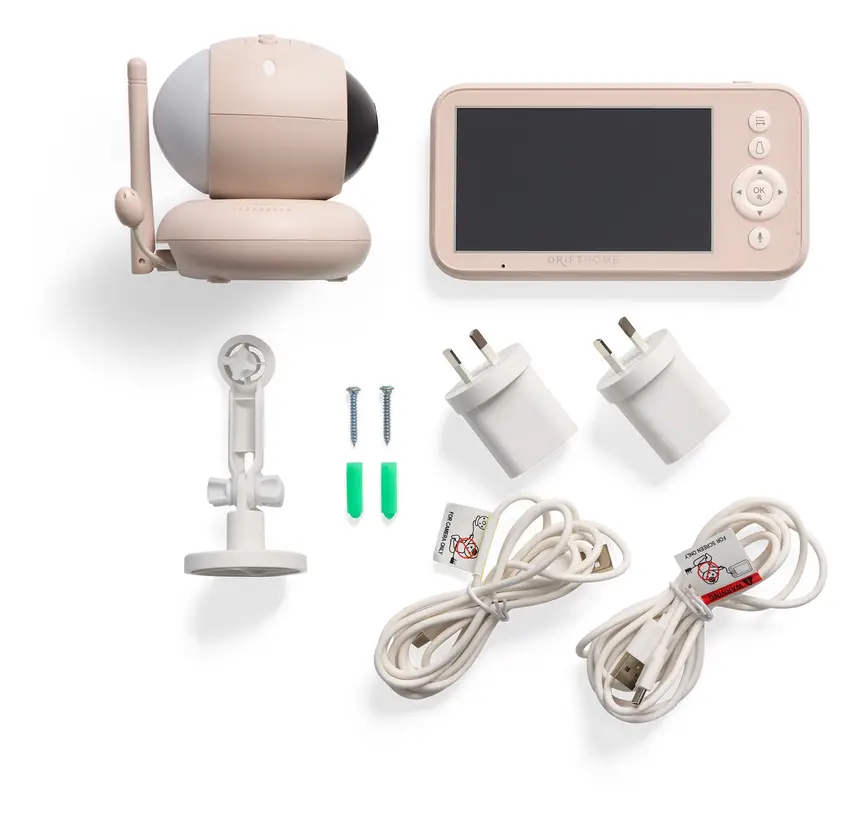
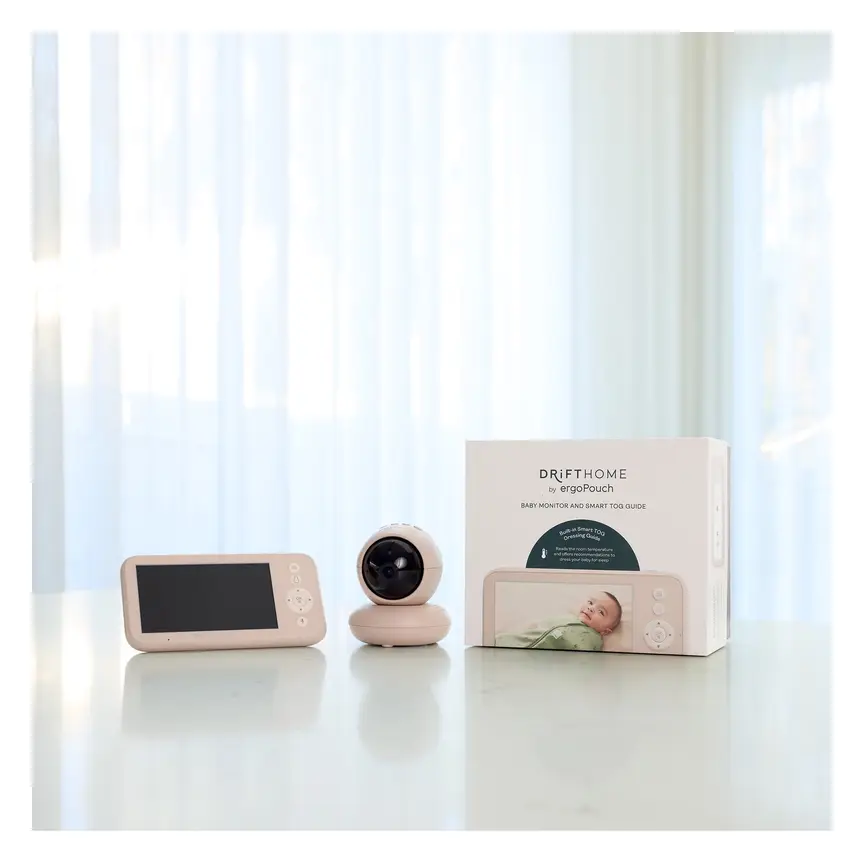

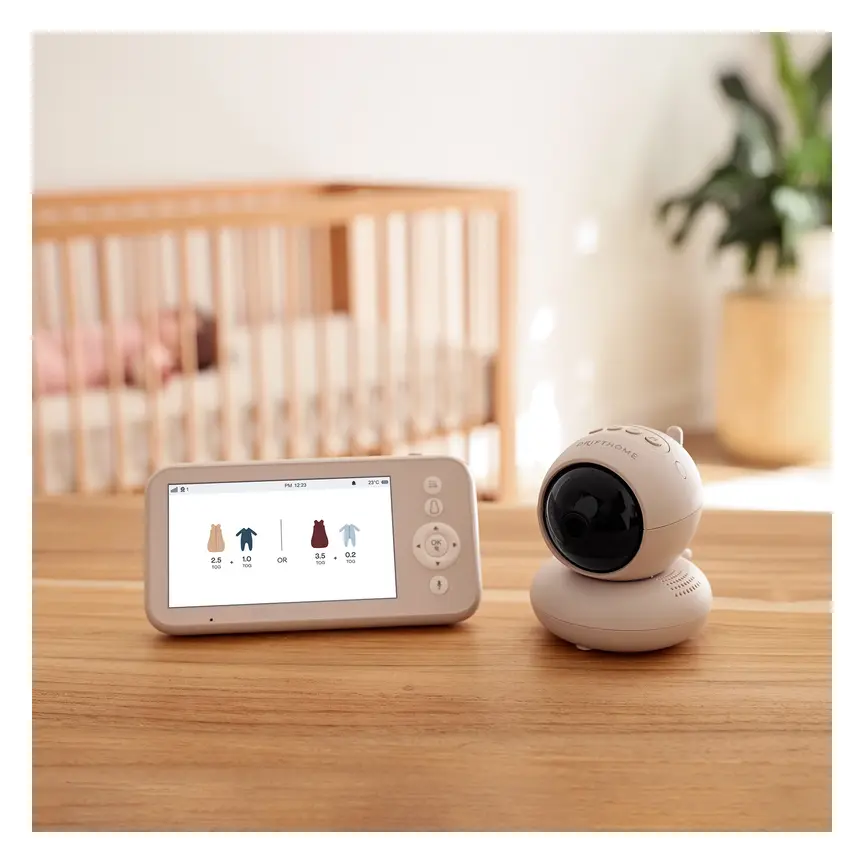
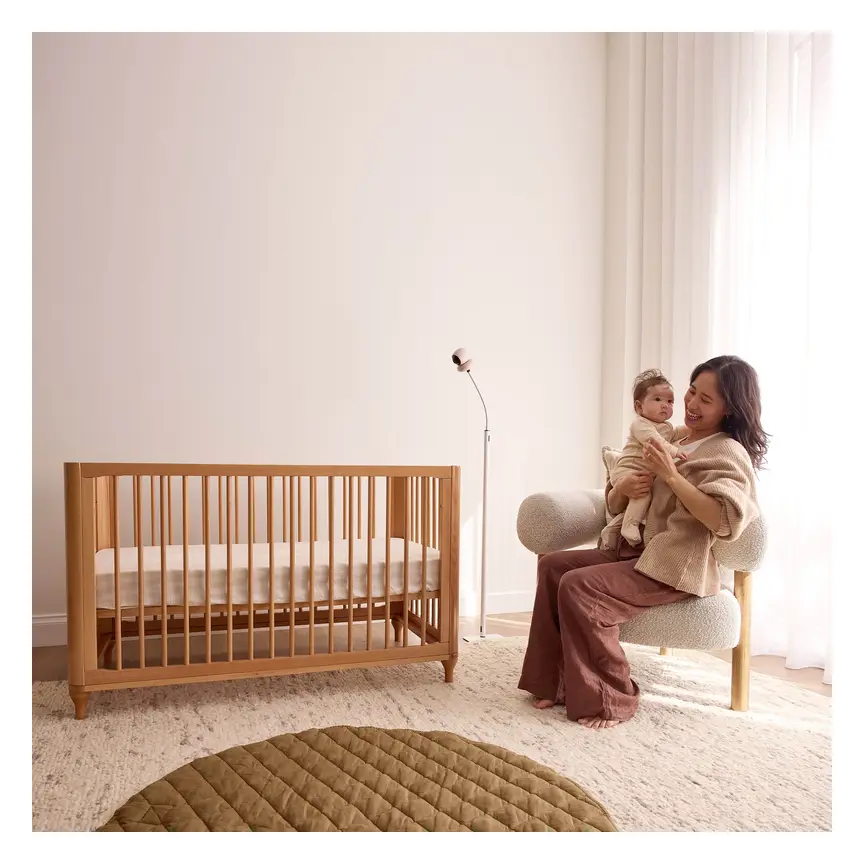

ergoPouch Drifthome Baby Monitor
A non-Wi-Fi monitor with a built-in TOG dressing guide and up to 300 m range.
Read our full review →

Eufy Baby Monitor E20
A monitor that works with or without Wi-Fi. You can share the app with up to 5 family members.
Read our full review →
Eufy Baby Monitor E21
The step-up Eufy monitor. It works with or without Wi-Fi and shares with up to 5 people.
Types of baby monitors compared
Before you pick an AI monitor, compare it with simpler options. The right choice depends on your home layout, your budget, and how much data you want to see.
| Monitor type | How it works | Main upside | Main downside | Needs Wi-Fi? |
|---|---|---|---|---|
| Audio-only monitor | Sends sound from baby's room to a small parent unit. | Simple, cheap, long battery life, and zero screen distraction. | You cannot see if your baby is safe or just stirring. | No |
| Standard video monitor | Sends video over a closed local radio signal to a parent screen. | Private local link. Works even if your home internet drops out. | Shorter range through thick walls. Usually no phone app. | No |
| Wi-Fi AI camera | Streams video to your phone and runs software alerts. | Works from anywhere. Tracks naps, cries, and roll-over alerts. | Needs strong cyber security. Some features cost a monthly fee. | Yes |
| Hybrid video monitor | Works with both a local parent screen and a Wi-Fi phone app. | Gives you a backup screen at home plus phone access away. | Costs more upfront. Still needs Wi-Fi security steps. | Optional |
| Wearable sensor | Uses a sock, clip, or band to track movement or oxygen. | Can alert if no movement is sensed for a set time. | Can slip off, trigger false alarms, and is not a medical device. | Usually yes |
For many families, a simple local video monitor or a hybrid model is plenty. You only need AI software if you truly want nap logs or smart phone alerts.
AI features: which ones help and which ones add stress
AI monitors pack a lot of tools into one app. Some features make daily life easier. Others just give tired parents more numbers to worry about.
Cry and sound detection
Basic monitors turn on the screen whenever there is noise. That means a passing truck or a small grunt can light up your bedside table. AI sound software tries to tell the difference between background noise and a real cry.
This can help you sleep better. Still, no software is perfect. You should still keep the volume high enough to hear your baby clearly.
Roll-over and face-covered alerts
Some AI cameras watch your baby's body position. If your baby rolls onto their tummy or has a blanket near their face, the app sends an alert.
This can be a useful backup when your baby is learning to roll. However, it should never replace a clear cot. Red Nose, The Lullaby Trust, the AAP, and Health Canada all say to keep loose blankets, pillows, and soft toys out of the cot. Once your baby can roll both ways on their own, you do not need to keep flipping them back all night. Always put them down on their back at the start of sleep.
Sleep tracking and nap logs
Many AI apps build a daily chart showing when your baby fell asleep, woke up, and cried. This can be handy if you share care with a partner or grandparent. You can check when the last nap ended without texting back and forth.
On the flip side, watching sleep graphs all day can raise anxiety. Babies do not sleep like clockwork. Their naps change every few weeks. If checking the app makes you stressed, turn the sleep summary off.
Breathing motion tracking
Some cameras track tiny chest rises using special patterned sleepwear or high-detail video. This feels comforting to many parents. Yet it works best only when your baby is lying still in a clear view.
When your baby shifts to the corner of the cot or wears a thicker sleeping bag, the software can lose track. That often leads to loud middle-of-the-night false alarms.
Room temperature and humidity
Most smart monitors show the room temperature on screen. This helps you dress your baby safely for sleep. Remember that a camera mounted high on a wall or near a sunny window can read warmer or cooler than the cot itself.
Use the number as a rough guide. Check your baby's tummy or the back of their neck with your hand. Their skin should feel warm, not sweaty or cold.
Two-way talk and built-in night-lights
Two-way talk lets you speak to your baby through the camera. It works well for toddlers who just need a calm voice to settle back down. Younger babies may get confused by a voice coming from a wall.
If your monitor has a built-in night-light, keep it dim and warm in colour. Bright white or blue-toned light at night can make it harder for babies and parents to fall back asleep.
How to choose the right monitor for your home
Forget the flashy ad claims for a minute. Focus on how the monitor will work in your real home at 2:00 am.
Decide between a parent screen and a phone app
Think about who will watch the monitor. If a grandparent or babysitter helps out, a dedicated parent screen is much easier. You just hand them the screen. They do not need to download an app or log into your account.
Phone apps are great if one parent works late and wants to say goodnight, or if you have a large home where a local signal drops out. Just remember that using your phone as a monitor drains your phone battery fast. Also, if your home Wi-Fi goes down, a Wi-Fi-only camera stops working.
Check for hidden subscription costs
Many AI baby monitors give you smart features free for the first few months. After that, you may have to pay a monthly fee to keep sleep logs, saved video clips, or roll-over alerts.
Read the fine print before you buy. Make sure the monitor still shows live video and sound without a paid plan. Never lock yourself into an ongoing bill unless you are sure you want those extras.
Look at night vision and camera view
Most of your monitoring happens in the dark. Look for clear black-and-white infrared night vision without a harsh glowing red ring on the camera. Bright lights on the camera face can distract a baby trying to sleep.
Check the lens angle too. A wide-angle lens lets you see the whole cot from a safe distance on the wall. Pan-and-tilt cameras let you move the view from your screen, which helps once your toddler starts moving around the room.
Test battery life and range
If you choose a monitor with a parent unit, check how long the battery lasts off the charger. You will want it to last through an evening on the couch or a power blip. If your house has brick walls, concrete floors, or multiple storeys, a closed-signal monitor may struggle to reach the far end of the home. In that case, a hybrid or Wi-Fi monitor handles thick walls better.
Privacy and cyber security for Wi-Fi monitors
Any camera connected to the internet carries a privacy risk. If a Wi-Fi monitor is set up poorly, strangers online can try to guess the password and view the video stream.
Government cyber safety agencies in all four countries give clear rules for smart baby gear:
- Australia: The Australian Department of Home Affairs sets security standards for smart devices. Devices should not ship with weak default passwords, and makers should fix security flaws with updates.
- UK: The UK Government enforces smart device security rules (known as PSTI). Makers must ban easy-to-guess default passwords and tell buyers how long the device will get security updates.
- US: The Federal Communications Commission (FCC) runs the U.S. Cyber Trust Mark programme to help shoppers spot smart devices that meet strong security checks.
- Canada: Get Cyber Safe (Government of Canada) publishes dedicated cyber security tips for connected baby gear.
Simple steps to lock down your Wi-Fi monitor
- Change the password right away: Never leave a factory password on the camera or your home Wi-Fi router. Use a long, unique password that you do not use anywhere else.
- Turn on two-step login: Also called two-factor authentication, this sends a one-time code to your phone before anyone can log in on a new device.
- Keep software updated: Turn on automatic updates in the app so security fixes install right away.
- Use a guest Wi-Fi network: Many routers let you make a second Wi-Fi network for smart gadgets. Putting the camera there keeps it separate from your laptops and bank details.
- Turn it off when not in use: Switch the camera off or turn it towards the wall during the day, or when you are feeding and changing in the room.
- Avoid used Wi-Fi cameras from unknown sellers: Old smart cameras often stop getting security updates. If a camera no longer gets updates, it is not safe to connect to the internet.
Side by side: more baby monitors to compare
Real products from our catalogue. We don't show star ratings or review counts; check the current price, stock and reviews on Amazon before you buy.
 Reviewed
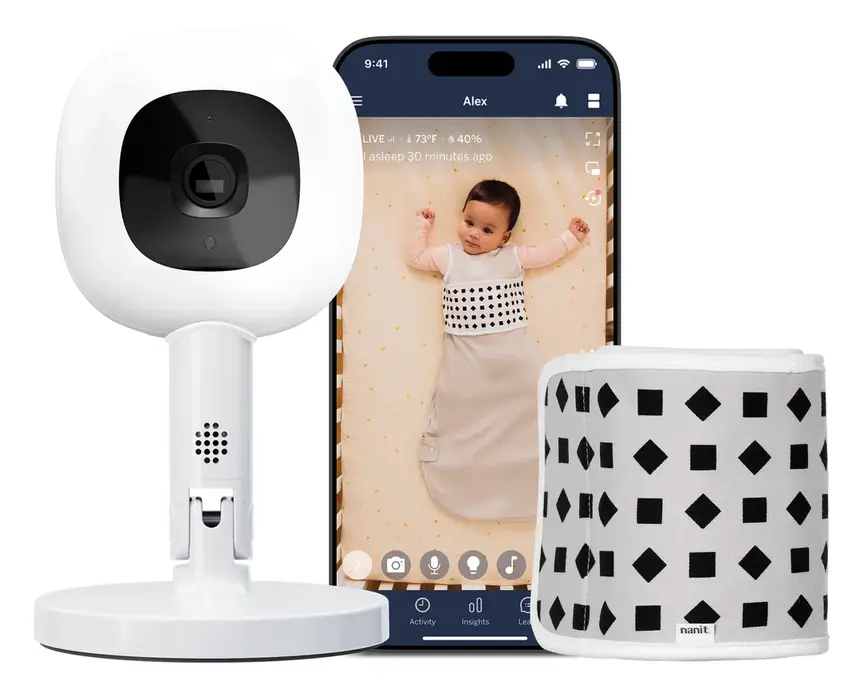
Nanit Pro Camera
Overhead 1080p Wi-Fi camera that tracks sleep and — with patterned Breathing Wear — breathing motion, without any electronics on the baby.
Read our full review →
Oricom Babysense7 Breathing & Movement Monitor
A sensor pad listed as a medical device on the Australian Register of Therapeutic Goods. It sounds an alarm if it stops sensing breathing movement.


VTech BM2220 Digital Audio Baby Monitor
A low-cost sound-only monitor with two-way talk, a room temperature sensor and a night light.
Cord safety and safe placement
A power cord near a cot is one of the biggest hidden dangers in a nursery. Babies and toddlers can pull cords into the cot and get tangled in them.
The U.S. Consumer Product Safety Commission (CPSC) has warned about infant deaths caused by baby monitor cords placed too close to cots. Product Safety Australia (ACCC), RoSPA in the UK, and Health Canada all give the same warning about loose cords near sleep spaces.
Safe placement rules to follow every time
- Keep cords at least 1 metre (3 feet) away: Measure the distance from every part of the cot, bassinet, or playpen. This includes the camera itself and every bit of wire.
- Never clip a camera to the cot rail: Cot-mounted cameras put both hard plastic parts and power cords right next to your baby. A toddler can pull the camera down into the cot.
- Hide cords inside wall covers: Run the power cord straight down the wall inside a rigid plastic cord cover screwed or firmly stuck to the wall. Do not leave slack loops hanging down.
- Check for button batteries: Some parent units or sensors use small coin-shaped batteries. Swallowing a button battery can cause severe burns inside a child's throat within hours. Check that any battery door is held shut with a screw, and keep spare batteries locked away.
- Think ahead to standing and climbing: What is out of reach for a newborn will be easy to grab at 9 months. Place shelves and wall mounts high enough that a standing baby cannot reach them.
Official advice in Australia, the UK, the US and Canada
Here is how the main safety and health bodies in all four countries line up on baby monitors and smart nursery gear.
| Topic | Australia | UK | US | Canada |
|---|---|---|---|---|
| Do monitors stop SIDS? | Red Nose: No proof monitors lower SIDS risk. | The Lullaby Trust: No, monitors do not prevent SIDS. | AAP: Advises against home breathing monitors for SIDS. | Canadian Paediatric Society: Safe sleep steps matter most. |
| Where baby should sleep | Red Nose: Own safe sleep surface in parent's room for first 6 to 12 months. | NHS and Lullaby Trust: Same room as parents for first 6 months. | AAP: Room-share on a separate firm, flat surface for at least 6 months. | Health Canada and CPS: Same room for first 6 months. |
| Cord safety | ACCC / Product Safety Australia: Keep all cords out of reach of cots. | OPSS and Lullaby Trust: Keep cords well away from the cot. | CPSC (Pub. 5066): Keep cords at least 3 feet (about 1 metre) from the cot. | Health Canada: Keep all monitor cords out of reach of cribs. |
| Smart device security | Department of Home Affairs: Smart device security standards. | UK Government: Smart device security rules (PSTI). | FCC: U.S. Cyber Trust Mark guidance for smart home gear. | Get Cyber Safe: Cyber security tips for baby gear. |
How your monitor needs change as your baby grows
Your baby will outgrow features fast. Knowing what happens at each stage helps you avoid buying gear you will only use for a few weeks.
Newborn to 6 months
Health groups in Australia, the UK, the US and Canada all advise room-sharing during this stage. Your baby sleeps in a bassinet or cot right next to your bed. At night, you do not need a video monitor to hear them.
During the day, a monitor is handy while your baby naps in the bedroom and you are in the kitchen or yard. Simple sound and clear video are all you need here.
6 to 12 months
Many families move their baby into their own bedroom after 6 months. Now a monitor becomes part of your nightly routine. Your baby will start rolling, sitting up, and pulling up on the cot bars.
This is the time to re-check your camera angle and cord distance. Make sure your baby cannot reach the cord or pull on a floor stand through the cot bars.
12 months and toddler years
Toddlers talk, stand, and sometimes try to climb out of the cot. Two-way talk becomes much more useful now. A calm "it is still sleep time" over the speaker can save a trip down the hall.
Once your child moves to a toddler bed, a wide-angle camera lets you see if they have climbed out of bed. At this stage, you no longer need breathing motion or roll-over alerts.
Common mistakes parents make
Even careful parents fall into a few common traps when setting up a nursery monitor. Avoid these five mistakes from day one.
- Treating an AI monitor like a safety net: Adding blankets, pillows, or cot bumpers and relying on a camera alert is unsafe. Always keep the cot completely clear.
- Leaving the cord dangling behind the cot: Even if the camera sits on a dresser, a loose cord hanging behind the cot is easy for small hands to pull.
- Leaving the phone app open all night: Staring at every tiny twitch on screen stops you from getting real rest. Set the sound alert to a sensible level and put the screen face down.
- Skipping Wi-Fi security steps: Leaving a default password or sharing your login with old devices puts your home privacy at risk.
- Ignoring monthly subscription fine print: Buying an expensive camera only to find out the AI alerts stop after a free trial is frustrating. Check what works for free before you buy.
More options, from budget to premium
Real products from our catalogue. We don't show star ratings or review counts; check the current price, stock and reviews on Amazon before you buy.
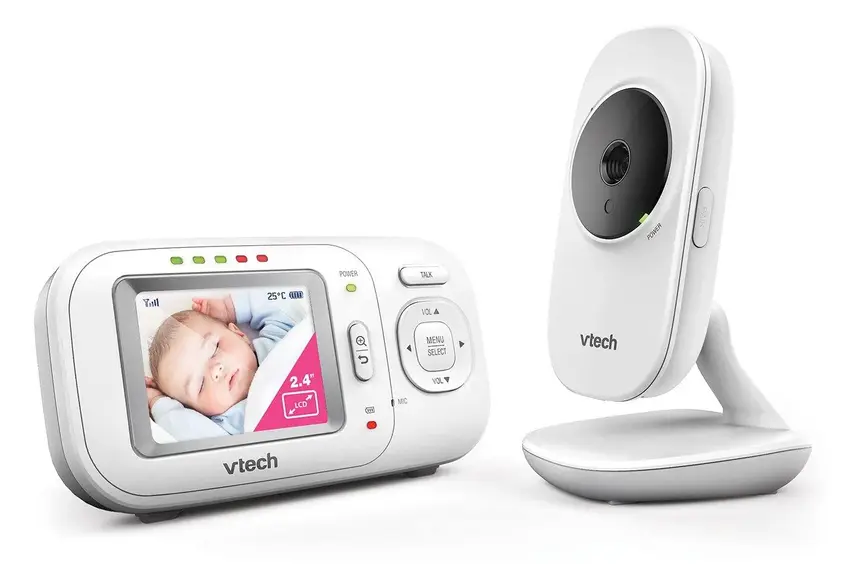
VTech BM2700 Video and Audio Baby Monitor
Non-wifi video monitor

VTech BM3350N Video Baby Monitor
Non-wifi video monitor

Frequently asked questions
Do I really need an AI baby monitor?
No, you do not need an AI monitor to keep your baby safe. A basic audio monitor or a simple closed-signal video monitor works well for most families. AI features like cry filtering and nap logs are nice extras, not must-haves.
Can an AI baby monitor prevent SIDS?
No. Red Nose Australia, The Lullaby Trust in the UK, the American Academy of Pediatrics, and the Canadian Paediatric Society all state that no baby monitor prevents SIDS. Always put your baby to sleep on their back, on a firm, flat mattress, in a clear cot with no loose bedding.
Is a Wi-Fi monitor or a non-Wi-Fi monitor safer?
For digital privacy, a non-Wi-Fi monitor is simpler because it cannot be reached over the internet. A Wi-Fi monitor can still be used safely if you use a strong unique password, turn on two-step login, and install all software updates. For physical safety, both types must keep all cords at least 1 metre away from the cot.
How far should the baby monitor cord be from the cot?
Keep the camera and every part of its power cord at least 1 metre (about 3 feet) away from any side of the cot, bassinet, or playpen. Run cords inside fixed wall covers so your baby cannot grab or pull them.
Are wearable sock or clip monitors accurate?
Shop-bought wearable monitors are not medical devices. Research published in JAMA found that consumer pulse oximetry monitors can give frequent false alarms and can also miss real drops in oxygen. If your baby seems unwell, never wait for a monitor alert before seeking medical care.
Do AI baby monitors need a monthly subscription?
Many AI brands charge a monthly fee for extra features like saved video history, sleep coaching, or detailed nap charts. Live video and sound are usually free. Always check the product box or website before you buy so you know what is free and what costs extra.
Sources
- Red Nose Australia – Baby monitors
- The Lullaby Trust (UK) – Baby monitors
- Children's Hospital of Philadelphia – Consumer baby monitors have little proven benefit for healthy infants (2017)
- JAMA – Accuracy of two consumer infant pulse oximetry monitors (Bonafide et al., 2018)
- U.S. Consumer Product Safety Commission – Infants and toddlers can strangle in baby monitor cords (Publication 5066)
- Get Cyber Safe (Government of Canada) – Cyber security tips for your baby gear
- UK Government – Security rules for smart devices (PSTI)
- Australian Department of Home Affairs – Security standards for smart devices
Related guides
More Gadgets & Electronics →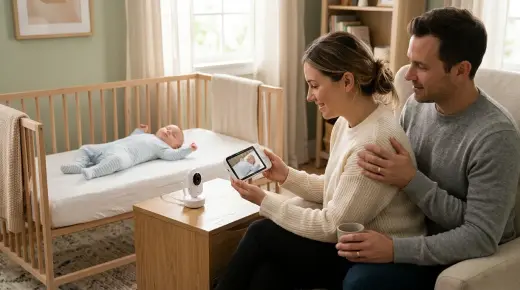
Smart 2K Wi-Fi vs 2.4GHz FHSS Baby Monitors: Safety, Privacy and How to Choose

Peace of Mind: Choosing a Baby Monitor with Privacy in Focus

Smart Baby Monitors: New Features, Safety Rules, and What Actually Helps
