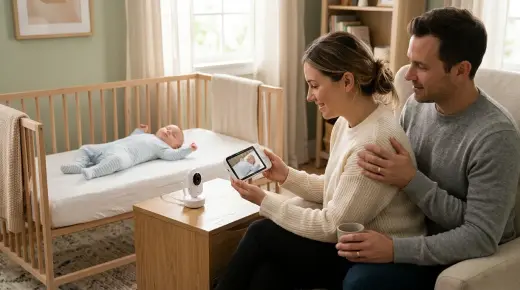
AI Baby Monitors for Rollover and Covered-Face Alerts: Local Processing vs. Cloud Plans
Compare local edge AI and cloud baby monitors for rollover and covered-face alerts. Learn how they work, privacy risks, costs, and safe sleep rules.

On this page
- Key points
- What AI rollover and covered-face detection is
- Local edge processing vs. cloud processing
- Side-by-side comparison: local AI, cloud AI, and basic monitors
- What health and safety bodies say in Australia, the UK, the US and Ca…
- How AI alerts fit with baby sleep stages
- Privacy, Wi-Fi safety, and smart device rules
- Physical safety: cords, placement, and batteries
- Common mistakes parents make with AI monitors
- How to choose between local edge and cloud AI
- Frequently asked questions
- Sources
Short answer: Some smart baby monitors use artificial intelligence (AI) to watch your baby's sleep. They send an alert if your baby rolls onto their tummy or if something covers their face. Some models do this work inside the camera itself, which is called local edge processing. Other models send video over the internet to company servers, which is called cloud processing and often needs a paid plan.
No baby monitor can prevent sudden infant death syndrome (SIDS). Health groups in Australia (Red Nose), the UK (The Lullaby Trust), the US (American Academy of Pediatrics) and Canada (Canadian Paediatric Society) all say the same thing. A safe, clear cot matters far more than any camera feature.
Key points
- What AI monitors do: They scan the video feed for shapes and movement. They alert you if your baby rolls over or has cloth near their face.
- Local edge processing: The camera analyses video on a chip inside the unit. It works faster, keeps video at home, and usually has no monthly fee.
- Cloud processing: The camera sends video over Wi-Fi to remote servers. It often costs a monthly fee and stops working if your internet drops out.
- Not a medical device: Consumer baby monitors are not proven to stop SIDS or breathing problems.
- Physical safety first: Keep all monitor cords well out of reach of the cot. Keep the cot empty and firm.
- Cyber security matters: Any camera on your home Wi-Fi needs a strong password and regular software updates.
What AI rollover and covered-face detection is
A normal video baby monitor just shows a live picture on a screen or phone. An AI baby monitor goes a step further. It uses software to watch the picture and look for changes.
Most AI sleep monitors focus on two main alerts:
- Rollover detection: The camera checks your baby's body shape and position. If your baby rolls from their back onto their tummy, the monitor sounds an alarm on your parent unit or phone.
- Covered-face detection: The camera looks for your baby's nose and mouth. If a blanket, toy, or arm seems to block the face, the monitor sends a warning.
Some models also track when your baby wakes up, cries, or moves into the corner of the cot. A few draw a virtual box around the cot on your screen. If your baby moves outside that box, or stands up, you get an alert.
How the camera sees in the dark
Nurseries are usually dark at night. To see your baby, the camera uses infrared light. Humans cannot see infrared light, so the room stays dark for sleep. The camera sees a black-and-white picture and feeds it to the AI software.
Because the picture is black and white, lighting and angle matter a lot. Shadows from cot bars, harsh sunlight, or a camera placed too far away can confuse the software. That is when false alarms happen.
Why these alerts are not perfect
AI software only guesses based on pixels in a picture. It cannot feel your baby's breath. It cannot tell if a loose sleep sack is harmlessly bunched up or actually blocking air. A baby sleeping with their face turned to the side might trigger a covered-face alarm even when they are breathing fine.
On the other hand, a camera can also miss a real risk. If the Wi-Fi drops, the lens is blocked, or the angle is poor, the alert may not fire at all. That is why health bodies warn parents never to rely on a monitor to keep a baby safe.
Baby Monitors worth a look
Real products from our catalogue. We don't show star ratings or review counts; check the current price, stock and reviews on Amazon before you buy.

VTech V-Care Premium 7" HD Smart Monitor
A 7" monitor with a 1080p camera and AI alerts, such as face-covered detection.
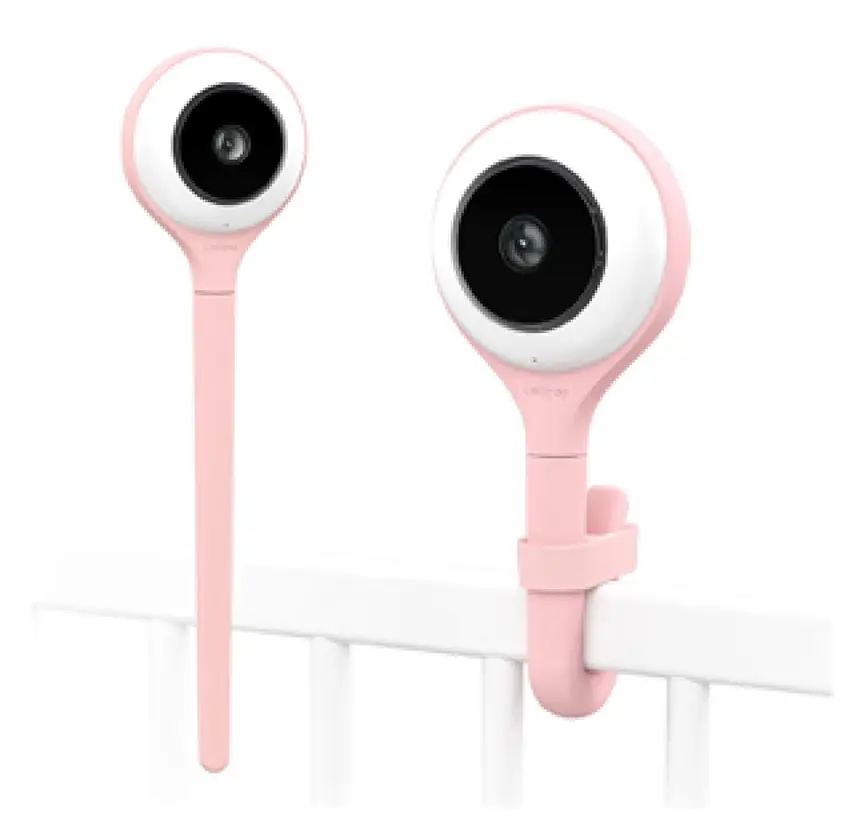
Lollipop Smart Baby Camera
A Wi-Fi camera with AI cry, noise and crossing alerts and 1080p video.

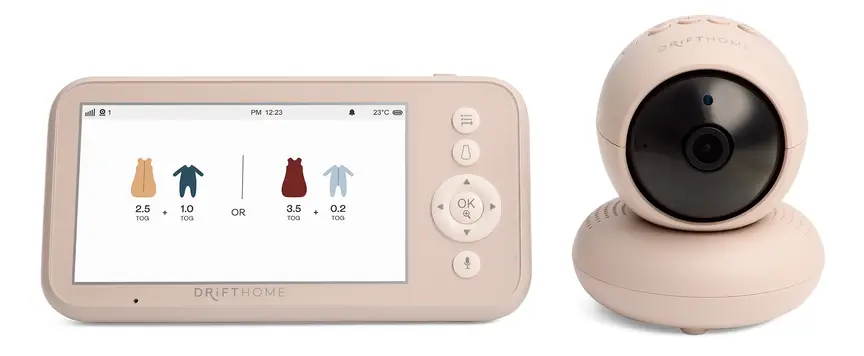
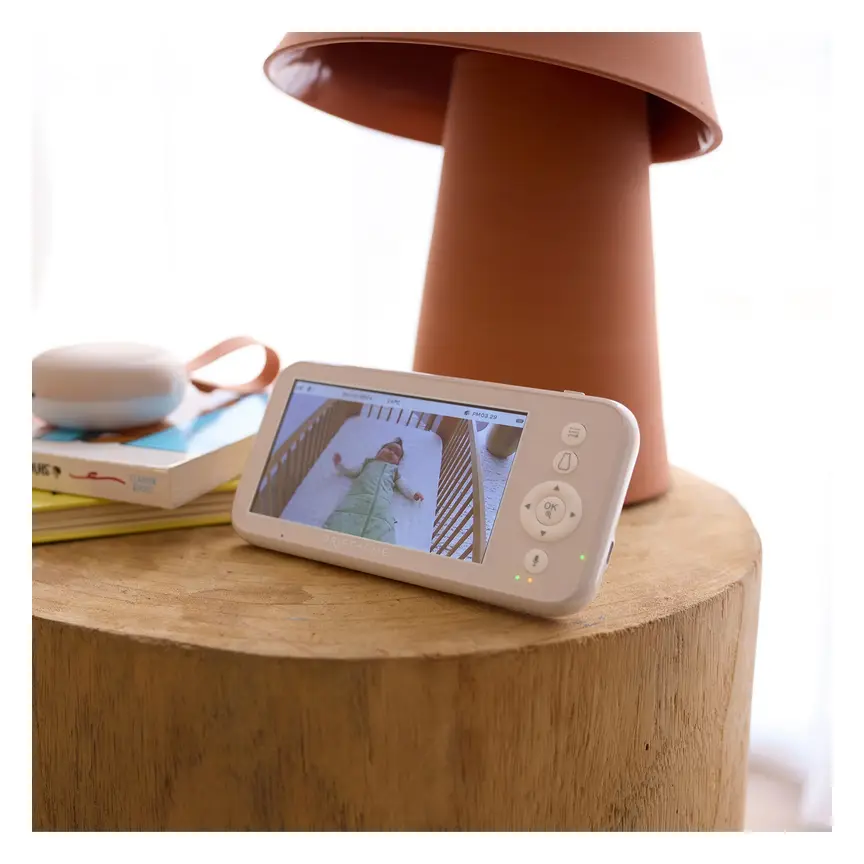
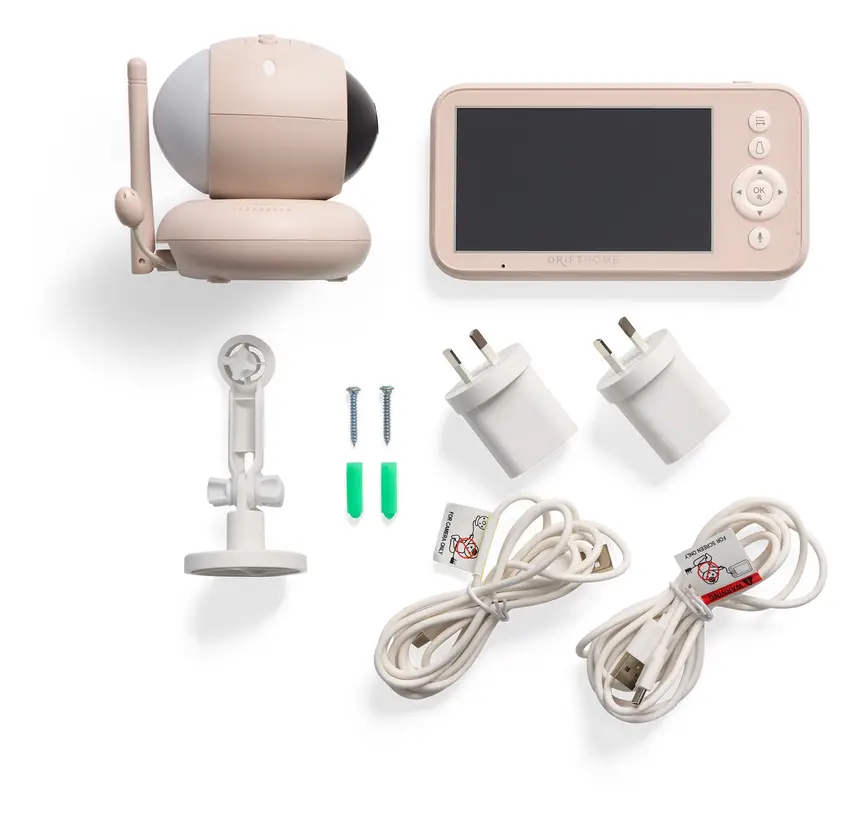
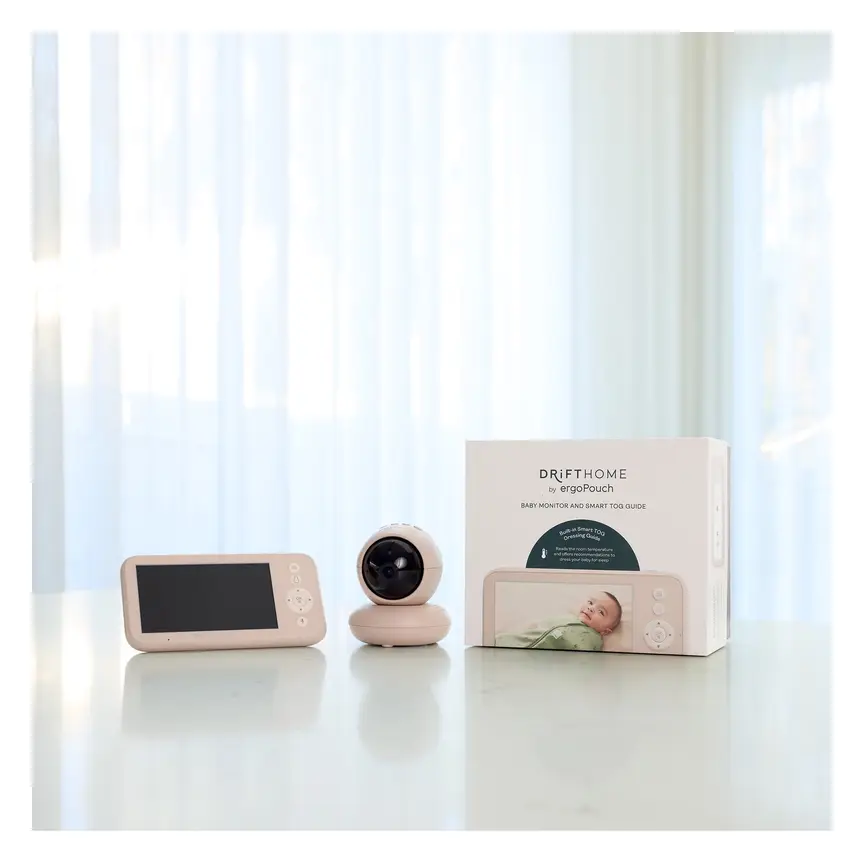

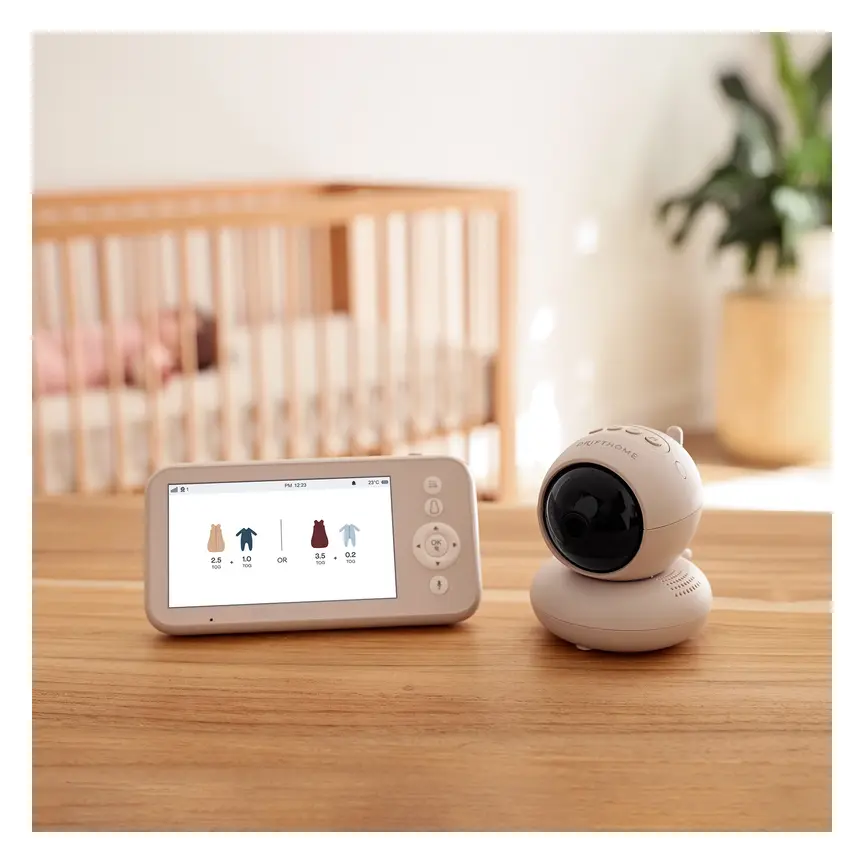
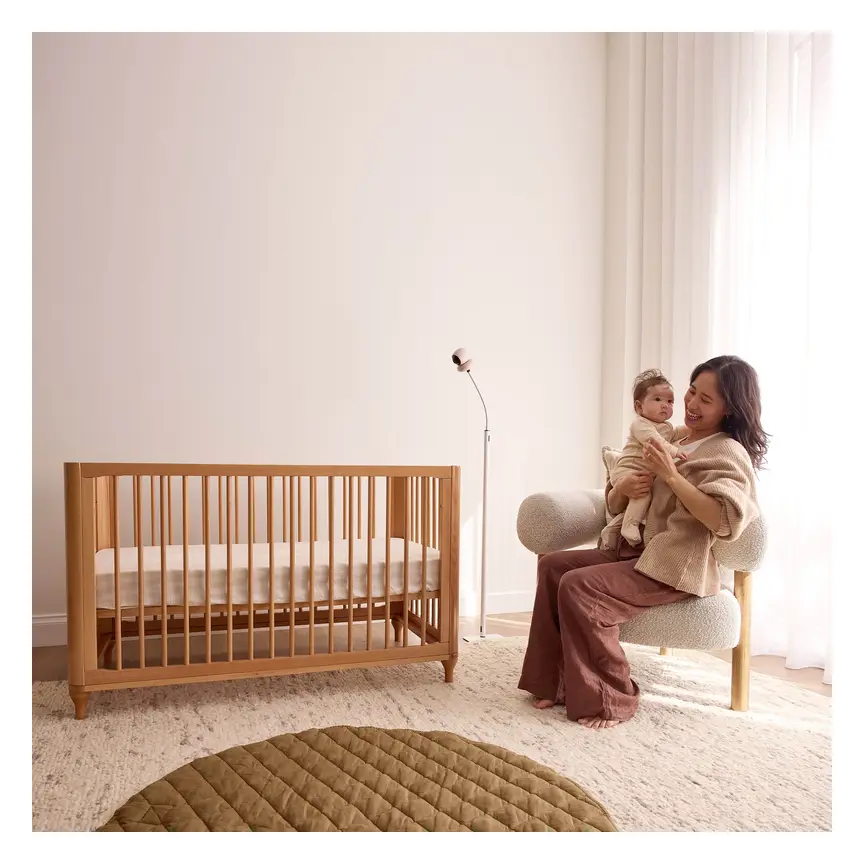

ergoPouch Drifthome Baby Monitor
A non-Wi-Fi monitor with a built-in TOG dressing guide and up to 300 m range.
Read our full review →Local edge processing vs. cloud processing
When you shop for an AI baby monitor, the biggest choice is where the computer thinking happens. There are two main ways a monitor runs its AI: on the device (local edge) or on the internet (cloud).
What local edge processing means
"Edge processing" is a tech term that simply means the work happens right inside the camera. The camera has a small computer chip built into it. That chip looks at each video frame, checks for a rollover or covered face, and triggers an alarm if needed.
The video does not need to travel to a distant server to be checked. Some local-edge monitors do not even need Wi-Fi to run their AI. They send the picture and alerts straight to a handheld parent screen over a private radio link. Other local-edge monitors do connect to Wi-Fi so you can use a phone app, while still keeping the AI checks inside the camera.
Benefits of local edge processing:
- No ongoing fees: Because the company is not paying to run servers for your video, rollover and covered-face alerts are usually free for the life of the camera.
- Works if the internet goes down: If your home internet cuts out, a local monitor with a parent screen keeps working. Even Wi-Fi models with local chips can often still alert you on your home network.
- Faster alerts: Video does not have to travel across the internet and back. The alarm can sound right away.
- Better privacy: Your baby's video stays in your home instead of sitting on a company server.
Limits of local edge processing:
- Higher upfront cost: Putting a smart chip inside the camera can make the monitor cost more to buy at the start.
- Slower feature updates: A small chip in the camera has fixed power. It may not get big new AI features later, though it can still get bug fixes.
- Shorter video history: Without cloud storage, you usually need a memory card in the camera if you want to save old clips.
What cloud processing means
"The cloud" means big computers owned by a company in a data centre far away. In a cloud-based monitor, your camera films your baby and sends that video over your home Wi-Fi to those servers. The company's servers scan the video for rollovers or covered faces. Then they send a push alert back to your phone app.
Benefits of cloud processing:
- Powerful AI updates: Companies can update their server software anytime. They can improve detection without you buying a new camera.
- Easy remote viewing: Because video goes through the internet, you can check on your baby from work or while travelling. You can also share access with family members.
- Saved clips online: Many cloud plans save short video clips when motion or sound happens, so you can replay them later.
Limits of cloud processing:
- Monthly or yearly subscription fees: Running servers costs money. Many brands give you a short free trial, then lock AI alerts behind a paid plan.
- Needs steady internet: If your Wi-Fi drops, your router resets, or the company's servers go down, you lose AI alerts and sometimes the whole video feed.
- Privacy risks: Video of your child's bedroom leaves your home. If a company has a data leak or if your account password is weak, strangers could view the feed.
- Product lifespan risk: If the company shuts down or stops supporting your model, cloud features can stop working altogether.
Side-by-side comparison: local AI, cloud AI, and basic monitors
You do not have to buy an AI monitor at all. A basic audio or non-Wi-Fi video monitor still lets you hear and see your baby. The table below compares all three types side by side.
| Feature | Local edge AI monitor | Cloud AI monitor | Basic non-AI monitor |
|---|---|---|---|
| Where video is checked | On a chip inside the camera | On company servers over the internet | Not checked by AI |
| Ongoing fees | Usually none for alerts | Often needs a monthly or yearly plan | None |
| Needs home internet? | No, if it uses a parent screen | Yes, for AI alerts and phone viewing | No, for radio-link models |
| Alert speed | Very fast, handled on site | Depends on Wi-Fi and server speed | Sound and motion alerts only |
| Video privacy | Video stays inside your home | Video leaves your home network | Stays inside your home |
| Saved sleep clips | Usually needs a memory card | Often stored online with a plan | Usually none |
| Risk of false alarms | Moderate, depends on angle and light | Moderate, depends on angle and light | Low, only alerts for noise or movement |
What health and safety bodies say in Australia, the UK, the US and Canada
Parents often buy AI monitors hoping they will protect their baby from SIDS. Official health groups across all four countries are very clear about this. No consumer baby monitor is proven to prevent SIDS.
In Australia, Red Nose says there is no proof that baby monitors prevent sudden infant death. Red Nose explains that monitors can give parents peace of mind, but they are not a substitute for safe sleep habits or checking on your baby in person.
In the UK, The Lullaby Trust gives the same advice. It says parents do not need a baby monitor to keep their baby safe. If you choose to use one, it should never replace safe sleep steps like keeping the cot clear and placing your baby on their back.
In the US, the American Academy of Pediatrics (AAP) advises against using home cardiorespiratory monitors or consumer sleep monitors to reduce the risk of SIDS. The AAP notes that these devices can cause false alarms, extra stress, and a false sense of security. The Children's Hospital of Philadelphia also points out that consumer monitors have little proven benefit for healthy babies.
In Canada, Caring for Kids (from the Canadian Paediatric Society) and Health Canada focus on safe sleep environments rather than monitoring gadgets. The safest place for a baby to sleep in the first six months is on a firm, flat surface in the same room as a parent or caregiver.
| Country | Official body | Guidance on baby monitors and safe sleep |
|---|---|---|
| Australia | Red Nose | No proof monitors prevent SIDS. Use safe sleep habits and room-sharing first. |
| United Kingdom | The Lullaby Trust | Monitors are optional. They never replace a clear cot and back-to-sleep position. |
| United States | American Academy of Pediatrics (AAP) | Do not rely on consumer monitors to prevent SIDS. Follow safe sleep rules. |
| Canada | Canadian Paediatric Society | Safe sleep relies on a firm, empty cot on the back, and room-sharing. |
What makes sleep truly safe
Instead of relying on an AI alert, focus on the basics that are proven to lower risk:
- Always place your baby on their back to sleep for every nap and night.
- Keep your baby's head and face uncovered.
- Use a firm, flat, clean mattress that fits the cot with no gaps.
- Keep loose blankets, pillows, bumpers, toys, and sheepskins out of the cot.
- Share your room with your baby in their own cot or bassinet for at least the first six months.
- Keep your home and car completely smoke-free.
How AI alerts fit with baby sleep stages
Your baby's needs change fast in the first year. An AI feature that feels helpful at three months might become annoying at six months.
Birth to 3 months: newborn stage
Newborns cannot roll over on their own. At this stage, rollover alerts should stay quiet unless a baby moves onto their side. Covered-face alerts are only useful if something is in the cot, which should never happen in a safe cot. During these early months, room-sharing is recommended in Australia, the UK, the US and Canada. When your baby sleeps beside your bed, you can hear and see them directly without needing a smart camera.
3 to 6 months: learning to roll
Many babies start trying to roll around three to four months, though some start earlier. This is when parents worry most about rollovers. Here is what health groups say when rolling begins:
- Stop swaddling: As soon as your baby shows signs of rolling, stop wrapping their arms in. Use a baby sleeping bag with the arms out so they can push up and move their head.
- Always start on the back: Put your baby down on their back at the start of every sleep.
- If they roll on their own: Red Nose, the AAP, The Lullaby Trust and Caring for Kids all explain what to do once your baby can roll both ways easily. You do not need to keep turning them back over all night. Let them find their own comfortable position, as long as the cot is firm and empty and their arms are free.
This is a key point for AI monitor buyers. An AI rollover alarm will beep every time your baby rolls onto their tummy. Once your baby can roll safely on their own, that alarm can wake you up for no reason. Make sure any monitor you buy lets you turn rollover alerts off when your baby outgrows them.
6 to 12 months and beyond: active sleepers
Older babies move all around the cot. They sleep on their sides, their tummies, or with their bottoms in the air. Covered-face and rollover alerts are rarely useful at this age. Most parents turn off AI sleep alerts and just use the camera to check if their baby is awake, standing up, or trying to climb out.
Side by side: more baby monitors to compare
Real products from our catalogue. We don't show star ratings or review counts; check the current price, stock and reviews on Amazon before you buy.


Eufy Baby Monitor E20
A monitor that works with or without Wi-Fi. You can share the app with up to 5 family members.
Read our full review →
Eufy Baby Monitor E21
The step-up Eufy monitor. It works with or without Wi-Fi and shares with up to 5 people.

Infant Optics DXR-8 PRO
No app, no cloud, no subscription: a dedicated parent screen on a closed radio link, with interchangeable lenses.
 Reviewed
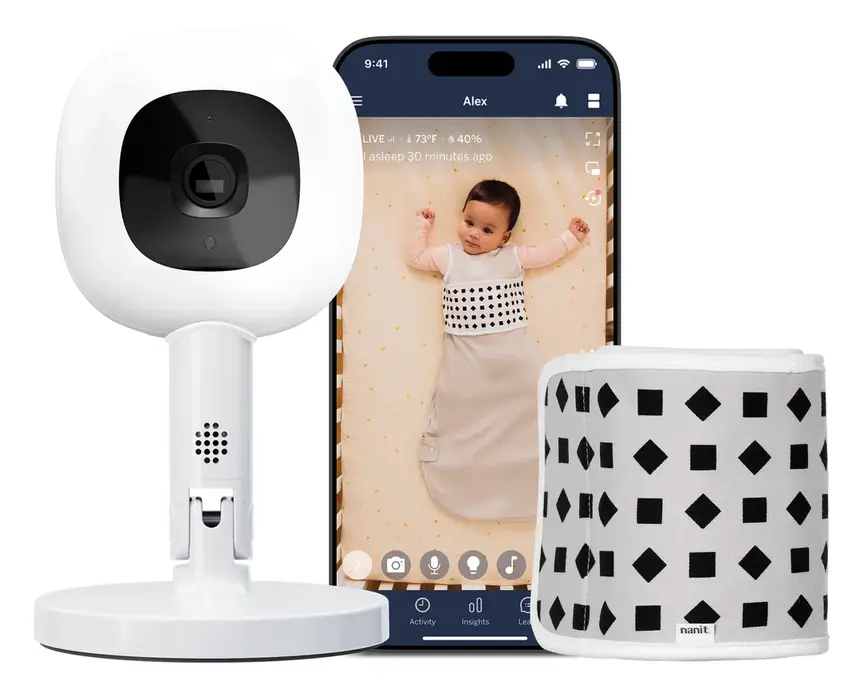
Nanit Pro Camera
Overhead 1080p Wi-Fi camera that tracks sleep and — with patterned Breathing Wear — breathing motion, without any electronics on the baby.
Read our full review →Privacy, Wi-Fi safety, and smart device rules
Any baby monitor that connects to Wi-Fi is a small internet-connected computer. If it is not set up safely, strangers could try to access the camera or listen to your home. Government cyber safety agencies in Australia, the UK, the US and Canada all warn parents to lock down smart nursery gear.
In Australia, the Department of Home Affairs sets security rules for smart devices, banning weak default passwords and requiring clear update support. The UK has similar laws for connectable products. In the US, the Federal Communications Commission (FCC) runs a trust mark program for smart home gear. In Canada, Get Cyber Safe gives families clear steps to protect baby monitors.
How to lock down your baby monitor
Whether you pick a local-edge Wi-Fi camera or a cloud camera, take these steps on day one:
- Change the default password right away: Never leave a factory password like "admin" or "1234". Pick a long, unique passphrase you do not use anywhere else.
- Turn on two-factor authentication (2FA): This means anyone logging into your monitor app needs a second code from your phone or email, not just your password.
- Keep firmware updated: Firmware is the built-in software on the camera. Install updates as soon as the app asks, because they fix security holes.
- Secure your home Wi-Fi: Put a strong password on your home router and use modern Wi-Fi encryption.
- Check who has access: Only share the camera feed with trusted caregivers, and remove old users when you no longer need them.
- Unplug it when not in use: If you travel or stop using the monitor, turn it off or point it at a wall.
Non-Wi-Fi monitors for maximum privacy
If online privacy worries you, look for a non-Wi-Fi monitor with local edge AI. These units talk directly between the camera and a handheld parent screen using a closed radio signal. Because they never touch the internet, hackers far away cannot reach them. You still get basic room monitoring, and on some models local AI alerts, without creating an online account.
Physical safety: cords, placement, and batteries
Smart features get all the marketing attention, but physical hazards in the nursery are much more dangerous. Every year, safety regulators warn parents about cords and batteries near cots.
Keep monitor cords away from the cot
The U.S. Consumer Product Safety Commission (CPSC) warns that babies and toddlers can strangle in baby monitor cords. A curious baby can reach through cot bars or pull a cord down from a shelf. Even a short cord can wrap around a child's neck.
Follow these strict cord rules:
- Place the camera and its power cord at least one metre (about three feet) away from the cot, bassinet, or playpen.
- Never hang a camera on the cot rail or place it inside the cot.
- Use cord covers or wall clips to pin cords flat against the wall if you mount the camera high up.
- Check the cord distance again when your baby learns to stand, because their reach gets much longer.
Watch out for button batteries and lithium batteries
Handheld parent units use rechargeable lithium-ion batteries. Some temperature sensors or remote controls use small, coin-shaped button batteries. If a child swallows a button battery, it can burn through their throat in just two hours.
- Keep any spare batteries and small sensors locked away out of reach.
- Check that battery doors on any nursery gadget have a screw or a child-resistant lock.
- Charge the parent unit with the charger that came in the box, and keep it off soft bedding so it does not overheat.
Common mistakes parents make with AI monitors
Even well-meaning parents run into trouble with smart baby gear. Here are the most common mistakes and how to avoid them:
- Putting blankets or pillows in the cot because an AI monitor is watching: No camera is fast or reliable enough to make unsafe bedding safe. Always keep the cot clear.
- Ignoring hidden subscription costs: Some parents buy a cheap cloud camera, then find out after a short trial that rollover alerts stop unless they pay a monthly fee. Read the fine print before you buy.
- Mounting the camera right over the cot with a loose cord: Many AI monitors ask for a bird's-eye view straight above the mattress. If you wall-mount the camera above the cot, every centimetre of power cord must be covered in a solid wall channel so tiny hands cannot grab it.
- Leaving rollover alerts on too long: Once your baby rolls both ways easily and sleeps with arms free, tummy sleeping is normal. Leaving the alarm on will just wake the whole house.
- Using a weak password or skipping updates: This leaves Wi-Fi cameras open to snooping.
- Checking the phone screen all night: Watching a live feed and worrying about tiny movements can wreck your own sleep. Turn down screen brightness and trust safe sleep basics.
How to choose between local edge and cloud AI
Before you spend money, ask yourself four simple questions:
- Do I want to pay a monthly fee? If not, choose a local-edge monitor or a basic non-AI monitor. Check the box to confirm which features work for free forever.
- Is my home Wi-Fi steady? If your internet drops out often, or if you travel to places without Wi-Fi, a local monitor with its own parent screen is much more reliable.
- Do I need to watch from away from home? If you work late or want to check in while out, you will need a Wi-Fi monitor (either local-edge with an app, or cloud).
- Will I actually use AI alerts after six months? Remember that rollover alerts are only useful for a short window while your baby is learning to roll. Make sure the monitor is still a good, clear video monitor once you turn the AI alerts off.
More options, from budget to premium
Real products from our catalogue. We don't show star ratings or review counts; check the current price, stock and reviews on Amazon before you buy.

Oricom Babysense7 Breathing & Movement Monitor
A sensor pad listed as a medical device on the Australian Register of Therapeutic Goods. It sounds an alarm if it stops sensing breathing movement.

 Reviewed
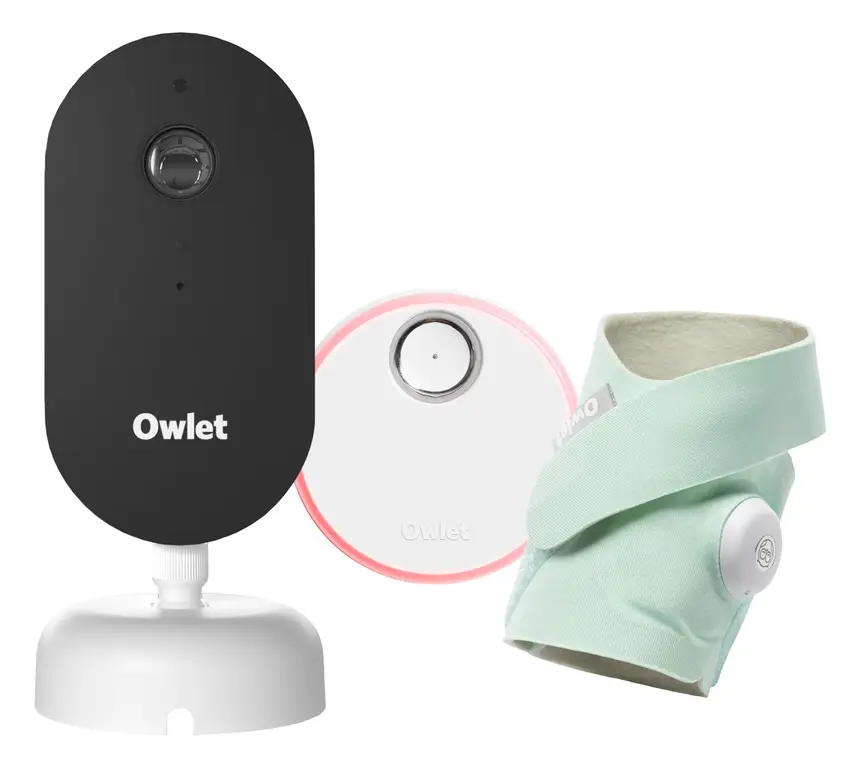
Owlet Dream Duo 3
A 2K camera plus the Dream Sock sensor that tracks pulse rate and oxygen. Like all monitors, it cannot prevent SIDS or SUDI.
Read our full review →Frequently asked questions
Do AI baby monitors prevent SIDS?
No. Health bodies in Australia (Red Nose), the UK (The Lullaby Trust), the US (AAP) and Canada (Canadian Paediatric Society) all state that no baby monitor is proven to prevent SIDS. Safe sleep habits—back to sleep, a firm flat mattress, an empty cot, and room-sharing—are what protect your baby.
What happens if my Wi-Fi drops out?
It depends on the type of monitor. A cloud AI monitor will stop sending alerts and will usually lose its video feed until the internet comes back. A local-edge monitor that uses a dedicated handheld parent screen will keep working normally because it does not rely on home Wi-Fi.
Do I have to pay a monthly fee for rollover alerts?
With cloud AI monitors, yes, many brands charge a monthly or yearly subscription once the free trial ends. With local-edge AI monitors, the processing chip is inside the camera, so alerts usually work without any ongoing fee. Always check the product details before buying.
What should I do when my baby rolls onto their tummy?
First, make sure your baby is no longer swaddled with their arms in, and that the cot is completely empty of loose blankets or toys. Always place your baby on their back at the start of sleep. If your baby can roll from back to tummy and tummy to back easily on their own, health groups say you do not need to keep flipping them back over all night.
Are Wi-Fi baby monitors safe from hackers?
They can be safe if you set them up well, though no internet device is 100% risk-free. Use a strong, unique password, turn on two-factor authentication, and install every software update. If you want zero internet risk, pick a non-Wi-Fi monitor with a closed radio link.
Where should I put the camera so the AI works well?
Most AI monitors work best when mounted high up, looking straight down at the whole mattress. This gives the software a clear view of your baby's face and body. Just remember to keep the camera and all power cords at least one metre away from the cot, or fully sealed inside a wall cord cover, so your child can never reach them.
Sources
- Red Nose Australia – Baby monitors
- Red Nose Australia – Baby rolling over: what to do next
- The Lullaby Trust (UK) – Baby monitors
- American Academy of Pediatrics (US) – A parent's guide to safe sleep
- Caring for Kids (Canadian Paediatric Society) – Safe sleep for babies
- U.S. Consumer Product Safety Commission – Infants and toddlers can strangle in baby monitor cords (Publication 5066)
- Get Cyber Safe (Government of Canada) – Cyber security tips for your baby gear
- Australian Department of Home Affairs – Security standards for smart devices
Related guides
More Gadgets & Electronics →
Local 2.4GHz FHSS vs Smart App Baby Monitors: Security, Lag and Safety

Indoor Air Quality Monitors for Baby's Room: What They Measure and What to Do With the Numbers

Non-WiFi FHSS vs WiFi App Baby Monitors: Range, Audio Delay, and Privacy