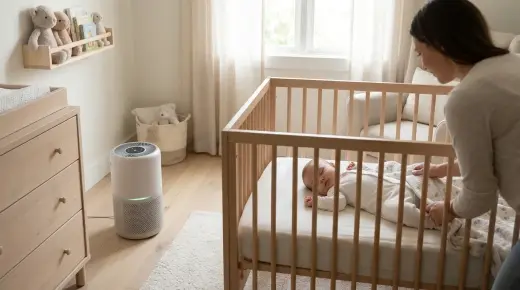
Baby Monitor Mounts and Cord Covers: Keeping Cables 1 Metre (3 Feet) from the Cot
Baby monitor cords can strangle babies and toddlers. How to mount a camera safely, hide cables with cord covers and keep them at least 1 metre from the cot.

On this page
- Why monitor cords are a risk
- The 1-metre (3-foot) rule, explained
- Mounting options compared
- How cord covers and concealers help
- How the risk changes as your baby grows
- Other cords near the cot
- What a monitor can and can't do
- Choosing a monitor with safe mounting in mind
- Official advice by country
- Setting up your monitor safely, step by step
- Common mistakes
- FAQ
- Sources
Short answer: Keep every baby monitor and every cord at least 1 metre (about 3 feet) away from any part of the cot, bassinet or portable cot. Never put a camera inside the cot or clip it to the cot rail if its cord can be reached. The safest set-up is a camera fixed high on the wall or on a shelf out of reach, with the cable run inside a cord cover (also called a cord concealer or cable channel) fixed to the wall all the way down to the power point. Check the set-up again every time your baby grows, moves the cot or starts to stand.
Key points
- Babies and toddlers can be strangled by monitor cords. The US Consumer Product Safety Commission (CPSC) has reported deaths of children aged 6 to 20 months.
- The CPSC's rule of thumb: cords at least 3 feet (about 90 cm, or roughly 1 metre) from any part of the cot, bassinet or play yard.
- Never put a monitor inside a cot or on the edge of a cot.
- Product Safety Australia and Red Nose say to keep cots away from all cords: blind cords, curtain cords and electrical cords.
- Cord covers keep cables flat against the wall and out of reach. They don't make a cord safe if it still ends up near the cot.
- No monitor has been shown to prevent sudden unexpected death in infancy (SUDI or SIDS). Safe sleep habits matter more than any gadget.
Why monitor cords are a risk
A baby monitor plugs into the wall with a long, thin power cable. To a baby or toddler, a cord hanging near the cot is something to grab. Once a baby can pull up, reach through the cot sides or stand, a cord within reach can be pulled into the cot. If it loops around the neck, it can strangle a child in a very short time, and it happens silently.
In 2012 the CPSC and the US juvenile products industry group warned parents that cords on baby audio and video monitors are a strangulation hazard when placed within a child's reach. They reported that since 2002, seven infants and toddlers had been strangled in baby monitor cords and three more nearly strangled. The children were between 6 and 20 months old.
In Australia, Product Safety Australia has run recalls of baby monitors where a cord could be pulled into the cot, and its safe sleep advice tells parents to keep cots away from cords of any kind. Red Nose Australia's safe sleeping environment advice also says to keep cots away from hanging cords. The same principle applies in the UK, the US and Canada: nothing that could wrap around a baby's neck should be in or near the sleep space.
The 1-metre (3-foot) rule, explained
The CPSC's advice is to keep monitor cords at least 3 feet away from any part of the crib, bassinet, play yard or other sleep space. Three feet is about 90 centimetres. In metric countries, rounding up to 1 metre is easy to remember and gives a little extra margin. Many monitor manuals also say at least 1 metre.
"Any part" matters. Measure from every side of the cot, including the top rail, the ends and the side your baby can reach through. A cord running along the skirting board behind the cot can still be in reach if your toddler pokes an arm out through the bars. A camera on a shelf above the cot is no good if its cable hangs down beside the cot.
Think in three dimensions. A toddler standing in a cot can reach up and out further than you expect. As a rough check, stand at the cot and stretch your arm over the rail as your child would. Anything that a small arm could reach is too close.
Mounting options compared
Most video monitors can be placed in several ways. Here's how they compare for safety and for getting a good view.
| Mounting option | Safety | View of baby | Notes |
|---|---|---|---|
| Wall mount, high up, with cord in a wall channel | Best: camera and cord fixed and out of reach | Good top-down or angled view | Needs screws or strong adhesive; plan the cable route to the power point |
| On a tall shelf or dresser at least 1 metre from the cot | Good if the cord is secured and the furniture is anchored to the wall | Side-on view; may need zoom | Tie back or channel the cord down the back of the furniture |
| Floor stand placed away from the cot | Fair: the stand can be pulled or knocked by a mobile child | Good overhead view | Keep the whole stand, legs and cord at least 1 metre away |
| Clip or clamp on the cot rail | Not advised if the cord can be reached; CPSC says never place a monitor on the edge of a crib | Very close view | Some "crib mounts" also loosen; avoid once baby can reach |
| Inside the cot | Never | — | Cords, small parts and a hard object in the sleep space |
| Battery or wireless camera with no cord | Removes the cord risk, but still keep it out of reach | Depends on placement | Small parts and batteries (especially button batteries) are their own danger |
Baby Monitors worth a look
Real products from our catalogue. We don't show star ratings or review counts; check the current price, stock and reviews on Amazon before you buy.

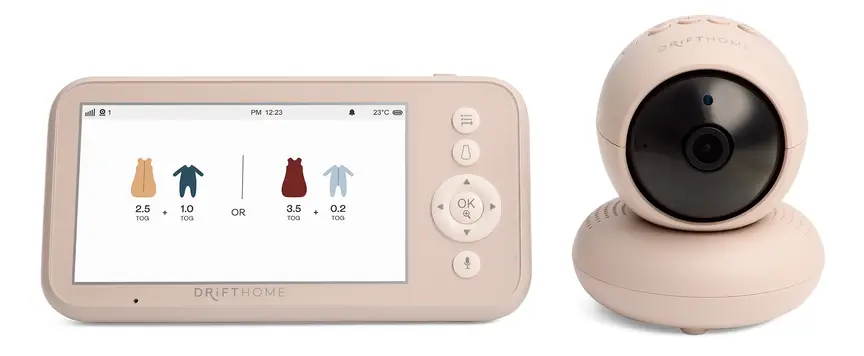
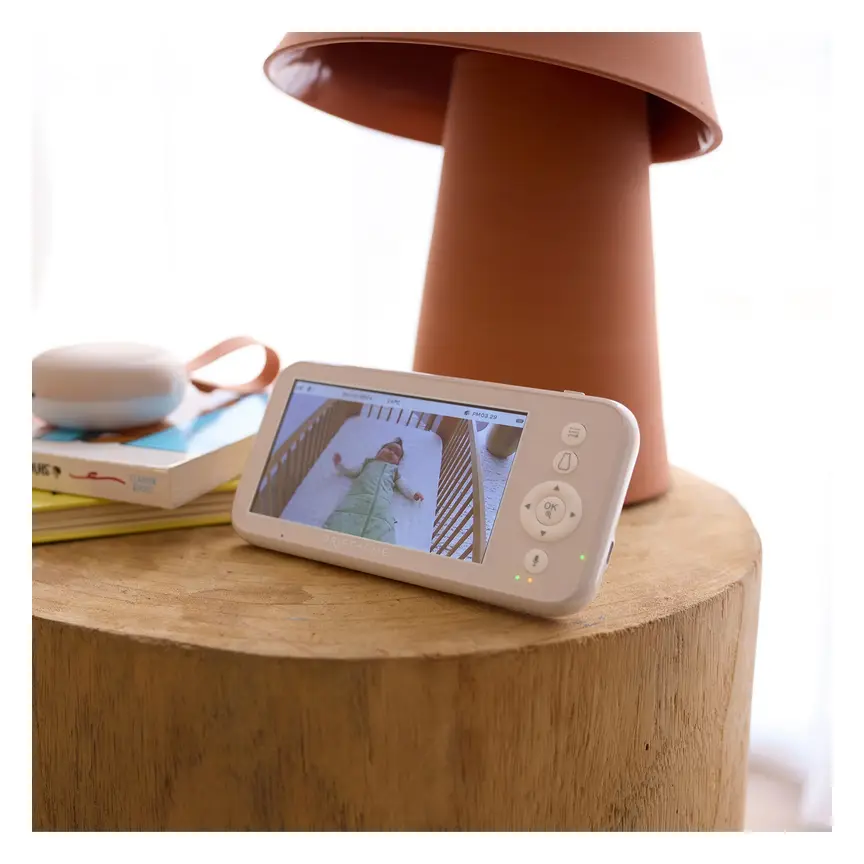
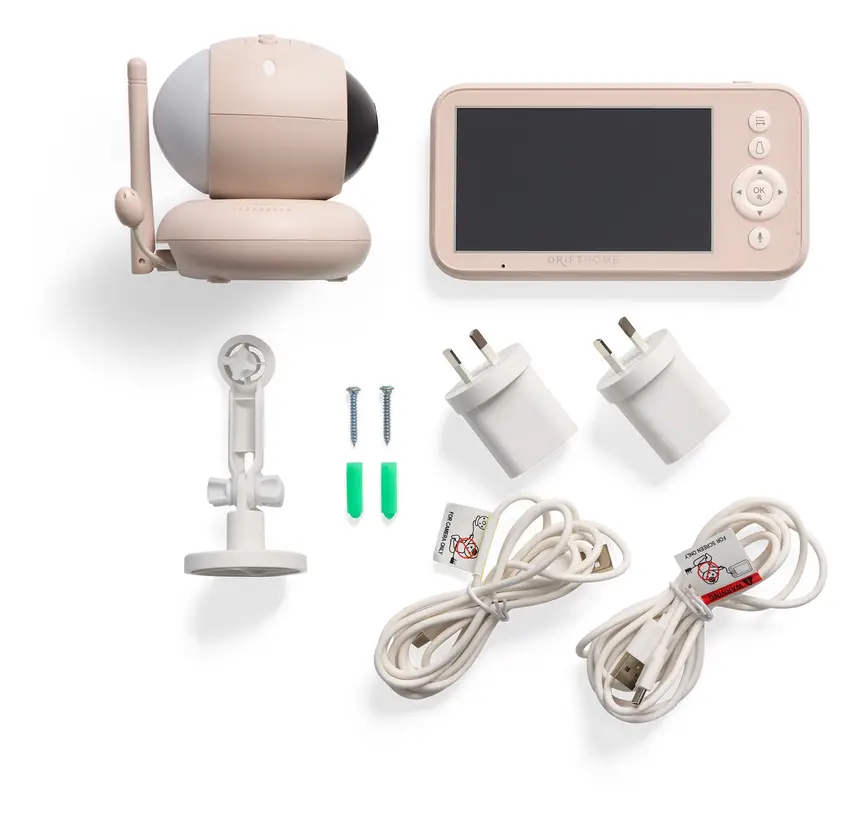
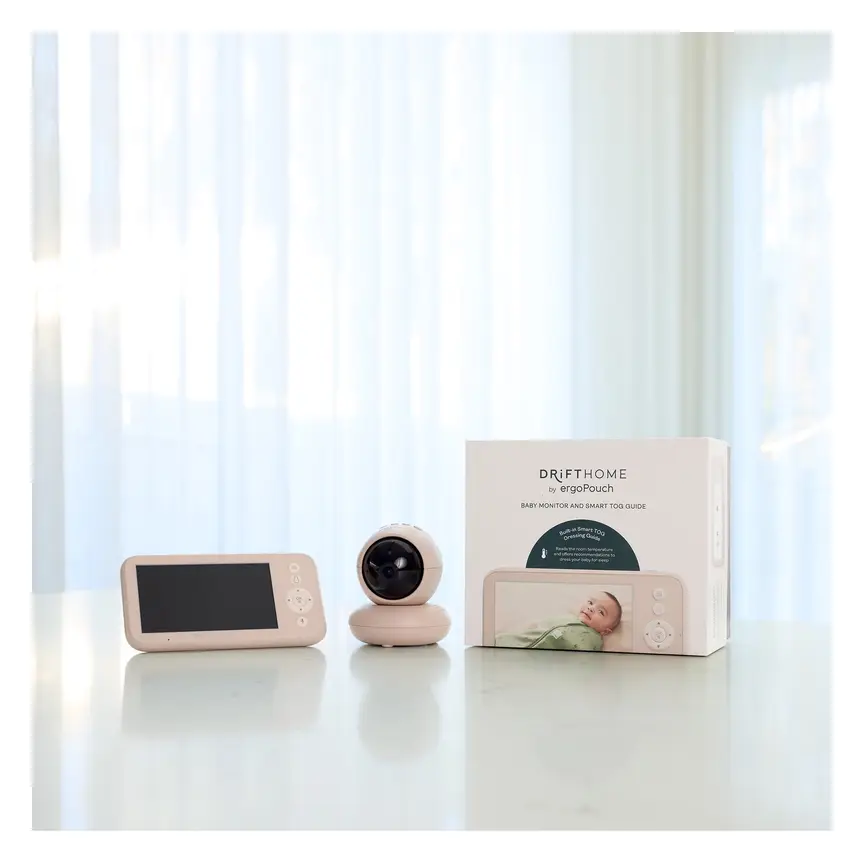

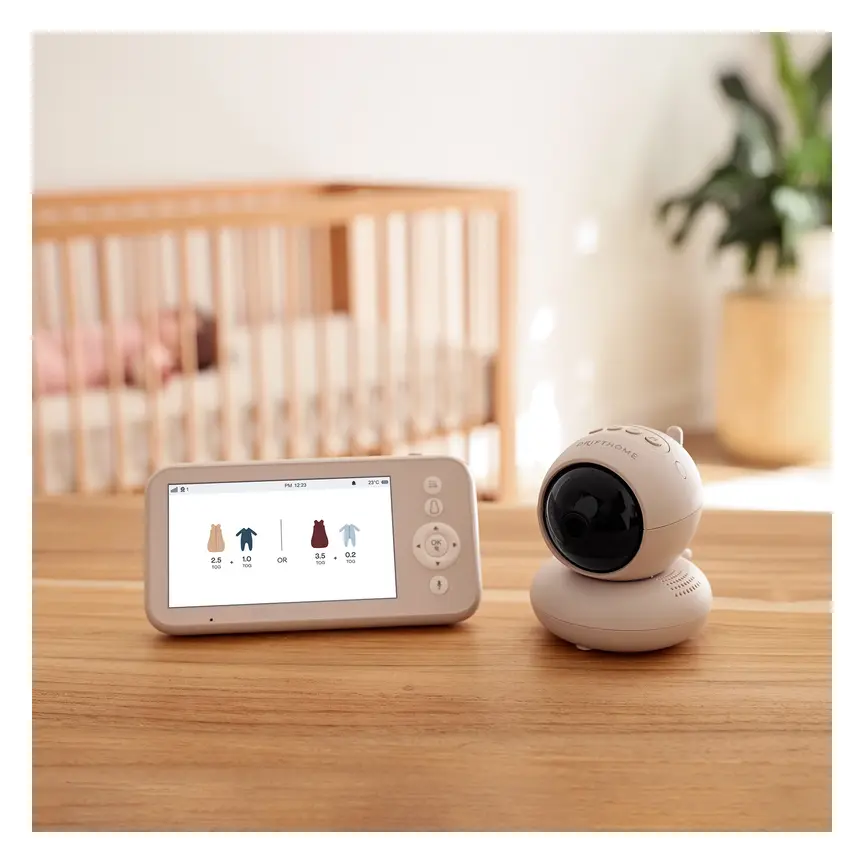
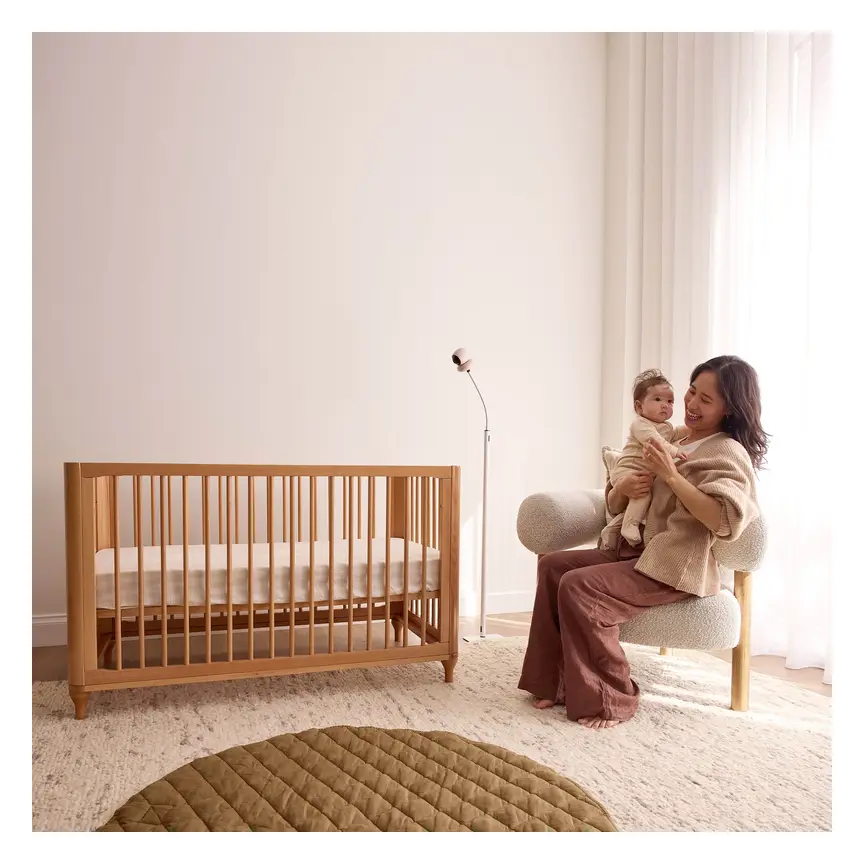

ergoPouch Drifthome Baby Monitor
A non-Wi-Fi monitor with a built-in TOG dressing guide and up to 300 m range.
Read our full review →

Eufy Baby Monitor E20
A monitor that works with or without Wi-Fi. You can share the app with up to 5 family members.
Read our full review →
Eufy Baby Monitor E21
The step-up Eufy monitor. It works with or without Wi-Fi and shares with up to 5 people.
How cord covers and concealers help
A cord cover is a long plastic channel that sticks or screws to the wall. You press the cable inside and snap the lid shut. It keeps the cable flat and hidden so there is no loop for a child to grab. Some kits come with corner pieces so the channel can go up the wall, across the ceiling line and back down to the power point.
Good practice when fitting one:
- Plan the route first. The whole cable, from camera to plug, should stay at least 1 metre from the cot. If the shortest route goes past the cot, take the long way around or move the camera.
- Cover the full length. A neat channel that stops 30 cm short leaves a loose loop at the bottom.
- Use screws where you can. Sticky backing can peel off in heat and humidity, especially in summer. If you rent, use the strongest removable strips the channel maker recommends and check them often.
- Don't coil spare cable behind the cot. Coil and tie spare length up high, or use a shorter cable if the maker offers one.
- Keep the plug and power point out of reach too. Use outlet covers if the power point is low and in a room your child can get to.
- Check it monthly. Lids can pop open and adhesive can fail.
Cord covers are a helper, not a safety guarantee. A channel that runs right beside the cot still puts the cable in reach if the lid pops off. Distance is the main protection.
How the risk changes as your baby grows
Newborn to about 4 months
Young babies can't reach far, so parents often place the camera close for a clear picture. This is the time to set things up properly, because the cot will usually stay where it is. Fix the camera and cord where they will still be safe when your baby is a toddler.
About 4 to 9 months
Babies start to roll, grab and reach through gaps. The CPSC's reported deaths began from about 6 months of age. Recheck every cord near the cot, including lamp cords, phone chargers and white noise machines.
About 9 months to 2 years
Babies pull up to stand and can reach over the top rail and out through the sides. Lower the cot base to its lowest setting as the cot instructions say. Everything within an arm's reach of the cot (cords, curtains, shelves and wall hangings) needs to go.
Moving to a bed
Once your child is in a bed and can walk around the room, a camera on a low shelf or floor stand is within reach. Mount it high on the wall, keep cords in channels, and anchor furniture to the wall so it can't tip if climbed.
Other cords near the cot
Monitor cords are only one type. Look around the whole sleep area.
- Blind and curtain cords. Product Safety Australia's blinds and curtains guide says looped cords are a strangulation risk for young children and should be secured out of reach. Move the cot away from windows.
- Lamps, night lights and sound machines. Keep them and their cords out of reach.
- Phone chargers and extension leads. Don't run them along the cot side.
- Mobiles and toys with strings. Remove mobiles once your baby can push up on hands and knees, or as the maker says.
- Breathing or movement monitors. Sensor pads under the mattress have their own cable. Follow the manual exactly, and check your country's recall list for your model.
What a monitor can and can't do
A camera or audio monitor lets you hear or see your baby from another room. That's useful. But it does not make sleep safer by itself. The American Academy of Pediatrics advises against using home cardiorespiratory monitors as a way to reduce the risk of SIDS. The Lullaby Trust in the UK, Red Nose in Australia and the Canadian Paediatric Society all focus on the same proven steps instead:
- Put your baby on their back to sleep, for every sleep.
- Use a firm, flat, well-fitting mattress in a cot that meets your country's safety standard.
- Keep the cot bare: no pillows, bumpers, soft toys or loose bedding.
- Keep your baby's head and face uncovered.
- Keep your baby in a smoke-free place before and after birth.
- Sleep your baby in a cot or bassinet in your room for the first 6 to 12 months.
If a monitor helps you rest, use it, but set it up so it adds no new risk.
Side by side: more baby monitors to compare
Real products from our catalogue. We don't show star ratings or review counts; check the current price, stock and reviews on Amazon before you buy.
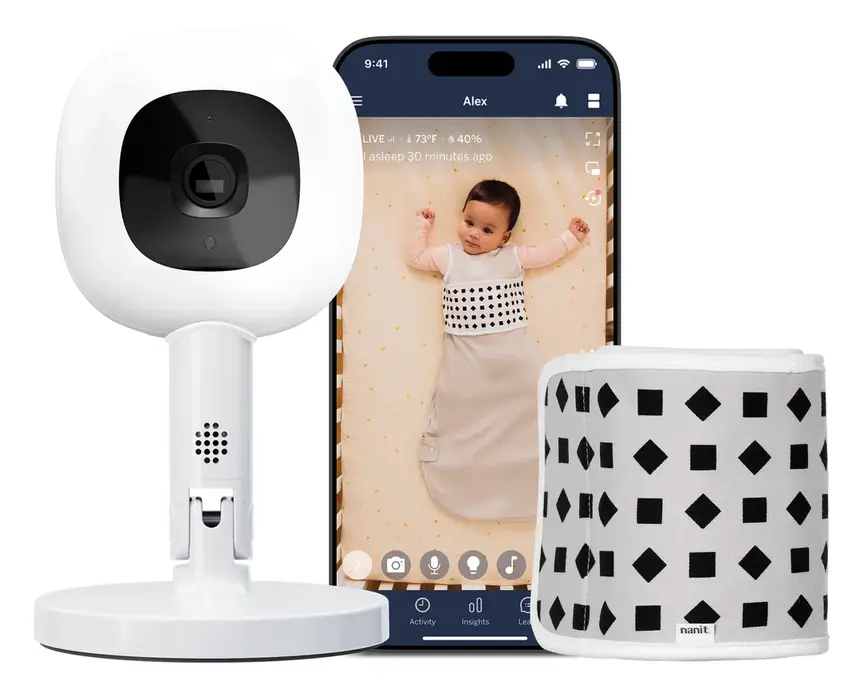 Reviewed
Nanit Pro Camera
Overhead 1080p Wi-Fi camera that tracks sleep and — with patterned Breathing Wear — breathing motion, without any electronics on the baby.
Read our full review →
Oricom Babysense7 Breathing & Movement Monitor
A sensor pad listed as a medical device on the Australian Register of Therapeutic Goods. It sounds an alarm if it stops sensing breathing movement.


VTech BM2220 Digital Audio Baby Monitor
A low-cost sound-only monitor with two-way talk, a room temperature sensor and a night light.
Choosing a monitor with safe mounting in mind
When you shop for a monitor, look past the screen size and the app. Ask how and where the camera will sit in your baby's room for the next two or three years.
- A wall-mount kit in the box. Many cameras include a bracket and screws. If not, check that the maker sells one that fits. A proper bracket is safer than a home-made fix.
- A long enough cable, or a cable you can route. A cable that only reaches the power point by passing the cot is a problem. Measure the distance from your chosen camera spot to the power point before you buy.
- A camera that can tilt and zoom. This lets you mount it high and far from the cot and still see your baby clearly. It takes away the temptation to move it closer.
- Good night vision. A clear picture in the dark from 1 to 2 metres away means you won't need the camera near the cot.
- Battery safety. Parent units and cordless cameras often use rechargeable batteries. Some sound or light gadgets use button batteries. Keep battery covers screwed shut and out of reach. Button batteries can cause serious internal burns if swallowed.
- Privacy and security for Wi-Fi models. Set a strong, unique password, turn on two-step sign-in in the app, and keep the camera's software up to date. Non-Wi-Fi monitors that only talk to their own parent unit avoid most online risks.
- Audio-only options. If you only need to hear your baby, a small audio monitor placed on a high shelf can be simpler and easier to keep out of reach.
Whatever you choose, the set-up rule stays the same: the camera, the cable and the plug all at least 1 metre from the cot, and nothing a growing child can reach.
Official advice by country
| Country | Who to check | What they say about cords and sleep spaces |
|---|---|---|
| Australia | Product Safety Australia (ACCC), Red Nose | Keep cots away from blind, curtain and electrical cords; monitor recalls where cords could be pulled into the cot |
| United Kingdom | The Lullaby Trust, NHS, OPSS | Keep the cot clear; nothing in the sleep space that could cover the face or wrap around the neck |
| United States | CPSC, AAP | Monitor cords at least 3 feet from any part of the crib; never put a monitor in or on the crib |
| Canada | Health Canada, Caring for Kids | Bare crib, no cords or blind cords near the crib; check recalls |
Setting up your monitor safely, step by step
- Place the cot first. Away from windows, blinds, curtains, heaters and shelves.
- Pick a camera spot at least 1 metre from every side of the cot, high enough to see into the cot.
- Find the nearest power point that lets the cable stay at least 1 metre from the cot the whole way.
- Fix the camera with the wall mount from the maker, into a stud or with the right wall plugs.
- Run the cable in a cord cover from the camera to the plug.
- Check with your own arm from inside the cot space: nothing reachable.
- Test the view and sound from the parent unit or app.
- Recheck when your baby starts rolling, sitting, pulling up and standing, and whenever you move furniture.
Common mistakes
- Clipping the camera to the cot rail for a "better angle".
- Draping the cable over the cot or tucking it behind the mattress.
- Keeping the camera far away but letting the cable hang down near the cot.
- Using a floor stand within reach of a standing toddler.
- Trusting sticky cord channels that have started to peel.
- Forgetting the second camera or sound machine that a grandparent set up.
- Thinking a "smart" monitor makes it fine to add pillows, bumpers or soft toys.
- Using a monitor that has been recalled. Check your country's recall site with the brand and model number.
More options, from budget to premium
Real products from our catalogue. We don't show star ratings or review counts; check the current price, stock and reviews on Amazon before you buy.
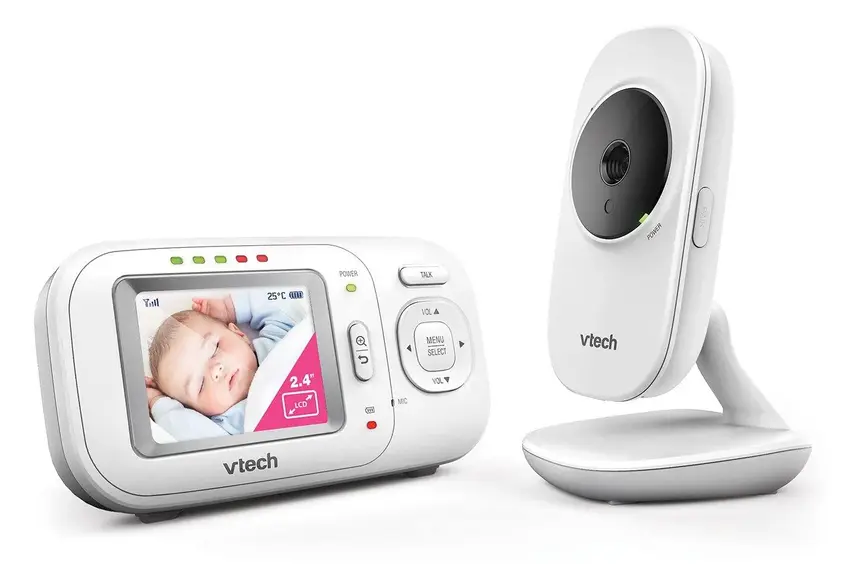
VTech BM2700 Video and Audio Baby Monitor
Non-wifi video monitor

VTech BM3350N Video Baby Monitor
Non-wifi video monitor

FAQ
How far should a baby monitor be from the cot?
The camera and its whole cord should be at least 1 metre (3 feet) from every part of the cot. The CPSC says at least 3 feet; many monitor manuals say at least 1 metre.
Are cot-rail monitor mounts safe?
The CPSC says never to place a monitor on the edge of a crib. If you use a rail mount for a young baby, the cord must still be completely out of reach, and you should move the camera before your baby can reach, roll or pull up. A wall mount is a safer long-term choice.
Do cord covers make the cord safe?
They help by keeping the cable flat and hidden. But distance is what keeps it safe. A covered cord should still stay at least 1 metre from the cot.
Is a wireless or battery camera safer?
No cord means no strangulation risk from the cable. But the camera can still fall, and batteries, especially button batteries, are dangerous if swallowed. Keep the camera out of reach.
Does a baby monitor prevent SIDS?
No. No monitor has been shown to prevent SIDS. Follow safe sleep advice: back to sleep, a bare cot, a firm flat mattress and a smoke-free home.
What about breathing sensor pads?
They have cables too. Follow the manual exactly, keep the cable out of reach, and check for recalls. Don't rely on them in place of safe sleep habits.
Can I put the camera on the change table next to the cot?
Only if the change table is at least 1 metre from the cot and the cord is secured. Change tables are often right next to cots, so this spot is usually too close.
Where can I check for monitor recalls?
Product Safety Australia (productsafety.gov.au), the UK Product Safety Database, the US CPSC (cpsc.gov) and Health Canada's recalls site (recalls-rappels.canada.ca).
Sources
- U.S. Consumer Product Safety Commission – Infants and toddlers can strangle in baby monitor cords (Publication 5066)
- Product Safety Australia – Settle baby to sleep safely
- Product Safety Australia – Blinds, curtains and window fittings guide
- Red Nose Australia – What is a safe sleeping environment
- The Lullaby Trust – Safer sleep overview
- HealthyChildren.org (American Academy of Pediatrics) – A parent's guide to safe sleep
- Caring for Kids (Canadian Paediatric Society) – Safe sleep for babies
Related guides
More Sleep & Nursery →
When to Move Your Baby from a Bassinet to a Cot

Warm-Weather 0.2 and 0.5 TOG Muslin Sleep Sacks: Keeping Your Baby Cool Safely

Convertible Cots and Cribs: From Baby Bed to Toddler Bed and Beyond