













Quick answer
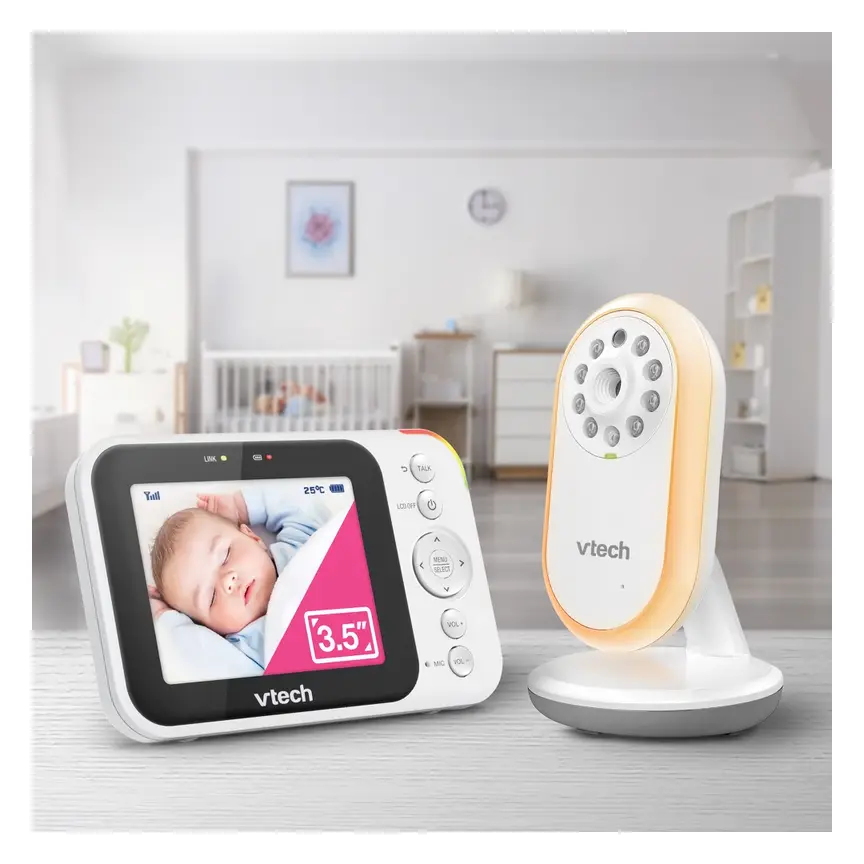
The VTech BM3750N is a video baby monitor without Wi-Fi. It sends sound and pictures to its own parent screen. Baby Bunting lists a 3.5-inch colour screen, night vision, talkback and room-temperature alerts. The retailer quotes up to 19 hours of active video monitoring. That is a listed claim, rather than our measured result. Typical price about A$159 (checked Nov 2026). It suits parents who want a simple screen at home. Look elsewhere if phone viewing is essential. We cannot confirm its range or picture quality from these facts. Like all baby monitors, it cannot prevent SIDS or SUDI. Safe sleep and direct care still matter.
Buy it if
- Parents who want video without Wi-Fi
- Families who prefer a separate parent screen
- Buyers seeking basic video at a lower price
- Parents who want talkback and room-temperature alerts
Skip it if
- You need to watch through a phone app
- You want confirmed remote camera steering
- You need a proven signal across your whole home
- You want measured picture and battery results before buying
What the VTech BM3750N offers
The BM3750N takes a simple approach to watching your baby. A camera sends pictures and sound to a separate parent unit. You use that screen instead of your phone. The connection does not use Wi-Fi.
That makes its purpose easy to understand. You can look at your baby from elsewhere at home. You can also hear sounds and speak through the monitor. It is an extra way to check in during daily tasks.
The supplied research does not give a launch date. It also does not explain changes from an earlier model. We cannot call it a new design or a major upgrade. This review looks at the features listed for this exact model.
Baby Bunting is the source for the main product facts. Its listing includes night vision, digital zoom and a night light. It also lists a camera with vertical angle adjustment. The facts do not confirm remote camera steering.
Typical price about A$159 (checked Nov 2026). This is the supplied manually checked price. Our score is an editorial view based on the listed features. It is not an owner rating or a test result.
Some useful details remain unknown. We do not have measured signal range or screen resolution. We also lack charge time and replacement battery details. Those gaps matter when choosing a monitor for your home.
Source: Baby Bunting. Battery life is a retailer-listed claim. Dimensions and weight describe the package, not the camera or parent unit.
Who should consider this monitor?
Consider the BM3750N if you want a separate baby screen. Your phone can stay free for calls and other tasks. There is no need to choose an app for this monitor. Its direct connection is the main reason to consider it.
It may also suit a shared care routine. Think about who will carry the parent unit each day. Plan where it will sit during meals and household jobs. A monitor only helps when the carer can hear its alerts.
The feature list covers common needs without many extras. You get video, sound, talkback and temperature alerts. You also get night vision for a dark room. Whether those features work well enough needs a home check.
Skip this model if you need phone viewing away from home. That is not part of the supplied feature list. Also pause if remote camera movement is essential. Vertical adjustment does not prove the camera can move through screen controls.
Some parents mainly need to hear their baby. A sound-only monitor may suit that simpler job. Others want a larger screen or more camera control. The best choice starts with your needs, rather than feature count.
A monitor must fit around direct care. Do not use a quiet screen as proof of wellbeing. Go to your baby if you have concerns. Seek medical help when needed, rather than relying on a monitor.
A direct connection, with limits to check
The BM3750N uses a direct radio link without Wi-Fi. Baby Bunting calls the system FHSS. This means the radio link changes channels as it works. The listing describes a private connection and clear sound.
That description is not a promise against every privacy risk. We have no security test results for this model. We also have no details about its pairing controls. Follow the instructions for linking the camera and parent unit.
The main practical appeal is the separate screen. You do not need your home Wi-Fi for this connection. However, no Wi-Fi does not mean unlimited reach. The supplied facts give no range figure for the BM3750N.
Check the link in the rooms where you need it. Include the kitchen, lounge and your usual evening seat. Check with doors in their normal positions. A useful view beside the cot does not prove whole-home coverage.
The monitor has an audible lost-link or out-of-range alert. Learn what that alert sounds like before daily use. If it sounds, move back and check your baby directly. Do not treat a lost picture as a harmless screen fault.
We cannot confirm how it behaves during a power cut. The parent unit has a rechargeable battery. That fact does not establish backup power for the camera. Ask about camera power before relying on it during an outage.
What the screen and camera can show
The parent unit has a colour screen. Auto night vision is also listed. These features let you seek a view in different light. The facts do not show how much fine detail remains visible.
We have no screen resolution or measured picture samples. We also lack a stated camera field of view. That means we cannot judge sharpness across a whole cot. We cannot promise a clear view of small movements either.
The camera offers vertical angle adjustment. Use the manual to check how that adjustment works. Do not assume it moves through the parent unit. Remote pan and tilt are not confirmed in the supplied facts.
Digital zoom is included, but its strength is not supplied. It may help you look more closely at the image. Still, zoom does not prove the picture has more detail. Choose the camera position with the normal view in mind.
Start with a safe camera position beyond your baby's reach. Check that it gives a useful view of the cot. Do not place equipment inside the sleep space. Never route a cord across the cot to improve the picture.
The camera is wall-mountable, according to the listing. We do not know which mounting parts come in the box. Check the pack and instructions before planning a wall position. Make sure the camera cannot fall into the cot.
Battery claims, talkback and useful alerts
Baby Bunting quotes up to 19 hours of active video monitoring. That figure applies to the rechargeable parent unit. It is a useful claim to note while comparing monitors. We have no independent result to confirm it.
The supplied research does not explain the battery claim's conditions. We do not know the brightness or sound settings used. We also do not know the charging time. Avoid building your care routine around the best quoted result.
Charge the unit as the manual directs. Get used to its low-battery alert before overnight use. Keep the charger somewhere safe and easy for adults to reach. Keep its cord away from the cot and walking paths.
Auto Wake-up switches the screen off when no sound is detected. That is the behaviour confirmed by the supplied listing. We do not have details about sound sensitivity or delay. Check the manual before choosing settings for a quiet room.
Talkback lets you speak through the monitor. A familiar voice may be worth trying when baby stirs. It does not replace going into the room when needed. We have no measured results for voice quality or delay.
The camera also has a night light and soothing sounds. Try these extras only if they suit your routine. They are comfort features, rather than safety tools. Nothing in the supplied facts proves they improve sleep.
Room-temperature alerts provide another prompt to check the nursery. The facts do not give sensor accuracy or alert limits. Do not treat the reading as your baby's body temperature. Check your baby and the room when an alert sounds.
The useful features and the open questions
The BM3750N has a clear purpose on paper. It offers basic video without a Wi-Fi connection. The listed sound and alert features add practical options. Its value depends on how well those basics fit your home.
The biggest drawback in this review is missing evidence. We cannot judge picture sharpness, actual battery life or home range. Those gaps do not prove poor performance. They mean our recommendation needs clear limits.
Buy with a plan to check the essentials straight away. Read the store's return terms before paying. Ask how it handles faults and unsuitable home coverage. A low price loses appeal if the monitor cannot serve your routine.
What we love
- Direct video connection without Wi-Fi
- Separate colour screen for the parent
- Auto night vision and digital zoom listed
- Two-way talkback and room-temperature alerts
- Audible low-battery and lost-link alerts
- Single- and twin-camera packs listed
What to weigh up
- No phone viewing listed
- Remote camera steering is not confirmed
- No verified home range figure supplied
- No measured picture quality results supplied
- Quoted battery life has not been independently checked
- Camera power backup and replacement battery details are unknown
Where it fits in the VTech range
The supplied catalogue includes several VTech monitor types. These are different models, rather than confirmed BM3750N upgrades. Check each exact model before choosing. A similar name does not mean the controls work alike.
The BM2220 is the sound-only option in this group. Consider it if hearing your baby meets your needs. The BM5850HD offers a larger screen and motorised camera movement. The RM4761 offers direct viewing or an app.
Those differences help narrow your shortlist. Choose sound-only if you do not need a picture. Consider more camera control if the viewing angle matters. Consider app viewing only if it solves a real need.
These family notes come from the supplied catalogue descriptions. Separate retailer or maker URLs were not supplied for them. We therefore leave out detailed claims about their performance. Check their own manuals, local support and current product listings.

VTech BM2220 Digital Audio Baby Monitor
Best for: Parents who only need sound
The supplied catalogue describes an audio monitor with talkback, a temperature sensor and a night light.


VTech BM5850HD Video Monitor
Best for: A larger screen and camera control
The supplied catalogue lists a non-Wi-Fi monitor with motorised pan and tilt.
Read our full review →
VTech RM4761 Smart Pan & Tilt Monitor
Best for: Parents weighing direct and app viewing
The supplied catalogue says it works direct or through an app.
Read our full review →BM3750N against different monitor choices
These rivals show different ways to view your baby. The Eufy SpaceView Pro uses its own parent screen. So does the Infant Optics DXR-8 PRO. The Nanit Pro Camera takes a phone-based approach using Wi-Fi.
Start by choosing the viewing style you want. A separate screen may suit a shared home routine. Phone viewing may suit a different set of needs. Neither choice tells us how well a signal will work locally.
The supplied catalogue describes extra features for these rivals. It does not provide their source URLs or checked prices. We keep this table to a basic design comparison. It cannot establish which model has the best picture or sound.
For the BM3750N, the appeal is simple video without Wi-Fi. For each rival, check the exact local product version. Ask about support, warranty and what comes in the pack. Do not assume overseas model names mean matching features.
| Main choice | VTech BM3750N Video Monitor | Eufy SpaceView Pro | Infant Optics DXR-8 PRO | Nanit Pro Camera |
|---|---|---|---|---|
| Viewing style | Separate parent screen | Separate parent screen | Separate parent screen | Phone app |
| Connection described | Direct radio link; no Wi-Fi | Closed system; no Wi-Fi | Closed radio link; no Wi-Fi | Wi-Fi |
| Camera feature listed | Vertical angle adjustment | Pan and tilt | Interchangeable lenses | Overhead view |
| Main reason to consider | Simple video without Wi-Fi | Parent screen with camera movement | Parent screen with lens choices | Phone viewing from overhead |
| Evidence still needed | Home range and measured picture quality | Local source, price and performance checks | Local source, price and performance checks | Local source, price and ongoing service details |
BM3750N facts come from Baby Bunting. Rival descriptions come from the supplied catalogue; separate source URLs were not provided. This is a design comparison, not a performance ranking.
Cheaper, premium and different options
The cheaper route may be giving up video altogether. The supplied catalogue places the BM2220 below the BM3750N in price. That makes it worth checking if sound is enough. We have no separate source URL for that price here.
The catalogue places the Eufy E21 in a premium tier. Its main listed difference is direct or Wi-Fi app use. That does not prove better sound, pictures or reliability. Spend more only when the added viewing choice helps you.
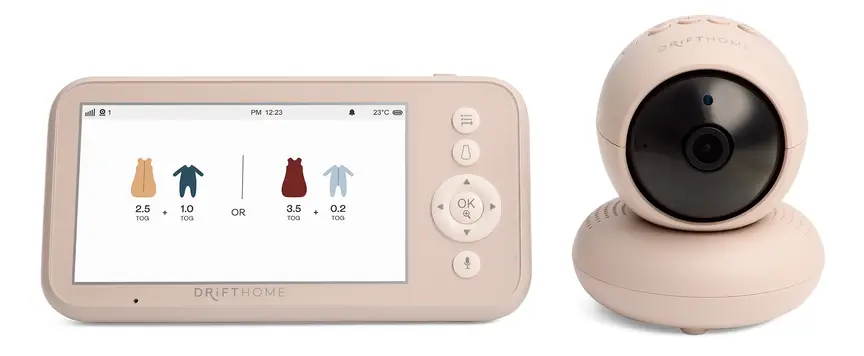
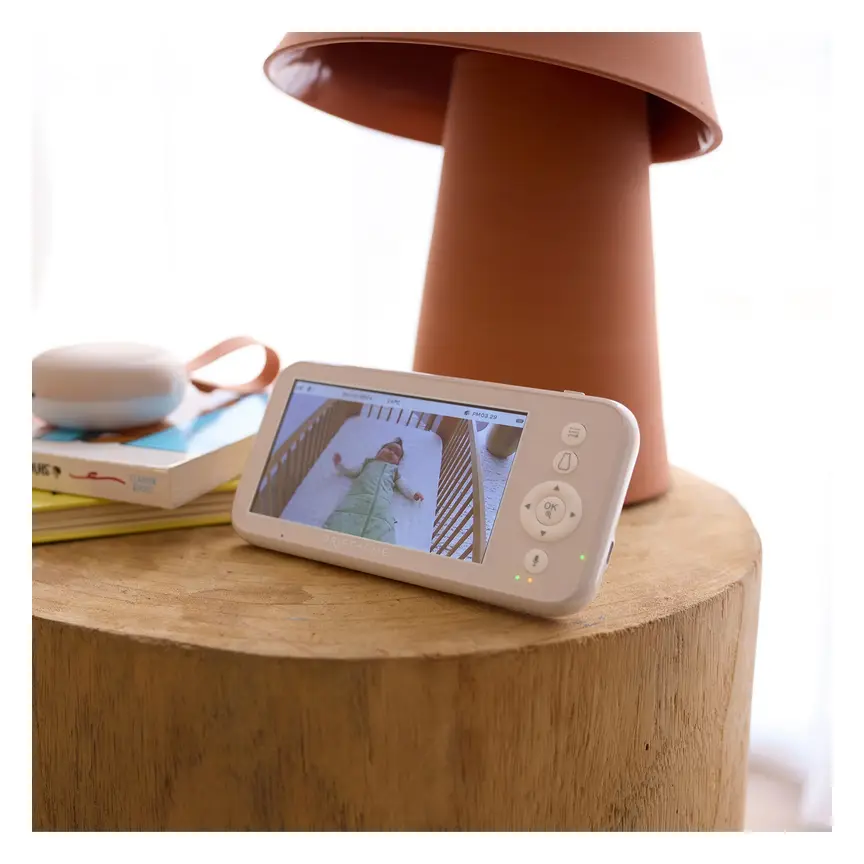
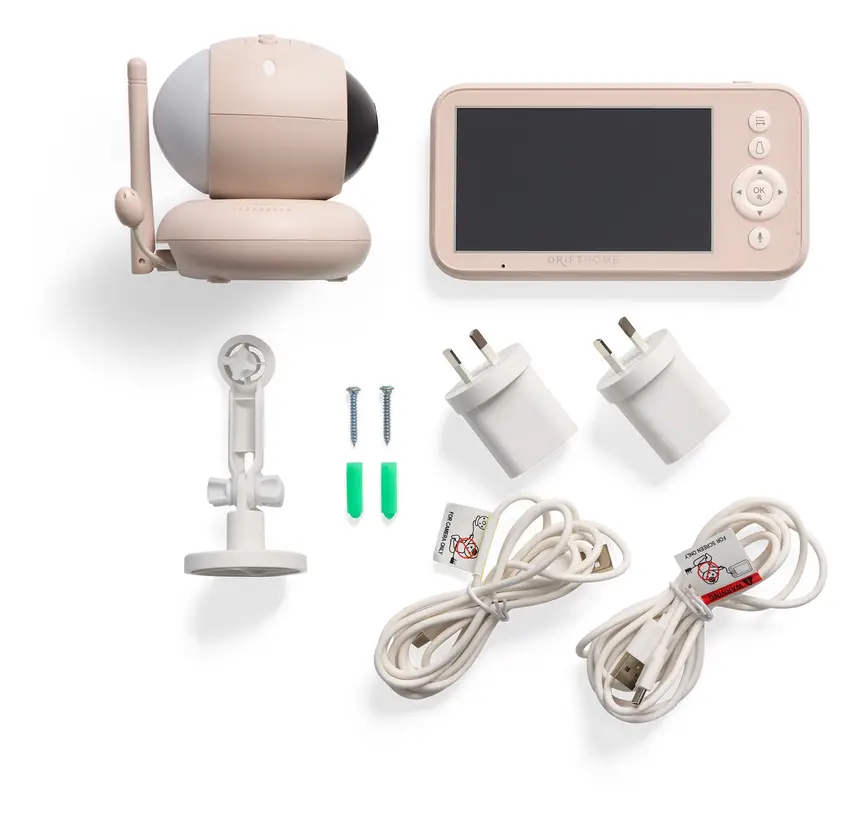
The ergoPouch Drifthome offers another non-Wi-Fi approach. Its catalogue description includes a built-in TOG dressing guide. TOG describes how warm sleepwear is. A guide still cannot replace checking your baby and the room.
Keep these as shortlist ideas rather than settled recommendations. Their individual source pages were not supplied for this review. Ask for current local details before buying. Avoid paying for extras you do not expect to use.
VTech BM2220 Digital Audio Baby Monitor
Best for: A cheaper sound-only shortlist
Its supplied catalogue price is lower than the BM3750N. It offers sound instead of video; check the current local listing.

Eufy Baby Monitor E21
Best for: Direct viewing with an app option
The supplied catalogue describes a premium monitor that works with or without Wi-Fi.
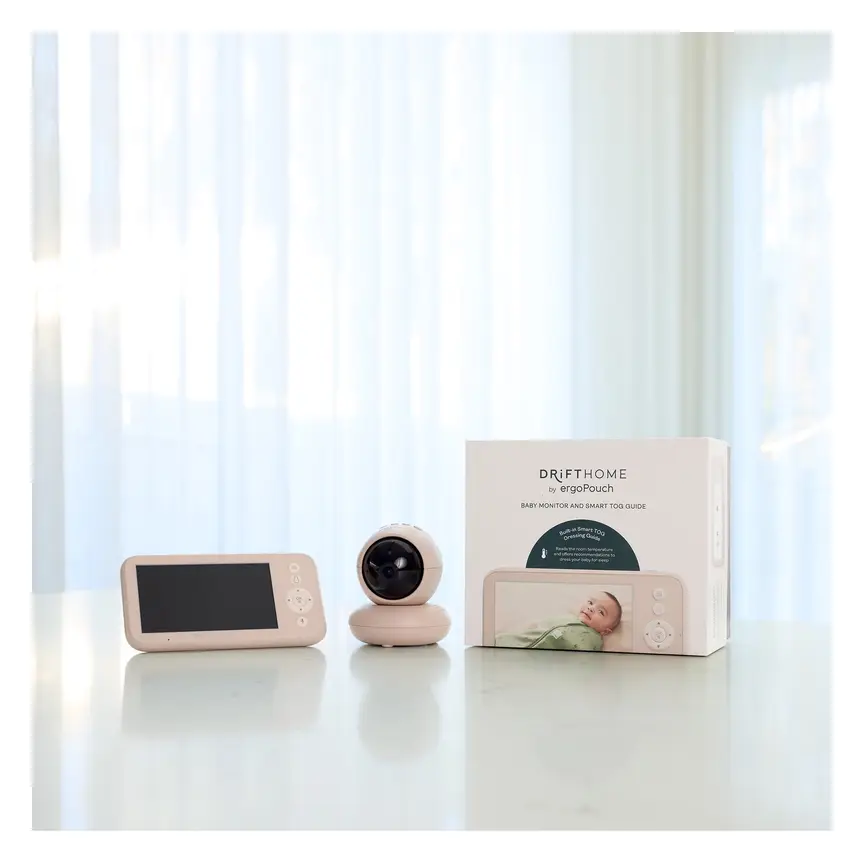

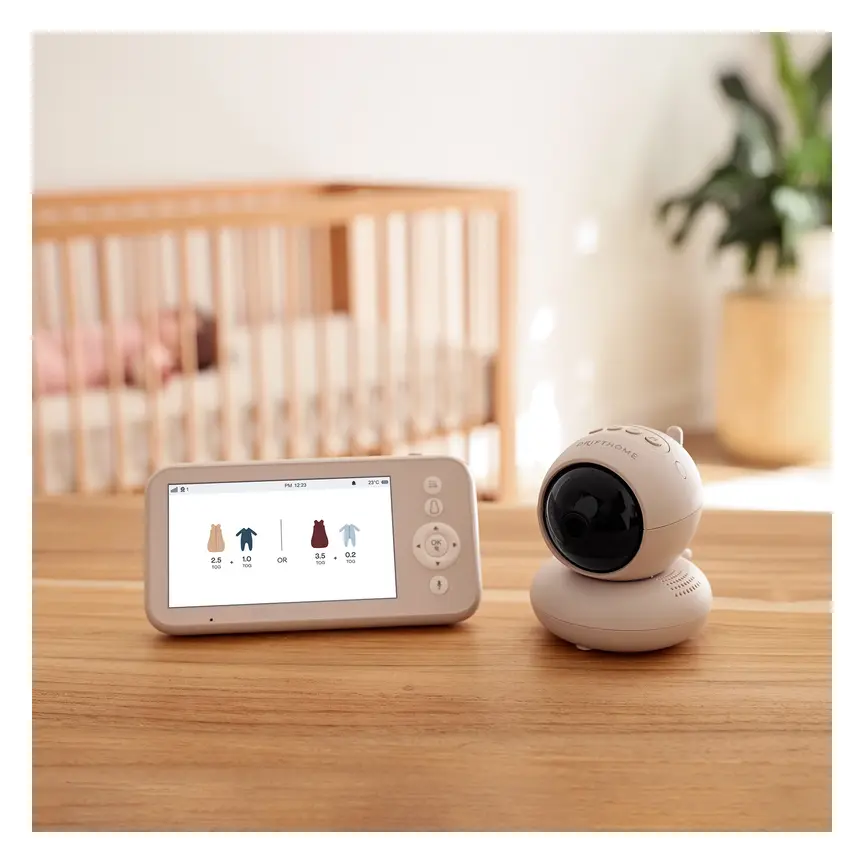
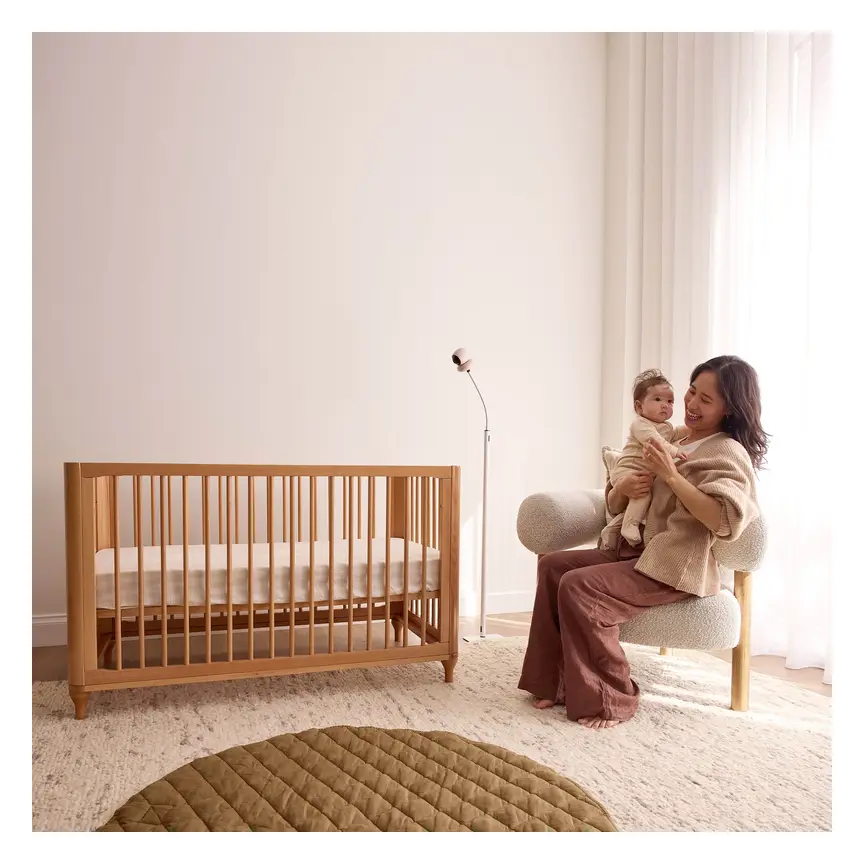

ergoPouch Drifthome Baby Monitor
Best for: A different non-Wi-Fi design
The supplied catalogue lists a built-in dressing guide. Check its instructions and local product details.
Read our full review →Safety and buying in your country
The supplied facts do not name a BM3750N safety standard. They also do not provide a certification record. We cannot claim it meets specific rules in any country. A product listing alone is not evidence for every local approval.
For Australia, the supplied source is Baby Bunting. It supports the listed product facts and checked Australian price. It does not establish current stock or overseas support. Confirm those details with the seller before ordering.
For the UK, US and Canada, check the exact local version. Ask about its power supply and local warranty cover. Check that the manual matches the model being sold. Do not assume an Australian pack suits another country.
Follow Red Nose safe sleep advice in Australia. Overseas readers should also follow their local safe sleep guidance. No screen, sensor or alert can prevent SIDS or SUDI. Safe sleep rules still apply when a monitor is running.
Keep the camera, charger and cords beyond your baby's reach. Secure equipment so it cannot fall into the cot. Recheck the set-up as your baby starts moving more. The safest viewing angle is one that keeps hazards away.
What to check before you buy
Write down the job you need the monitor to do. Name the rooms where you expect to use it. Decide whether you need video, phone access or camera movement. This keeps the choice focused on daily care.
Next, ask the seller about the exact pack. Single- and twin-camera packs are listed for the BM3750N. That does not establish what every listing includes. Confirm the camera count, power parts and mounting parts before paying.
Read the return terms while the choice is still open. Ask what happens if coverage fails in your home. Keep the receipt and the supplied instructions. Make time to check the core functions soon after purchase.
Finish by planning a safe place for each part. The camera needs a safe view of the cot. The parent screen needs a place the carer can hear. Neither should create a cord hazard or a trip risk.
- Confirm the exact model
Check that the box and listing both say BM3750N.
- Choose the right pack
Ask whether the listing includes a single or twin-camera pack.
- Plan safe camera placement
Keep the camera and cords beyond reach, with nothing over the cot.
- Ask about home coverage
No BM3750N range figure was supplied. Read the return terms.
- Check power needs
Confirm how the camera is powered. Ask about outage behaviour.
- Learn the alerts
Read how low-battery, temperature and lost-link alerts work.
- Check local support
Confirm warranty handling for your country and exact product version.
- Keep proof of purchase
Save the receipt, model details and instructions for later help.
Common mistakes that make a monitor less useful
The biggest mistake is trusting features you have not checked. A battery claim is not a promise for your routine. A private connection claim is not a full security report. Night vision does not prove fine picture detail.
Another mistake is choosing a camera position for looks alone. Start with cord safety and a secure support. Then check the view without adding anything to the cot. Move the camera if you cannot get a safe set-up.
Do not leave alert checks until a busy night. Learn the sounds while you can focus on the instructions. Make sure every regular carer knows what they mean. Agree who will carry or watch the parent unit.
Finally, do not ask the monitor to answer medical questions. Temperature alerts describe the room, rather than your baby's body. Video cannot tell you everything about your baby's health. Direct care always remains part of the job.
Keep a charging plan. Learn the low-battery warning before daily use.
This model is listed as a non-Wi-Fi video monitor.
Only vertical angle adjustment is confirmed in the supplied facts.
Keep cords beyond reach, including as your baby grows and moves.
Check your baby directly and restore the connection.
No monitor prevents SIDS or SUDI. Keep following safe sleep advice.
Living with it, care and buying used
Build a simple charging habit around the parent unit. Choose a place that adults can reach easily. Keep the charger away from the baby's sleep space. Follow the manual rather than guessing how long charging takes.
Use the maker's cleaning instructions for every part. The supplied facts do not give a cleaning method. We cannot confirm suitable sprays, wipes or water use. Ask VTech for the manual if yours is missing.
Check the camera support and cord route during normal care. A safe position can become reachable as your baby grows. Look again when moving the cot or other furniture. Keep equipment out of the sleep space at every stage.
If buying used, check the model label and supplied parts. Ask to see the picture, sound and alerts working. Check the parent battery and inspect cords for damage. Do not assume the original battery claim still describes an older unit.
The supplied listing gives a warranty of 24 months. It does not explain transfer rights or all claim terms. Keep your receipt and ask about local warranty handling. For a used unit, confirm any cover directly with the seller.
We have no repair costs or resale figures for this model. We also lack confirmed replacement battery details. Ask about those before buying if long ownership matters. A clear support answer is more useful than a guessed lifespan.
When passing it on, include the matching instructions and parts. Describe any battery or connection problems plainly. Do not claim it protects against sleep-related death. The next family needs the same clear limits as you.
Questions parents ask
Does the VTech BM3750N need Wi-Fi?
No. The supplied listing says it uses a direct radio connection. Pictures and sound go to its own parent screen. That is the key reason to consider this model. It does not establish unlimited range around your home. Check the link in the places where you need it.
Can I watch the BM3750N on my phone?
Phone viewing is not listed for this model. It is described as a non-Wi-Fi video monitor. Plan to use the supplied parent unit for viewing. If an app is essential, choose a model that clearly supports one. Check the exact local version before buying.
How long does the BM3750N battery last?
Baby Bunting quotes up to 19 hours of active video monitoring. That claim refers to the rechargeable parent unit. We have not measured it. The supplied facts do not explain the claim's settings or conditions. Keep a charging plan and learn the low-battery alert.
Can I move the camera from the parent screen?
The supplied facts confirm vertical angle adjustment. They do not confirm motorised movement or remote steering. Do not assume the screen can turn the camera. Ask for the manual if that feature matters to you. Check the safe viewing angle before fixing the camera in place.
Does the VTech BM3750N have night vision?
Yes. Auto night vision is listed by Baby Bunting. Digital zoom and a night light are also listed. We do not have measured night picture quality or a stated viewing distance. Check that the image is useful from a safe camera position.
What is the range of the BM3750N?
No range figure was supplied for this exact model. We cannot give a distance or promise whole-home coverage. Check the link in your usual rooms after set-up. Read the seller's return terms before buying. The monitor has an audible lost-link or out-of-range alert.
Does the BM3750N prevent SIDS or monitor breathing?
No monitor can prevent SIDS or SUDI. The supplied BM3750N facts do not list breathing measurement. They describe video, sound, temperature alerts and related features. Keep following Red Nose safe sleep advice. Check your baby directly if concerned, and seek medical help when needed.
Can I buy the BM3750N with more than one camera?
Baby Bunting lists single- and twin-camera packs. Confirm which pack the seller is offering before paying. The supplied facts do not explain screen switching or viewing modes. They also do not confirm a maximum supported camera count. Check those details in the exact model's manual.
How much does the VTech BM3750N cost in Australia?
Typical price about A$159 (checked Nov 2026). This comes from the supplied manually checked Baby Bunting price. It is not a live offer or a stock promise. Check the exact camera pack when comparing listings. No verified UK, US or Canadian price was supplied.
Is the Australian BM3750N suitable for overseas use?
The supplied facts do not confirm this. For the UK, US or Canada, check the exact local version. Ask about the power supply, local rules and warranty support. Do not assume an Australian pack has local approval elsewhere. A matching model name alone does not settle those questions.
More in-depth reviews
 🪑 Highchairs & Booster Seats4baby Flat Fold Highchair Review7.5/10
 🪑 Highchairs & Booster Seats4baby Grow With Me Wooden Highchair Review7.8/10
 🚼 Prams & StrollersBaby Jogger City Tour 2 Review8.4/10
 🎠 Bouncers, Rockers & SwingsBabyBjörn Bouncer Balance Soft Review8.2/10
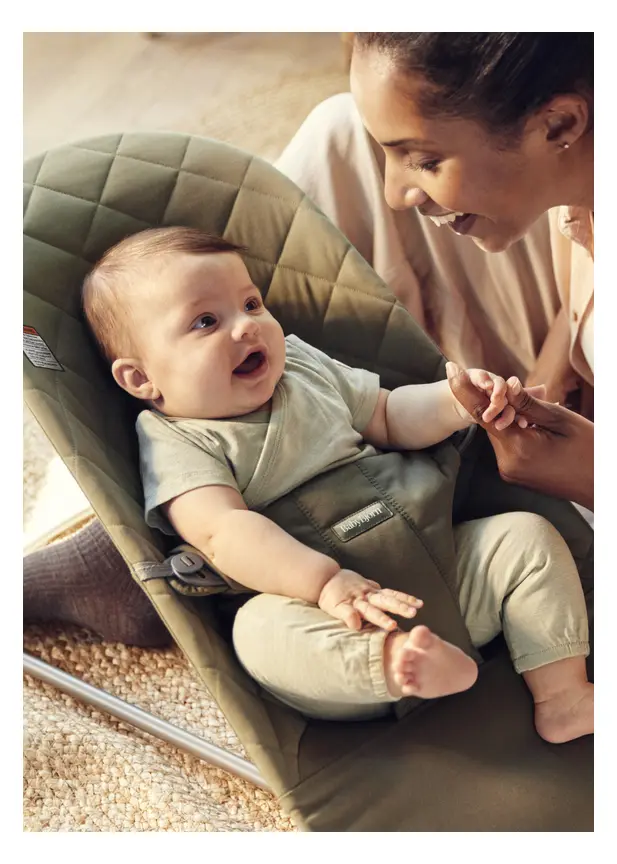 🎠 Bouncers, Rockers & SwingsBabyBjörn Bouncer Bliss Review8.6/10
 🤱 Baby Carriers & WrapsBabyBjörn Carrier Hold Review8.0/10
Sources & how we checked
Specifications are taken from the manufacturer and major retailers and cross-checked; prices are typical RRPs and change often — the buttons show today's price. We do not invent star ratings or review counts.
BabyGearFinder earns a commission from qualifying purchases through retailer links, at no extra cost to you. It never changes our verdict.