














Dual-Camera Baby Monitors for Two Children: Split Screen, Sound From Two Rooms and Battery Life
Watching two kids in two rooms? How dual-camera split-screen baby monitors work, sound switching between rooms, battery life, range and safe setup.
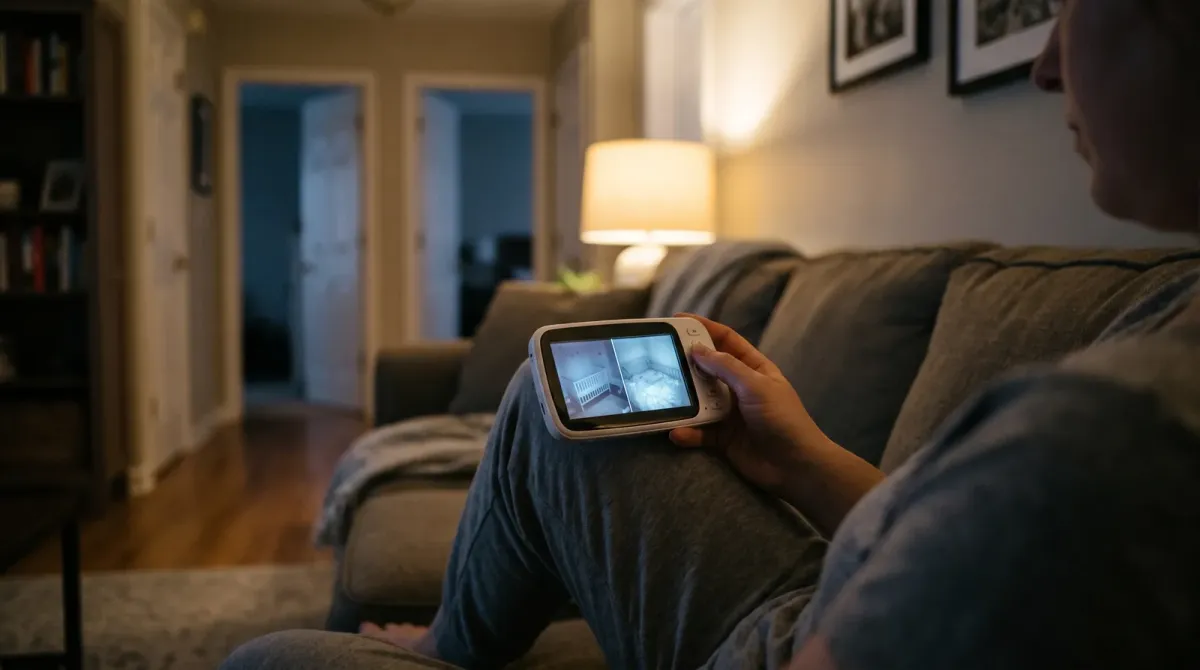
On this page
- Who needs a two-camera monitor?
- Monitors don't make sleep safer on their own
- How split screen and scan mode work
- Sound from two rooms: the part most people miss
- Battery life: what drains it and how to make it last
- Range and walls
- Wi-Fi or non-Wi-Fi?
- How to choose a dual-camera monitor
- Safe setup for two rooms
- Age stages: how the setup changes
- A simple night routine with two cameras
- Common mistakes
- FAQ
- Sources
Short answer: A dual-camera baby monitor lets you watch two rooms, or two children, from one parent screen. Most show both cameras side by side ("split screen") or switch between them every few seconds ("scan" or "cycle" mode). The tricky parts are sound (you often hear only one room at a time), battery life (two cameras and a bright screen drain it faster) and safe camera placement. Pick a model that lets you hear both rooms, lasts through the night on the parent unit or can run plugged in, and that you can mount well away from both cots.
This guide explains how two-camera monitors work, what to look for, and how to set one up safely for a baby and an older sibling.
Who needs a two-camera monitor?
You might want one if:
- You have a baby and a toddler who sleep in different rooms.
- You have twins in separate cots, maybe in different rooms as they get older.
- You want to see the cot and also a play area or doorway.
- Your baby's room is far from the living area, and you want a second view of the hall or stairs.
If both children share a room, one camera with a wide view may be enough. Check the camera's field of view before buying a second camera.
Monitors don't make sleep safer on their own
Before you shop, remember: no monitor lowers the risk of SIDS or sudden unexpected death in infancy.
- Australia: Red Nose says there is no scientific evidence that any monitor prevents a sudden unexpected infant death.
- UK: The Lullaby Trust says there's no research showing monitors prevent SIDS, and a monitor can never replace an adult's care.
- US: The American Academy of Pediatrics says not to use home monitors as a way to lower SIDS risk.
- Canada: Health Canada focuses on back to sleep, a bare crib, and room sharing for the first six months.
For a baby under six months, the advice in all four countries is to have them sleep in their own cot or bassinet in your room, day and night. So for many families, the second camera is really for the older child, or for daytime naps.
How split screen and scan mode work
Split screen
The parent screen shows both cameras at once, side by side or one above the other. This is handy for a quick glance. Each picture is smaller, so a small screen can make it hard to see detail. A bigger parent screen (for example 5 inches or more) makes split screen easier to use.
Scan or cycle mode
The screen shows one camera for a few seconds, then switches to the next, over and over. You see each child full size, but not at the same time. You might miss a moment.
Manual switching
You press a button to pick which camera to watch. This is fine when one child is asleep and you want to keep an eye on the other.
Phone app view
Wi-Fi monitors usually let you switch cameras in an app. Some show both in a grid. Your phone screen is often bigger and sharper than a basic parent unit.
Baby Monitors worth a look
Real products from our catalogue. We don't show star ratings or review counts; check the current price, stock and reviews on Amazon before you buy.


VTech BM5850HD Video Monitor
A non-Wi-Fi HD monitor with a 5.5" screen and a camera you can pan and tilt from the parent unit.
Read our full review →

Eufy SpaceView Pro
Budget-friendly closed-system monitor with a large parent screen and pan/tilt camera.
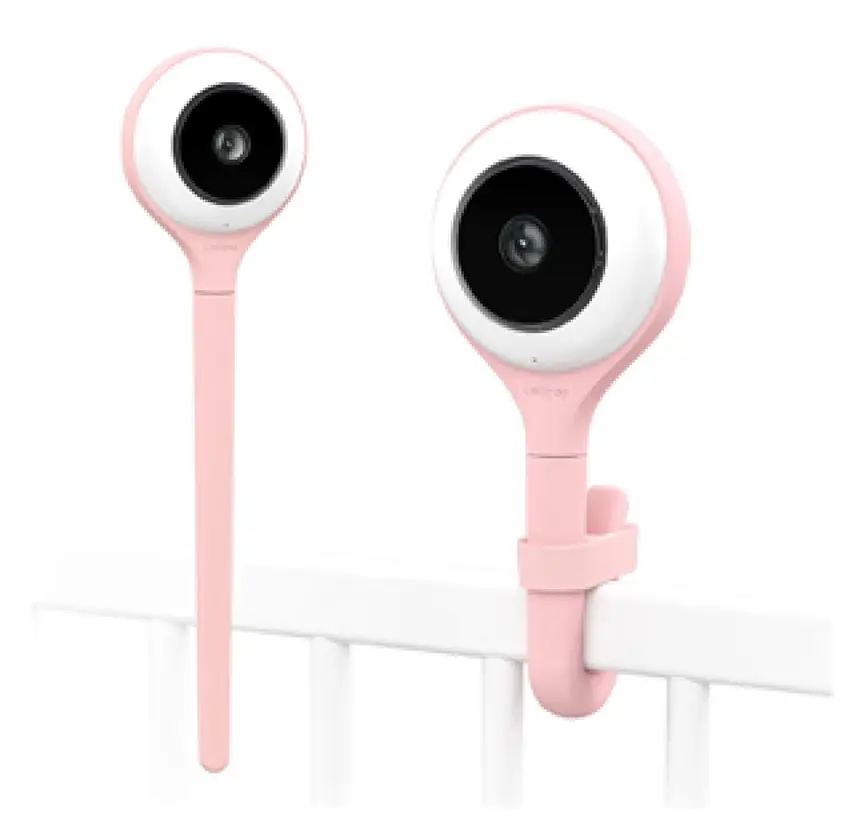
Lollipop Smart Baby Camera
A Wi-Fi camera with AI cry, noise and crossing alerts and 1080p video.
Sound from two rooms: the part most people miss
Video is easy to split. Sound is harder. There are three common ways monitors handle it:
| Sound mode | How it works | Good for | Watch out |
|---|---|---|---|
| Follow the picture | You hear only the room you're watching | Quiet listening to one child | You may not hear the other child cry |
| Mixed sound | You hear both rooms at once, blended | Hearing any child wake | Hard to tell who is crying; more background noise |
| Sound-activated switch | Screen jumps to the room making noise | Knowing who woke up | Can flick back and forth if both are noisy |
Before you buy, check the manual or product page for wording like "audio from all cameras", "sound-activated switching" or "VOX". VOX means "voice-operated". In VOX mode the screen sleeps until it hears a sound, then wakes up. It saves battery, but set it so it won't miss quiet sounds from a young baby.
Tips for good sound
- Test it at night. Stand in each room, make a soft noise, and check you hear it on the parent unit.
- Turn down background noise. A fan or white noise machine near a camera can drown out a cry.
- Set the sound level so a cry wakes you, but the hum of a fan doesn't.
- If your monitor can only play one room, set it to the younger child, and keep doors open to hear the older one.
Battery life: what drains it and how to make it last
Most parent units have a rechargeable lithium-ion battery. Two cameras usually means the parent unit works harder.
What uses the most battery
- The screen. A big, bright screen left on all night uses the most power.
- Split screen and scanning. The unit is handling two video streams or switching often.
- Range. If the parent unit is far from the cameras, it may use more power to keep the link.
- Sound level. Loud speakers use more power.
How to get more battery time
- Use VOX or "screen off, sound on" mode at night.
- Lower the screen brightness.
- Keep the parent unit plugged in on your bedside table overnight, if the maker says that's OK.
- Charge during the day so it's full at bedtime.
Battery claims on the box
Makers often list battery life in "hours". These numbers are usually measured with the screen off or in power-saving mode. With two cameras on split screen and the screen on, you can expect a lot less. Read the fine print, and plan to charge every day.
Cameras need power too
Most baby cameras plug into the wall. That means a cord in each room. A few run on batteries, which can mean no cord, but they need charging and may not stream all night. Either way, follow the safety tips below.
Charging safely
Lithium-ion batteries can overheat if they are damaged or charged badly. Fire and Rescue NSW and the UK government both give simple advice:
- Use the charger that came with the monitor, or one the maker approves.
- In Australia, look for the RCM tick on chargers. In other countries, buy from known sellers and look for local safety marks.
- Don't charge on a bed, couch or pile of clothes. Charge on a hard surface.
- Stop using a battery that is swollen, very hot, leaking or damaged.
- Recycle old batteries at a proper drop-off point. Don't put them in the household bin.
Range and walls
Non-Wi-Fi monitors send their signal by radio straight from the camera to the parent unit. Walls, floors and metal (like a fridge) weaken the signal. Two cameras at opposite ends of the house may give you a patchy picture.
- Check the "indoor range". The headline range is often measured outdoors with nothing in the way.
- Test the signal from where you'll really be: the kitchen, the lounge, the backyard.
- Look for an "out of range" alarm so you know if the link drops.
- Wi-Fi monitors use your home internet, so range depends on your Wi-Fi coverage in each room.
Wi-Fi or non-Wi-Fi?
| Feature | Non-Wi-Fi (local radio) | Wi-Fi (app-based) |
|---|---|---|
| Watching from outside the house | No | Yes |
| Works if the internet drops | Yes | Usually not |
| Setup | Simple: plug in and pair | Needs an app, account and Wi-Fi password |
| Privacy risk from the internet | Low | Higher; needs a good password and updates |
| Screen | Its own parent unit | Your phone (some also have a parent unit) |
| Adding cameras | Only cameras made for that unit | Usually easy in the app |
| Extra costs | Usually none | Some features need a paid plan |
If you choose Wi-Fi, new security rules help. The UK has banned simple default passwords on smart devices since 29 April 2024. Australia's security rules for smart devices apply to most devices made from 4 March 2026. In the US, the voluntary Cyber Trust Mark label is meant to help buyers spot secure devices. Canada's Get Cyber Safe program shares tips for baby gear. Wherever you live, use a strong password you don't use anywhere else, turn on two-step login, and install updates.
Side by side: more baby monitors to compare
Real products from our catalogue. We don't show star ratings or review counts; check the current price, stock and reviews on Amazon before you buy.
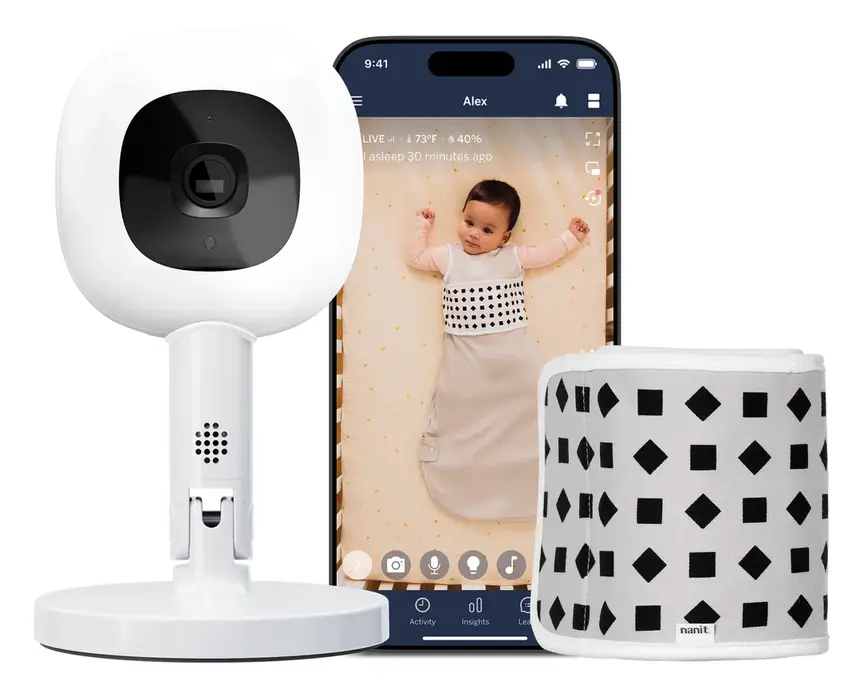 Reviewed
Nanit Pro Camera
Overhead 1080p Wi-Fi camera that tracks sleep and — with patterned Breathing Wear — breathing motion, without any electronics on the baby.
Read our full review →
Oricom Babysense7 Breathing & Movement Monitor
A sensor pad listed as a medical device on the Australian Register of Therapeutic Goods. It sounds an alarm if it stops sensing breathing movement.
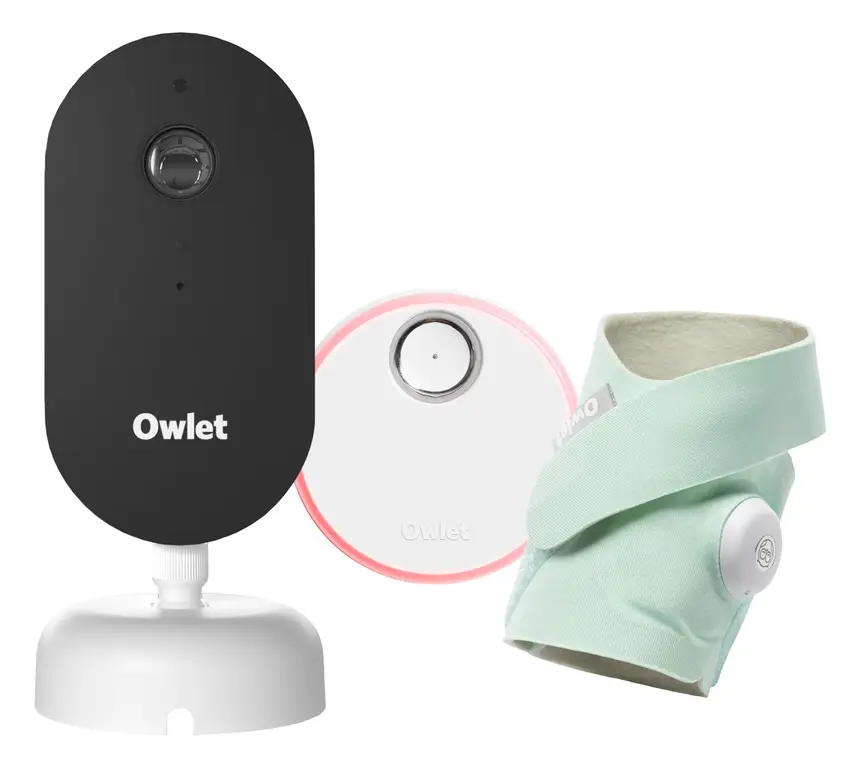 Reviewed
Owlet Dream Duo 3
A 2K camera plus the Dream Sock sensor that tracks pulse rate and oxygen. Like all monitors, it cannot prevent SIDS or SUDI.
Read our full review →
VTech BM2220 Digital Audio Baby Monitor
A low-cost sound-only monitor with two-way talk, a room temperature sensor and a night light.
How to choose a dual-camera monitor
Must-haves
- Clear night vision on both cameras.
- A sound setting that lets you hear both children, or that switches to the noisy room.
- A wall mount or tall stand for each camera.
- Long enough power cables, so the plugs can stay far from each cot.
- Battery life that suits your night, or the option to run plugged in.
- An out-of-range alert.
Nice to have
- Pan and tilt, so you can move the camera view from the parent unit.
- Room temperature display for each room.
- Talk-back, so you can soothe a toddler with your voice.
- Option to add a third camera later.
Probably skip
- Lullabies and night lights built into the camera, if they tempt you to put the camera close to the cot.
- Breathing or oxygen claims on a basic video monitor. If you want a medical-grade monitor, look for one that is a certified medical device in your country, and remember it still doesn't prevent SIDS.
Safe setup for two rooms
The biggest danger with any baby monitor is the cord. In 2011 the US Consumer Product Safety Commission announced the recall of about 1.7 million video monitors after two babies were strangled by camera cords. The CPSC advises keeping monitor cords at least 3 feet (about 1 metre) from any cot, bassinet or play yard. Health Canada says to mount the monitor on the wall, not on the crib, and to keep cords from monitors, lamps and sound machines out of reach.
With two cameras, you have two sets of cords to check.
Baby's room
- Mount the camera on the wall or a tall stand, at least 1 metre from the cot.
- Never hang the camera on the cot rail or put it inside the cot.
- Run the cord along the wall, behind furniture, and use cord covers.
- Keep the cot bare: firm flat mattress, fitted sheet, no pillows, bumpers, toys or loose blankets.
Toddler's room
- Toddlers climb, pull and explore. Put the camera high, out of reach even if they stand on the bed or a toy box.
- Make sure there is no furniture near the camera they could climb to reach it.
- Hide the cord fully. A toddler can pull a loose cord and bring the camera down.
- Anchor furniture like drawers and bookcases to the wall.
Parent unit
- Keep it, and its charger, out of reach of children.
- Charge it on a hard surface, not on the bed.
Age stages: how the setup changes
New baby plus toddler
Your baby sleeps in your room for at least six months. The second camera may be in the toddler's room, so you can see if they wake while you're settling the baby. Day naps are when the baby camera is most useful.
Baby moves to their own room
Now you have two children's rooms to watch. Split screen and two-room sound matter most here. Re-check cord distances as your baby starts rolling, sitting and standing.
Twins
Many twins share a room at first, each in their own cot. One wide-angle camera might be enough. If they're in separate cots far apart or in separate rooms later, two cameras make sense.
Preschoolers
Older children may not need a camera. Some families keep one to check for wandering at night. Talk to your child about it as they grow, and respect their privacy as they get older.
A simple night routine with two cameras
- Charge the parent unit in the afternoon, so it is full by bedtime.
- Check both cameras at bedtime. Make sure each picture is clear, the night vision is on, and each child is in view.
- Check both cords. Look that nothing has moved closer to a cot or bed during the day. Toddlers often move things.
- Pick your sound mode. Choose mixed sound or sound-activated switching so you hear both children.
- Set the screen to sleep or VOX mode to save battery and help you sleep.
- Place the parent unit on a hard surface near your bed, plugged in if the maker allows.
- When a child wakes, go and look. The screen tells you who is awake. Your own eyes tell you what they need.
In the morning, unplug the charger once the unit is full, and put the parent unit up high, away from little hands. Once a week, wipe the camera lenses with a soft dry cloth so night vision stays clear. Check for firmware updates on Wi-Fi models.
If the picture keeps dropping out, move the parent unit closer, or move the camera so fewer walls are in the way. Don't fix range problems by moving a camera closer to the cot.
Common mistakes
- Only hearing one room. Check your sound setting so you don't miss the other child.
- Trusting the battery hours on the box. Real-life use with two cameras is usually shorter.
- Putting a camera on the cot rail to get a better view.
- Forgetting the toddler can climb to the camera or pull its cord.
- Buying the wrong extra camera. Add-on cameras usually only work with the same brand and model range.
- Leaving default passwords on a Wi-Fi monitor.
- Charging the parent unit in bed or under a pillow.
- Relying on the monitor instead of safe sleep habits.
More options, from budget to premium
Real products from our catalogue. We don't show star ratings or review counts; check the current price, stock and reviews on Amazon before you buy.

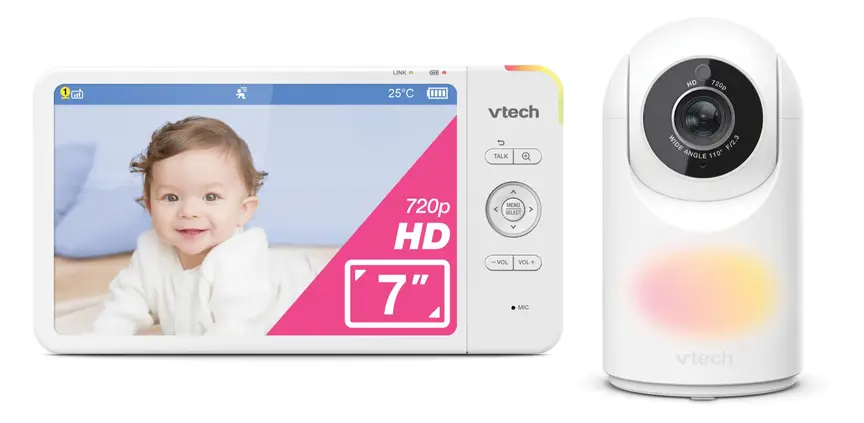

VTech BM7850HD Video Monitor
A non-Wi-Fi HD monitor with a 7" screen and a pan and tilt camera.
Read our full review →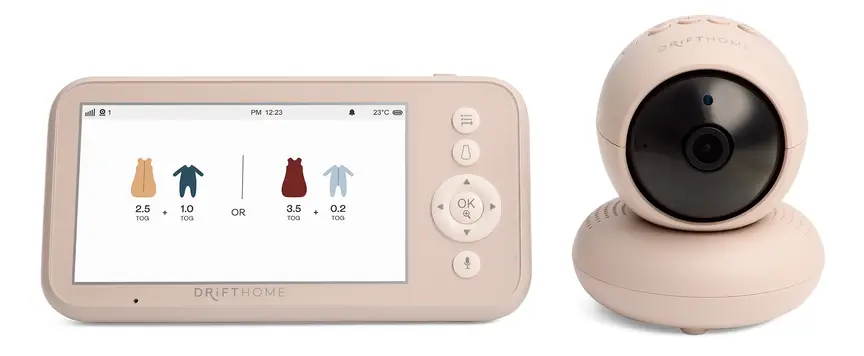
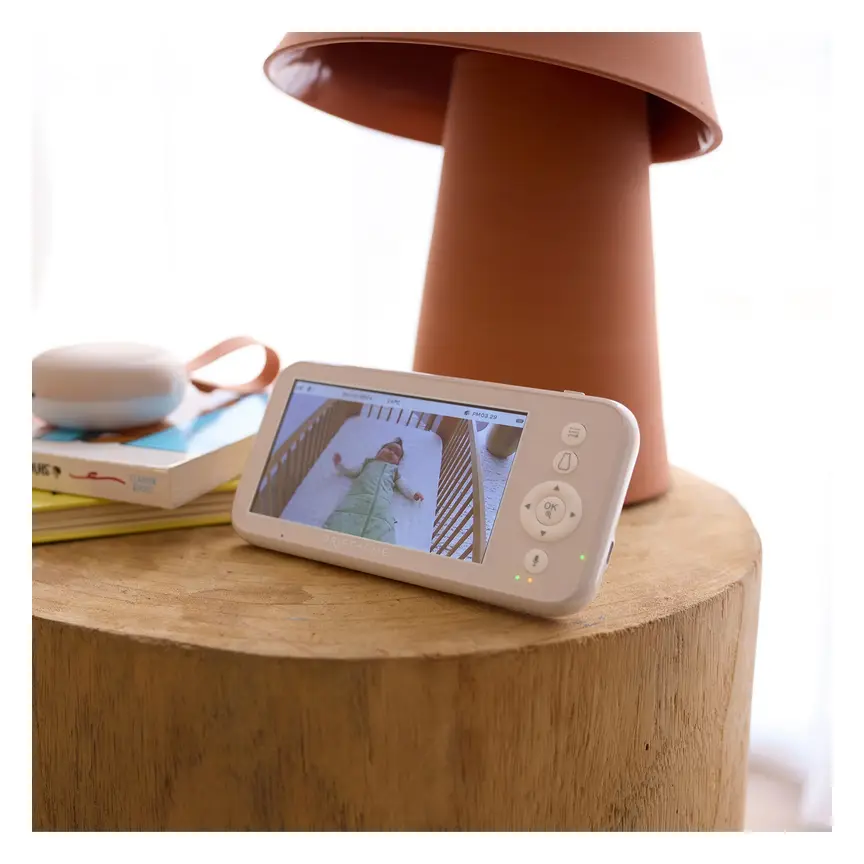
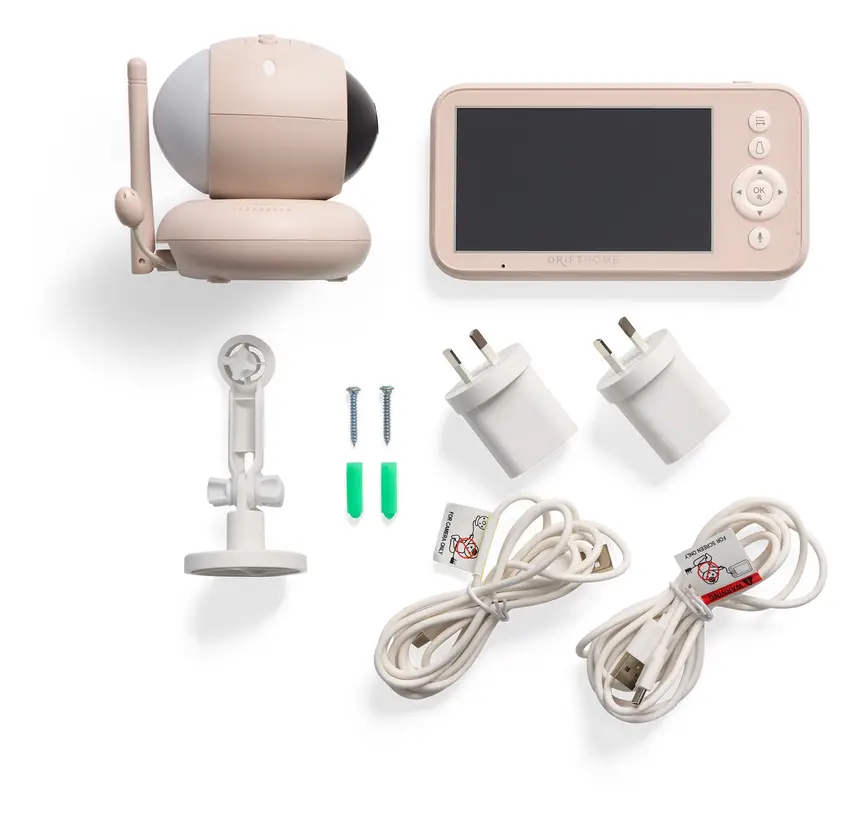
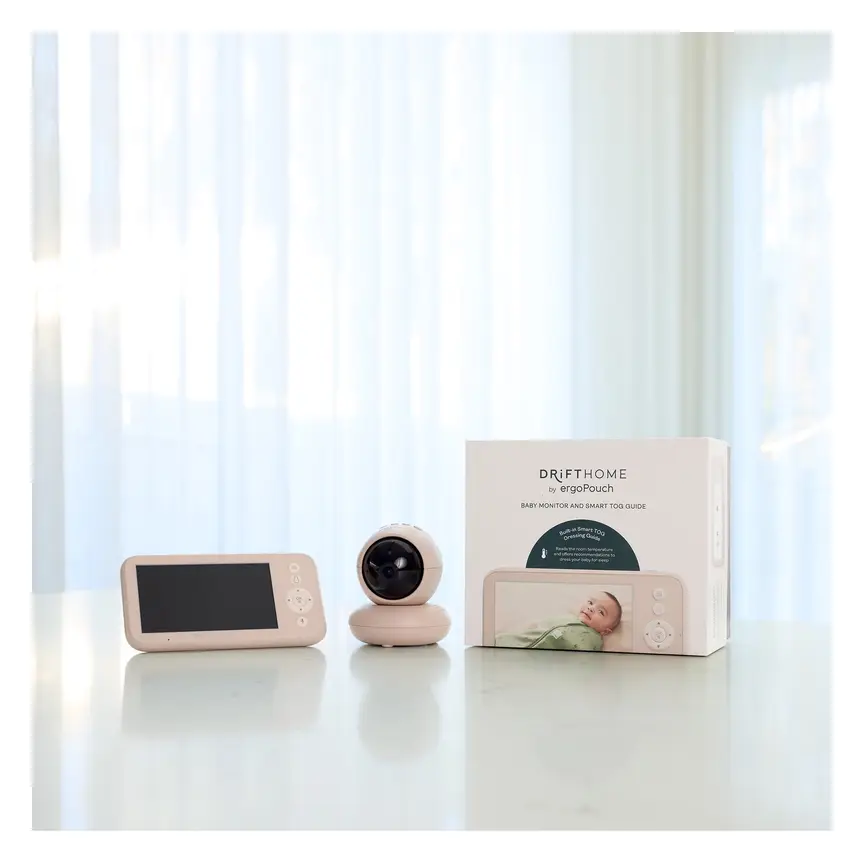

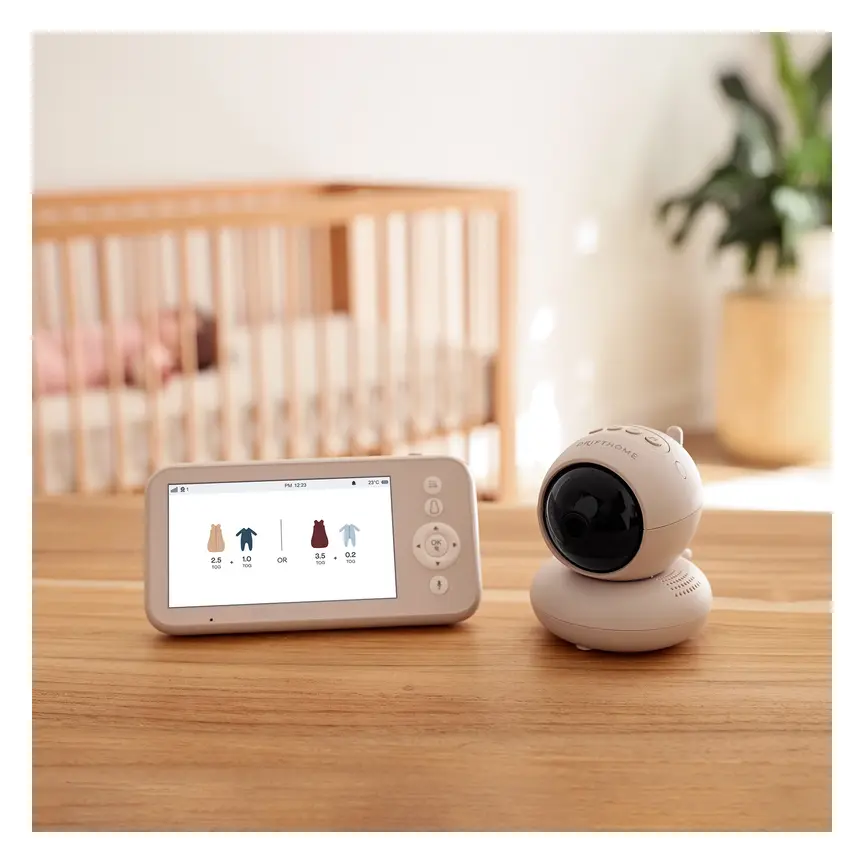
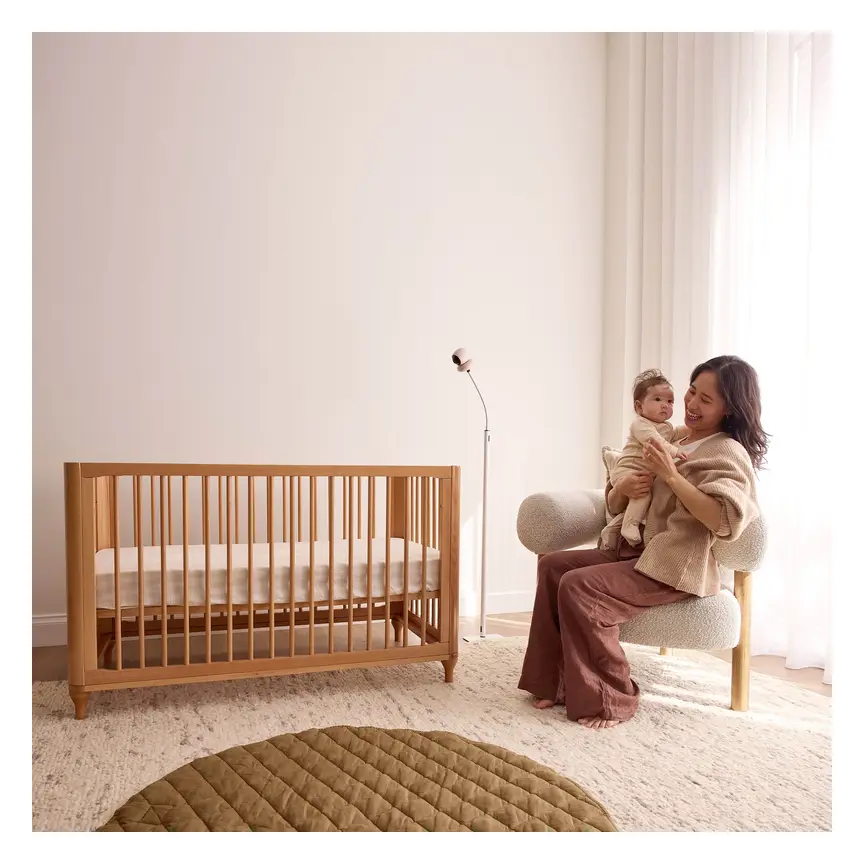

ergoPouch Drifthome Baby Monitor
A non-Wi-Fi monitor with a built-in TOG dressing guide and up to 300 m range.
Read our full review →

Eufy Baby Monitor E20
A monitor that works with or without Wi-Fi. You can share the app with up to 5 family members.
Read our full review →FAQ
Can I add a second camera to my current monitor?
Often yes, if your brand sells add-on cameras for your model. Check the manual for the maximum number of cameras and which models match. Cameras from other brands usually won't work.
Will I hear both kids at once?
Only if your monitor supports sound from all cameras, or switches to the room making noise. Many basic models play only the room you're watching. Check before you buy.
How long will the parent unit battery last?
It depends on screen use, split screen and range. Expect less than the box says when using two cameras with the screen on. Use VOX or screen-off mode, or keep it plugged in at night.
Is split screen good enough to see breathing?
Usually not clearly, especially on a small screen. That's fine. A monitor is for hearing and seeing your children, not for checking breathing. If you're worried, go and check on your child.
Do I need Wi-Fi for two cameras?
No. Many non-Wi-Fi monitors support two or more cameras. Wi-Fi is only needed if you want to watch from your phone or from outside the house.
How far from the cot should each camera be?
At least 1 metre (3 feet), with cords and plugs out of reach. In a toddler's room, place it even higher and further away, because toddlers climb.
Should I use the room temperature reading on each camera?
It is a handy guide, but it only measures the air near the camera, which is often high on the wall where it is warmer. Use it to spot a room that is much hotter or colder than the other. To check if a child is comfortable, feel the back of their neck or their tummy. If they are hot or sweaty, take off a layer. Don't add hats or extra blankets at night.
What if one camera's picture flickers or freezes?
Flicker, lines or a frozen picture usually mean the signal is weak or something nearby is causing interference, like a microwave or another wireless device. Move the parent unit or the camera a little, away from other electronics, and away from the cot. Restart both units. If it keeps happening, contact the maker.
Is it OK to watch my older child on camera?
Yes, for safety. As children grow, tell them about the camera and think about when it's time to stop, so they have some privacy.
Sources
- Red Nose Australia – Baby monitors
- The Lullaby Trust (UK) – Baby monitors
- HealthyChildren.org (American Academy of Pediatrics) – Safe sleep: back is best (2022)
- Health Canada – Is Your Child Safe? Sleep Time
- U.S. CPSC – Strangulation deaths prompt recall of video baby monitors with cords (2011)
- Fire and Rescue NSW – Lithium-ion batteries: shop, charge and recycle safely
- UK Government – Buy safe, be safe
- UK Government – Security rules for smart devices (PSTI)
- Australian Department of Home Affairs – Security standards for smart devices
- Get Cyber Safe (Government of Canada) – Cyber security tips for your baby gear
Related guides
More Toys & Play →
Choosing a Baby Monitor for Two Rooms: Split Screen, Auto-Scan and Safe Setup

From Smart Monitors to High-Tech Toys: A Parent's Guide to Baby Gadgets

From Paper to Pixels: Moving from Baby Books to Digital Memory Apps
