














Smart Sock Monitors vs Non-Wi-Fi Video Monitors: How to Choose Without Extra Stress
Smart sock monitors vs non-Wi-Fi FHSS video monitors: how they work, false alarms, safe sleep rules, cord safety, and which suits your family.

On this page
- Key points
- What each monitor is, and how it works
- Why medical groups urge caution with smart socks
- False alarms and parent anxiety
- Side-by-side comparison
- How to choose for your home and baby
- Monitor choices by your baby's age
- Safety standards and official advice around the world
- Cord safety, overheating, and digital privacy
- Common mistakes to avoid
- Frequently asked questions
- Sources
Short answer: A non-Wi-Fi video monitor lets you see and hear your baby on a private screen. A smart sock tracks heart rate and oxygen on your phone. Neither device can prevent sudden infant death syndrome (SIDS). For most healthy babies, a simple non-Wi-Fi video monitor gives enough reassurance with fewer false alarms.
Health groups in Australia (Red Nose), the UK (The Lullaby Trust), the US (American Academy of Pediatrics) and Canada (Canadian Paediatric Society) all agree on one main rule. Safe sleep habits protect your baby far better than any gadget.
Key points
- No SIDS protection: No home monitor has been proven to stop SIDS or sleep-related deaths.
- Smart socks track numbers: They sit on your baby's foot and send heart rate and oxygen data to a base station and phone app.
- False alarms happen: Wriggling feet or a loose fit can set off loud alerts when your baby is fine.
- FHSS video is private: Non-Wi-Fi video monitors use a closed radio link instead of your home internet.
- Cords are a real hazard: Keep all camera and power cords well away from the cot (crib) so your child cannot reach them.
- Room sharing comes first: Sleeping in the same room as your baby for the first months is safer than relying on a screen.
What each monitor is, and how it works
Both tools help parents check on a sleeping baby from another room. Yet they work in very different ways. Knowing what happens inside each device helps you pick the right one for your home.
Smart sock wearable monitors
A smart sock is a soft fabric strap or sock that wraps around your baby's foot. Inside the fabric sits a tiny sensor. That sensor shines a gentle light through the skin to read pulse and blood oxygen levels.
The sock sends those readings to a small base station in the nursery. The base station lights up and makes a sound if the numbers look too high or too low. Most smart socks also send alerts to a phone app over your home Wi-Fi.
Some smart socks also track sleep patterns, such as how long your baby stayed still. Because the sensor touches your baby's skin all night, you must wash the fabric sock often. You also need to swap sizes as your baby's feet grow.
Non-Wi-Fi FHSS video monitors
A non-Wi-Fi video monitor has two main parts. One part is a camera that sits on a shelf or wall in the baby's room. The other part is a small handheld screen you carry around the house.
These monitors use a system called FHSS. That stands for Frequency-Hopping Spread Spectrum. In plain words, the camera and screen talk directly to each other over a private radio signal. They jump between radio channels many times each second.
Because the signal hops channels, it is hard for neighbours or strangers to listen in. You do not need Wi-Fi, a router, or a phone app. You just plug in the camera, charge the parent screen, and turn them on.
Baby Monitors worth a look
Real products from our catalogue. We don't show star ratings or review counts; check the current price, stock and reviews on Amazon before you buy.


Eufy Baby Monitor E20
A monitor that works with or without Wi-Fi. You can share the app with up to 5 family members.
Read our full review →
Eufy Baby Monitor E21
The step-up Eufy monitor. It works with or without Wi-Fi and shares with up to 5 people.
 Reviewed
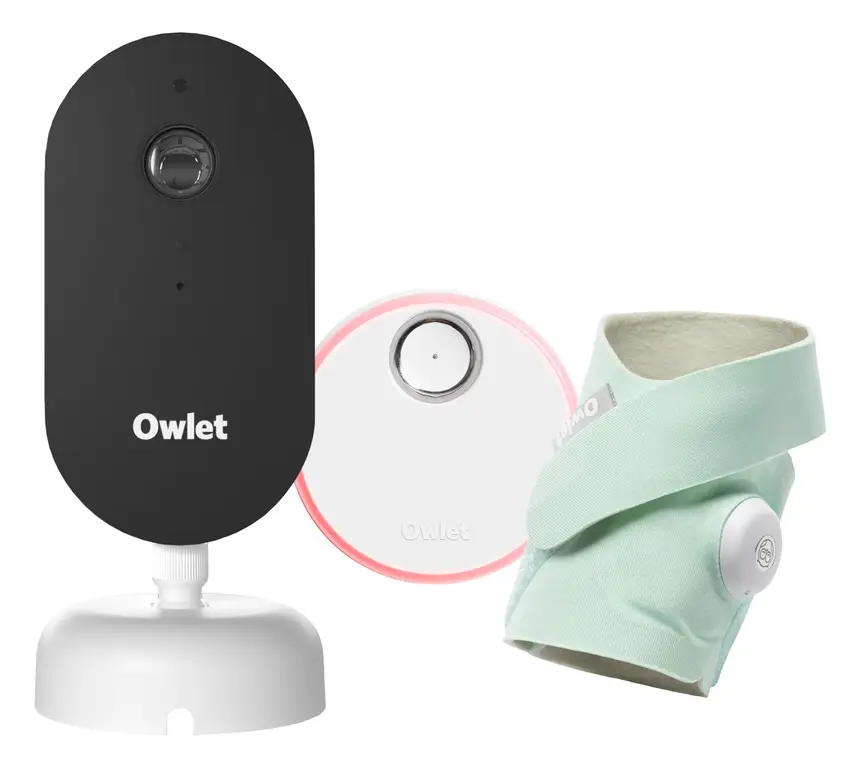
Owlet Dream Duo 3
A 2K camera plus the Dream Sock sensor that tracks pulse rate and oxygen. Like all monitors, it cannot prevent SIDS or SUDI.
Read our full review →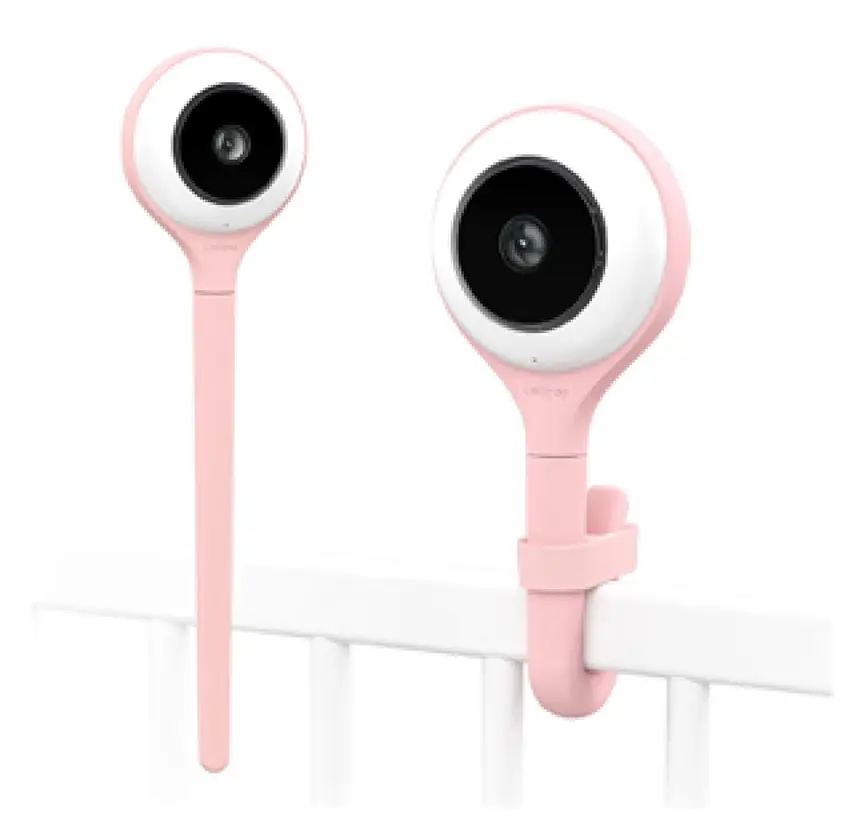
Lollipop Smart Baby Camera
A Wi-Fi camera with AI cry, noise and crossing alerts and 1080p video.
Why medical groups urge caution with smart socks
Many new parents buy a smart sock hoping it will keep their baby safe at night. That hope is easy to understand. Every parent worries during those first quiet weeks at home.
However, major child health bodies do not recommend wearable heart or oxygen monitors for healthy babies. Red Nose in Australia states that there is no proof home breathing or heart monitors stop SIDS. The Lullaby Trust in the UK gives the same advice.
In the US, the American Academy of Pediatrics advises parents not to use home cardiorespiratory monitors to try to reduce SIDS risk. Researchers at the Children's Hospital of Philadelphia have also warned that consumer baby monitors show little proven benefit for healthy infants.
Accuracy is another concern. A study published in JAMA tested two consumer pulse oximetry monitors on babies in hospital. The researchers found that the readings were not always reliable. One monitor missed real drops in oxygen, while the other gave false alarms when oxygen was normal.
Hospital monitors are medical devices checked by trained staff. Consumer smart socks are built for home comfort, not medical care. If your baby has a health condition, ask your doctor what kind of monitor is needed. Never rely on a shop-bought sock to spot a medical emergency.
False alarms and parent anxiety
A baby monitor should help you rest. Yet for some parents, the wrong monitor makes sleep even harder. Understanding why alerts happen can save you months of stress.
Why smart socks trigger false alarms
Babies move a lot in their sleep. They kick, stretch, and curl their toes. When a foot wriggles, the sensor inside a smart sock can slip out of place.
A shifted sensor cannot read the pulse clearly. The base station then sounds a loud alert. Your heart races as you run to the cot, only to find your baby sleeping peacefully.
Other everyday things can also cause false alerts:
- A sock that is slightly too loose or too tight.
- Cold feet, which slow blood flow near the skin.
- A dead battery in the tiny foot sensor.
- A drop in Bluetooth or Wi-Fi connection between the sock, base, and phone.
Each false alarm spikes your stress hormones. After a few nights of waking up to false beeps, many parents feel worn out and afraid to close their eyes.
Why video monitors can also cause stress
Video monitors do not beep about oxygen numbers, yet they can still feed worry. Some parents stare at the screen all night instead of sleeping.
Newborns make strange noises in active sleep. They grunt, sigh, twitch, and sometimes cry out for two seconds before settling again. A loud parent unit next to your pillow picks up every tiny sound.
Night-vision cameras can also make normal skin look pale or shadowy. That grainy view can scare tired parents into checking the cot every ten minutes.
How to protect your own sleep
Pick a monitor setup that lets you rest between feeds. Turn down the screen brightness on a video unit, or use a power-saving mode that wakes the screen only when your baby cries.
If a smart sock makes you check your phone every few minutes, take a break from it. Trust your eyes, your ears, and safe sleep habits. If worry feels heavy or constant, speak with your doctor, midwife, or child health nurse.
Side-by-side comparison
Here is how smart sock monitors and non-Wi-Fi FHSS video monitors compare on daily use, safety, and peace of mind.
| Feature | Smart sock wearable monitor | Non-Wi-Fi FHSS video monitor |
|---|---|---|
| What it tracks | Heart rate, oxygen level, movement | Live video and sound |
| Needs Wi-Fi? | Usually yes, for phone alerts and app data | No, works on its own radio link |
| Parent device | Base station plus your smartphone | Dedicated handheld screen |
| False alarm risk | Higher, due to kicking feet or loose fit | Low, mostly static or low-battery beeps |
| Cord risk near cot | Base cord must stay away from the cot | Camera cord must stay well out of reach |
| Digital privacy | Needs strong passwords and app updates | Private local link, not online |
| Medical view | Not proven to prevent SIDS in healthy babies | Helpful for seeing and hearing baby, not a safety device |
| Works when internet drops? | Base station still works locally; phone app may stop | Yes, completely unaffected by Wi-Fi outages |
How to choose for your home and baby
The best monitor is the one that fits your house, your habits, and your stress level. Ask yourself a few simple questions before you buy.
When a non-Wi-Fi video monitor fits best
A non-Wi-Fi FHSS video monitor is the best fit for most families. It works well if:
- You want to see if your baby has woken up, rolled over, or dropped a dummy.
- Your home Wi-Fi is slow or drops out in the bedrooms.
- You do not want baby video or data stored on internet servers.
- Grandparents or babysitters watch your baby and need a simple screen with clear buttons.
- You want your phone free at night without draining its battery on an app.
When parents still look at a smart sock
Some parents feel calmer seeing a green light on a base station. You might look at a smart sock if you know numbers soothe your mind rather than scare you.
Even then, ask yourself how you will react to a 2:00 AM false alarm. If one false beep would ruin your night, skip the wearable sock. Also remember that a sock does not let you see your baby. Many families who use a sock still end up buying a video or audio monitor too.
What if you already own a smart sock?
You do not have to throw away a monitor you already bought or received as a gift. Just treat it as an extra comfort tool, not a safety shield.
Keep following every safe sleep rule every single night. Check your baby's foot each morning for red marks or rubbing. And if the sock causes more worry than calm, pack it away.
Side by side: more baby monitors to compare
Real products from our catalogue. We don't show star ratings or review counts; check the current price, stock and reviews on Amazon before you buy.
 Reviewed
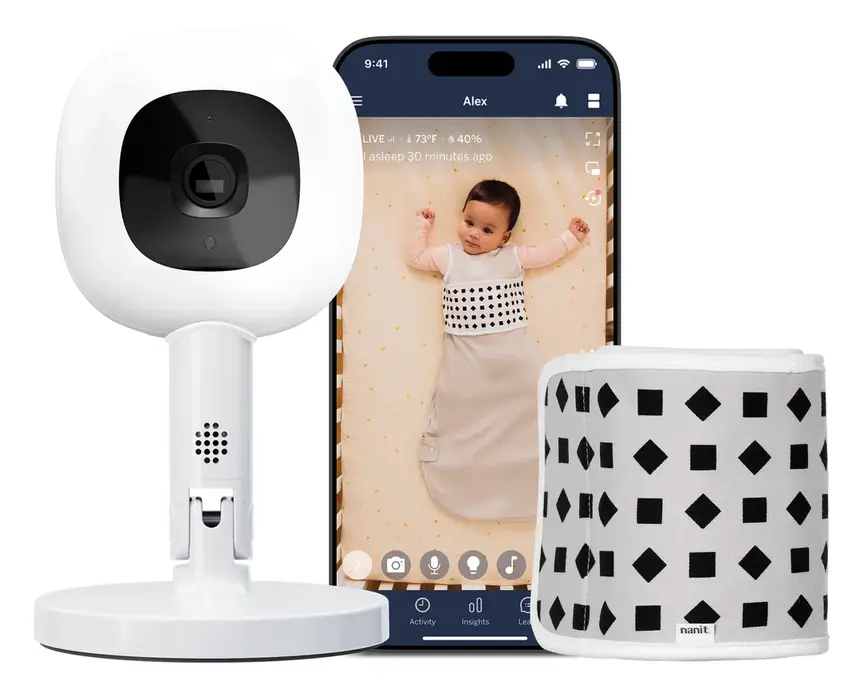
Nanit Pro Camera
Overhead 1080p Wi-Fi camera that tracks sleep and — with patterned Breathing Wear — breathing motion, without any electronics on the baby.
Read our full review → Reviewed
VTech RM4761 Smart Pan & Tilt Monitor
A 1080p pan-and-tilt camera with a 3.5" parent unit. It works direct or through the app.
Read our full review →
VTech RM5764HDV2 Smart HD Pan and Tilt Baby Monitor
Smart video monitor

VTech V-Care Premium 7" HD Smart Monitor
A 7" monitor with a 1080p camera and AI alerts, such as face-covered detection.
Monitor choices by your baby's age
Your needs change fast during the first two years. A setup that helps in month one may feel pointless or risky by month ten.
| Age stage | What is happening | How a monitor helps |
|---|---|---|
| Birth to 6 months | Room sharing is safest. Baby sleeps near your bed at night. | You only need a monitor for daytime naps when you are in another room. |
| 6 to 12 months | Many babies move to their own room. Rolling and sitting start. | A video monitor shows if baby is stuck on their tummy or awake. Move cords well back. |
| 12 to 24 months | Standing, pulling up, and climbing skills grow fast. | Video helps you spot cot-climbing early. Two-way talk can soothe a toddler. |
| 2 years and up | Move to a toddler bed. Child may get up and walk around. | Audio or video lets you hear if they leave their room safely. |
Note that smart socks have weight and age limits. Most are made for babies up to around 12 or 18 months. A non-Wi-Fi video monitor often lasts through the toddler years and even for a second child.
Safety standards and official advice around the world
Baby monitors are sold in different ways across Australia, the UK, the US, and Canada. Official health and safety bodies share very similar advice on safe sleep, cords, and smart-device security.
| Topic | Australia | UK | US | Canada |
|---|---|---|---|---|
| Safe sleep body | Red Nose Australia | The Lullaby Trust and NHS | American Academy of Pediatrics (AAP) and NICHD | Health Canada and Canadian Paediatric Society |
| View on SIDS and monitors | Monitors do not prevent SIDS | Monitors do not prevent SIDS | Do not use monitors to prevent SIDS | Room sharing is safest; monitors are not a fix |
| Product safety body | ACCC / Product Safety Australia | Office for Product Safety and Standards (OPSS) | Consumer Product Safety Commission (CPSC) | Health Canada |
| Smart-device security | Department of Home Affairs smart-device rules | UK smart-device security laws (PSTI) | FCC Cyber Trust Mark programme | Get Cyber Safe (Government of Canada) |
In all four countries, regulators check electronics for electrical safety, battery safety, and cord hazards. Smart devices that connect to Wi-Fi also face growing cyber-security rules. In the UK, smart devices must meet national rules that ban weak default passwords. Australia, the US, and Canada also publish clear guides on locking down smart baby gear.
Cord safety, overheating, and digital privacy
A monitor itself should never add a new danger to the nursery. Pay close attention to wires, heat, batteries, and Wi-Fi settings.
Keep all cords far from the cot
Electrical cords are one of the biggest hidden risks in a nursery. The U.S. Consumer Product Safety Commission warns that babies and toddlers can strangle in baby monitor cords.
Babies grow fast and reach farther than you expect. A baby who cannot roll today may pull a loose wire through cot bars next month. Follow these simple rules:
- Place the camera and its cord at least one metre (about three feet) away from the cot or playpen.
- Never hang a camera on the cot rail.
- Use wall cord covers or clips so no loose loops hang down.
- Check the cot area again each time your baby learns to roll, sit, or stand.
Skin care, overheating, and battery safety
With a smart sock, check your baby's skin every day. Look for redness, swelling, or pressure marks around the ankle and toes. Wash the fabric strap with mild soap and let it dry fully so sweat does not irritate the skin.
Also watch out for battery hazards. Keep spare batteries, small sensors, and charging docks out of reach of older siblings. Product Safety Australia and other regulators warn that swallowed button batteries can cause severe burns inside a child's throat in a very short time. Always check that battery doors on any parent unit or sensor screw shut tightly.
Wi-Fi privacy vs FHSS
Non-Wi-Fi FHSS monitors do not connect to the internet. Strangers online cannot view your camera feed. Signal range is limited to your home and garden.
Smart socks and Wi-Fi cameras send data through your router and cloud servers. If you use a Wi-Fi device, Get Cyber Safe in Canada and similar agencies in Australia, the UK, and the US recommend these steps:
- Change the default password right away.
- Use a long, unique password you do not use anywhere else.
- Turn on two-factor sign-in if the app offers it.
- Install firmware and app updates as soon as they appear.
- Lock down your home Wi-Fi with strong encryption.
Common mistakes to avoid
Even careful parents can slip into habits that make a monitor less safe or less useful. Watch out for these common mistakes:
- Relaxing safe sleep rules: Never put a baby on their tummy, in a crowded cot, or on a soft sofa just because they are wearing a smart sock. Always place your baby on their back on a firm, flat mattress with no loose blankets or toys.
- Putting the camera too close: Mounting a camera right on the cot edge looks cute on social media, yet it puts a power cord within reach of tiny hands.
- Buying unverified second-hand electronics: Old batteries can swell or overheat. Always check recall lists from Product Safety Australia, OPSS, CPSC, or Health Canada before using second-hand gear.
- Using a sock on a baby with cold feet: Cold skin gives weak readings and triggers more false alarms. Dress your baby in light, warm sleepwear suited to the room temperature.
- Ignoring your own instincts: If your baby looks unwell, pale, floppy, or is breathing fast, never wait for a monitor to beep. Seek medical help right away.
More options, from budget to premium
Real products from our catalogue. We don't show star ratings or review counts; check the current price, stock and reviews on Amazon before you buy.

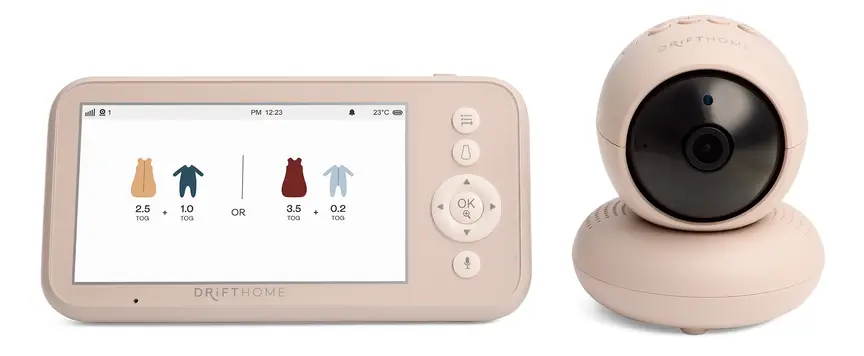
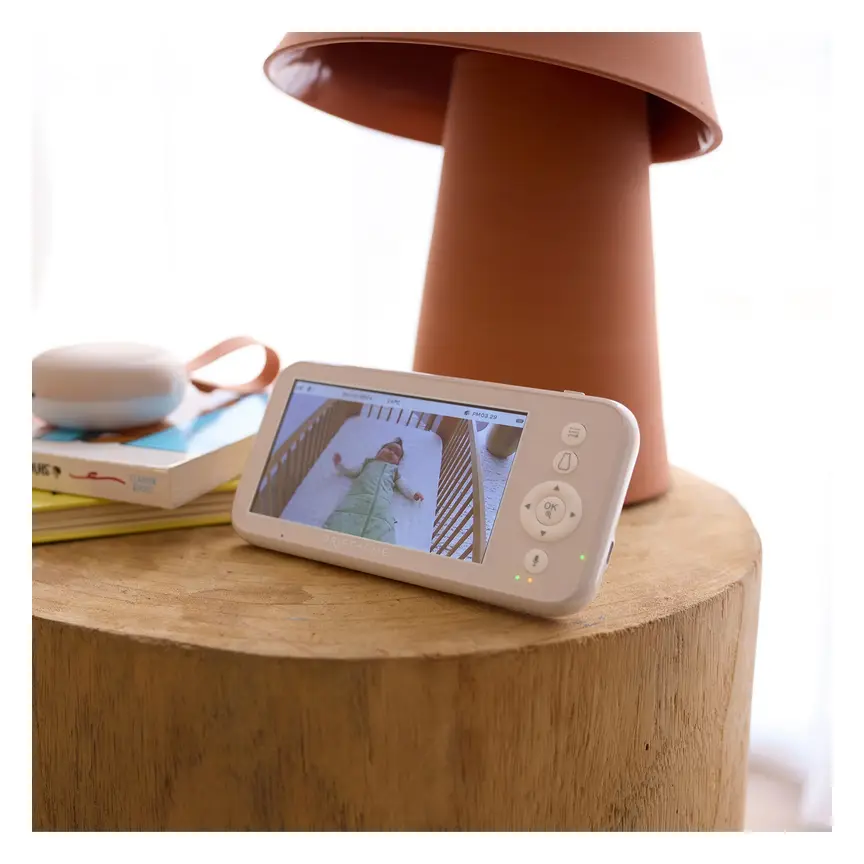
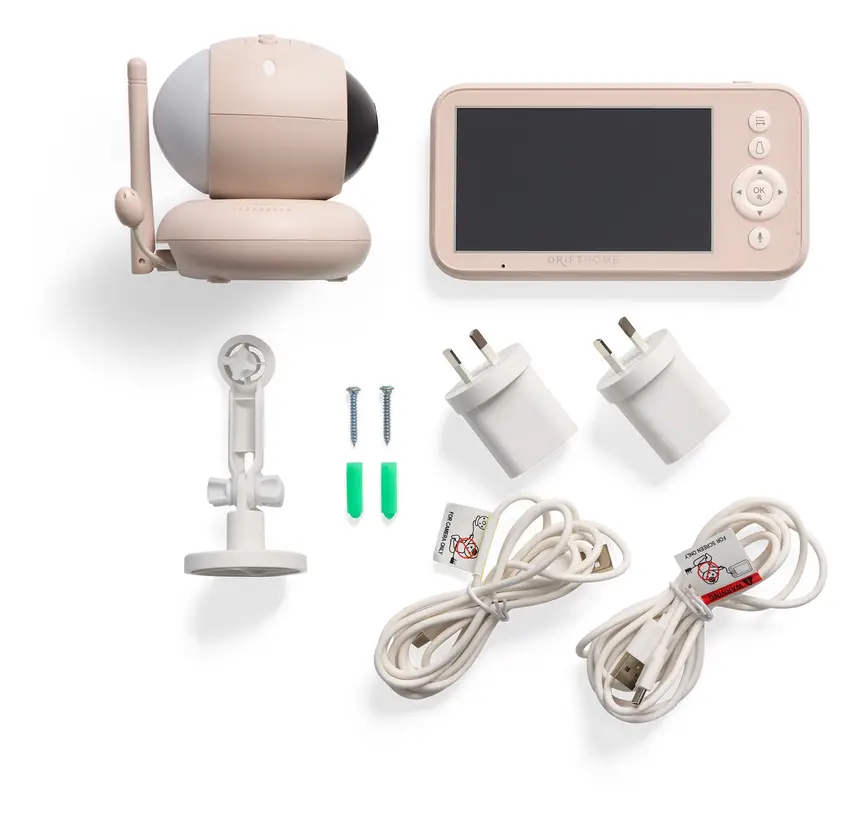
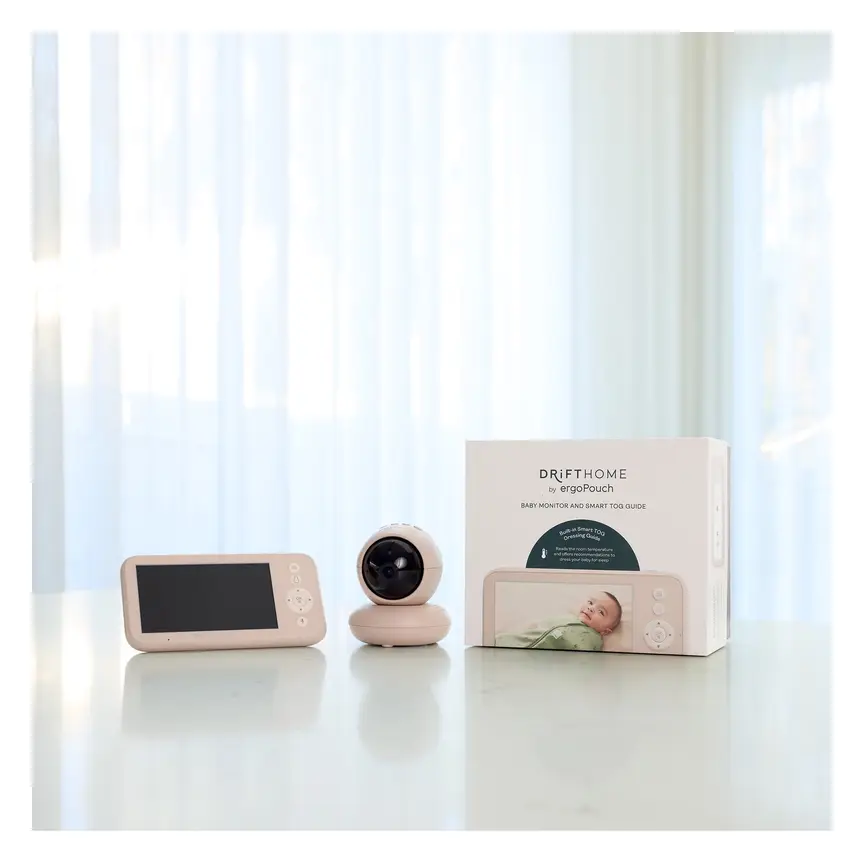

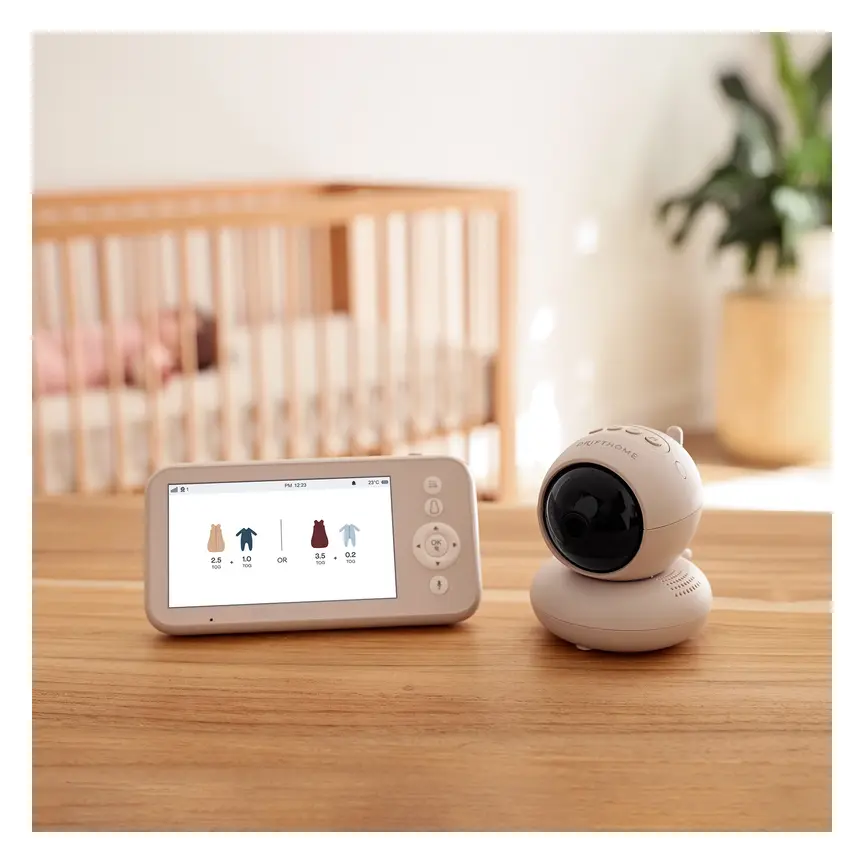
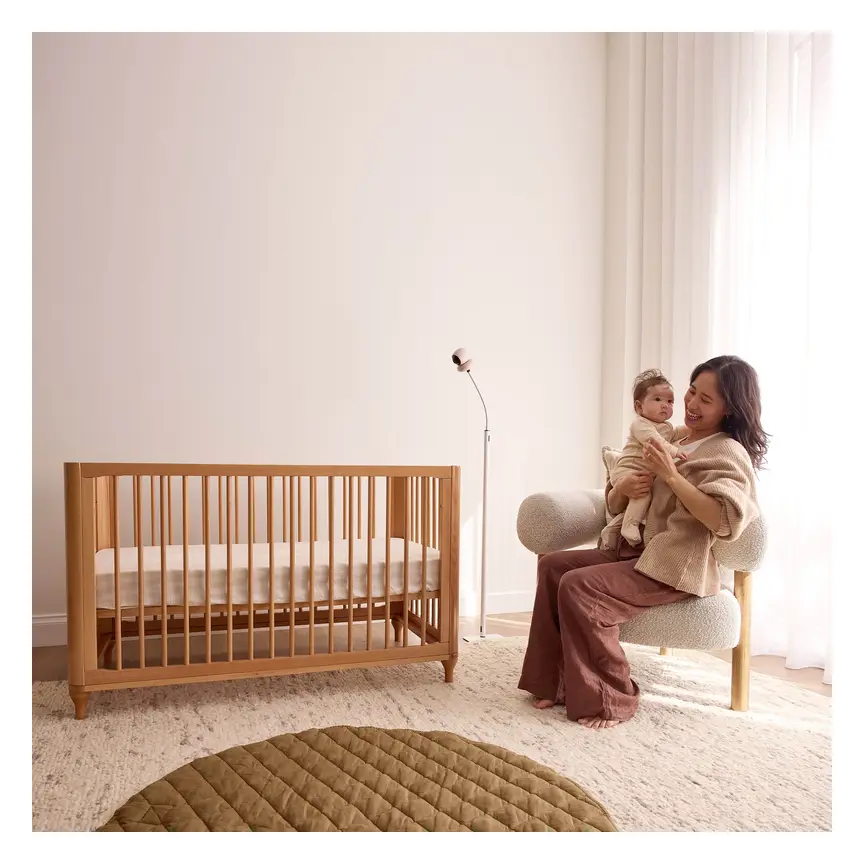

ergoPouch Drifthome Baby Monitor
A non-Wi-Fi monitor with a built-in TOG dressing guide and up to 300 m range.
Read our full review →
Eufy SpaceView Pro
Budget-friendly closed-system monitor with a large parent screen and pan/tilt camera.
Frequently asked questions
Can a smart sock or video monitor prevent SIDS?
No. Red Nose, The Lullaby Trust, the American Academy of Pediatrics, and the Canadian Paediatric Society all state that no baby monitor prevents SIDS. The safest steps are putting your baby on their back for every sleep, using a clear firm mattress, keeping their head uncovered, keeping the home smoke-free, and sharing a room for the first six to twelve months.
Are non-Wi-Fi FHSS monitors really safer from hackers?
Yes, from online hackers. Because a non-Wi-Fi FHSS monitor does not connect to the internet, nobody across the world can log into your camera. Its radio signal only reaches a short distance around your house, and channel hopping makes local eavesdropping very difficult.
Why does my smart sock keep alarming when my baby looks fine?
Most false alarms happen because the sock slipped while your baby kicked, or the strap is too loose or too tight. Cold feet, a flat sensor battery, or thick socks worn over the sensor can also block the light reading. Check the fit and your baby's skin, and move the base station closer if the signal keeps dropping.
How far should a baby monitor camera be from the cot?
Keep the camera and every part of its power cord at least one metre (about three feet) away from the cot, bassinet, or playpen. Use wall clips or plastic cord covers to keep wires flat against the wall. Never drape a cord near the bars where a baby or toddler could grab it.
Do I need a monitor if my baby sleeps in my room?
Usually not at night. When your baby sleeps in a cot or bassinet right next to your bed, you can hear and see them directly. A simple audio or non-Wi-Fi video monitor is still handy for daytime naps when you are in the kitchen, living room, or garden.
What should I do if a monitor shows a real warning?
Go straight to your baby and check them with your own eyes and hands. Look at their chest moving, feel their warmth, and check their colour. If your baby is hard to wake, struggling to breathe, or looks blue or very pale, call your local emergency number right away (000 in Australia, 999 in the UK, 911 in the US and Canada).
Sources
- Red Nose Australia – Baby monitors
- The Lullaby Trust (UK) – Baby monitors
- Children's Hospital of Philadelphia – Consumer baby monitors have little proven benefit for healthy infants (2017)
- JAMA – Accuracy of two consumer infant pulse oximetry monitors (Bonafide et al., 2018)
- U.S. Consumer Product Safety Commission – Infants and toddlers can strangle in baby monitor cords (Publication 5066)
- American Academy of Pediatrics (US) – A parent's guide to safe sleep
- Caring for Kids (Canadian Paediatric Society) – Safe sleep for babies
- Get Cyber Safe (Government of Canada) – Cyber security tips for your baby gear
Related guides
More Parental Tips →
Elimination Communication (0 to 18 Months): Catching Baby Potty Cues Without Stress
How to Choose Gear for a Child with Extra Support Needs

Independent Play from Birth to Age Three: How to Support Your Child Without Taking Over
