













GPS Trackers vs Bluetooth Tags for Toddlers and Strollers: How to Choose
GPS trackers vs Bluetooth tags for toddlers and strollers. Learn how real-time geofencing works, plus battery, privacy, and safety rules.

On this page
- Key points
- How GPS trackers and Bluetooth tags work
- What real-time geofencing actually does
- GPS trackers vs Bluetooth tags side by side
- Choosing for a toddler vs choosing for a stroller
- Age stages: when each option fits best
- Battery safety: button batteries and lithium-ion cells
- Privacy, data security, and official guidance by country
- Common mistakes parents make with trackers
- Frequently asked questions
- Sources
Short answer: Choose a GPS and cellular tracker for a toddler who might wander. It sends live location updates and real-time safe-zone alerts. Choose a Bluetooth tag (like an AirTag or Tile) for a stroller or travel bag. Bluetooth tags cost less and last for months, but they only update when another person's phone walks past. Never let a baby or toddler hold a Bluetooth tag because most use dangerous button batteries. No tracker ever replaces watching your child.
Safety rules for batteries, strollers, and smart devices are similar across Australia (ACCC and Department of Home Affairs), the UK (OPSS), the US (CPSC and FCC), and Canada (Health Canada and Get Cyber Safe).
Key points
- Live tracking: GPS and cellular trackers send live updates from almost anywhere with mobile signal.
- Delayed updates: Bluetooth tags rely on nearby phones. Updates can take minutes or hours in quiet places.
- Geofencing: True real-time safe-zone alerts need a GPS and cellular connection.
- Button battery danger: Most Bluetooth tags use coin-sized batteries. Swallowing one can cause severe burns in hours.
- Stroller fit: Hide a stroller tag inside the frame or under the fabric, well out of your child's reach.
- Supervision comes first: A tracker is a backup tool. Active adult supervision is always the main safety step.
How GPS trackers and Bluetooth tags work
Both devices help you find a person or an item on a map. They do this in very different ways.
How a GPS and cellular tracker works
GPS stands for Global Positioning System. A GPS chip inside the tracker listens to signals from satellites in space. Those signals tell the tracker where it is on Earth.
Next, the tracker needs to send that location to your phone. To do this, it uses a cellular network. That is the same mobile network your phone uses for calls and data. Most GPS trackers have a small SIM card inside and need a monthly plan.
Because it talks directly to satellites and mobile towers, a GPS tracker works on its own. It does not need anyone else's phone nearby. When your child moves, you can watch their dot move on your phone screen in real time.
How a Bluetooth crowd-network tag works
A Bluetooth tag does not have a GPS chip or a mobile SIM card. Instead, it sends out a short-range Bluetooth radio signal. Bluetooth only reaches about 10 to 30 metres in open air, and less indoors.
When your tag is far away, your own phone cannot hear it. Instead, the tag waits for a stranger's phone to walk past. If that phone belongs to the same network (for example, an iPhone for an Apple AirTag, or a phone with the Tile app for Tile), the stranger's phone quietly picks up the tag's signal. It then sends the location to the cloud so you can see it.
This system is called a crowd network. It works well in busy cities and airports where many people carry phones. It works poorly in quiet parks, woods, or rural roads where no one walks by.
Prams & Strollers worth a look
Real products from our catalogue. We don't show star ratings or review counts; check the current price, stock and reviews on Amazon before you buy.
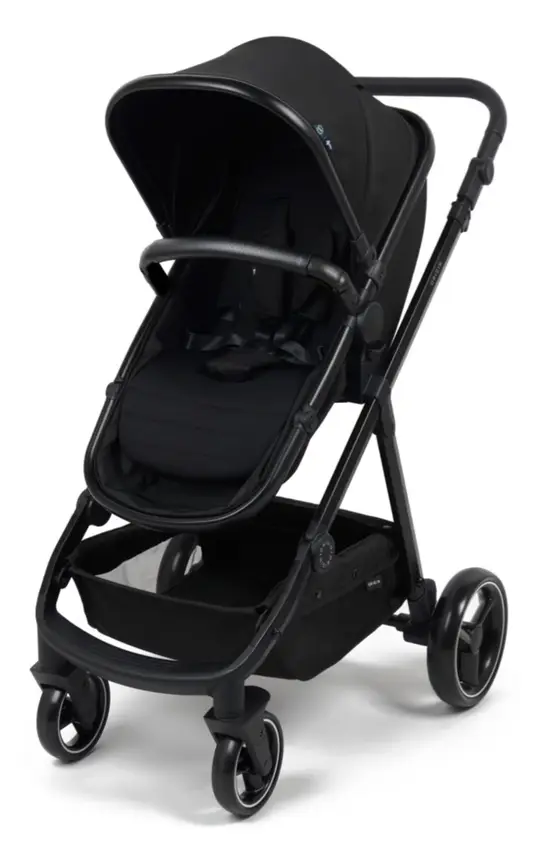
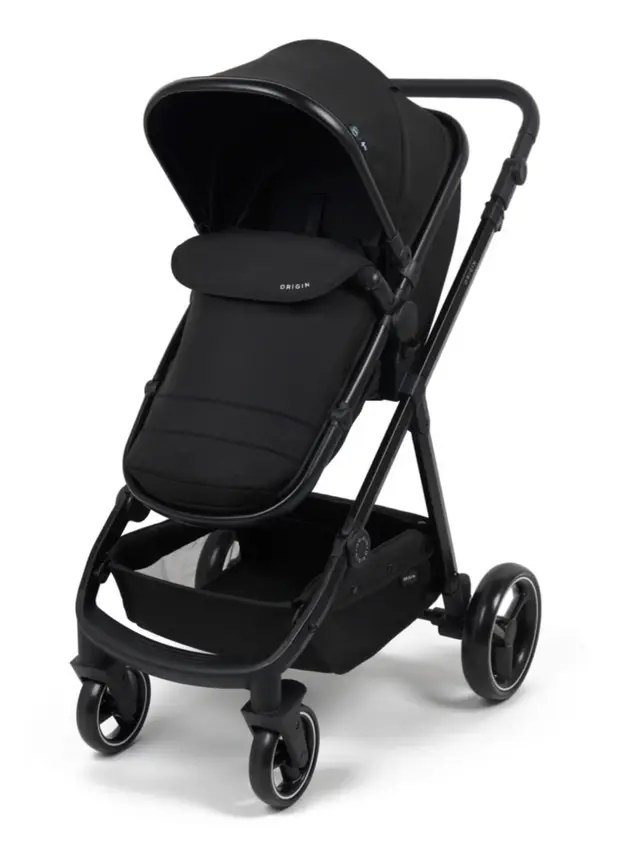
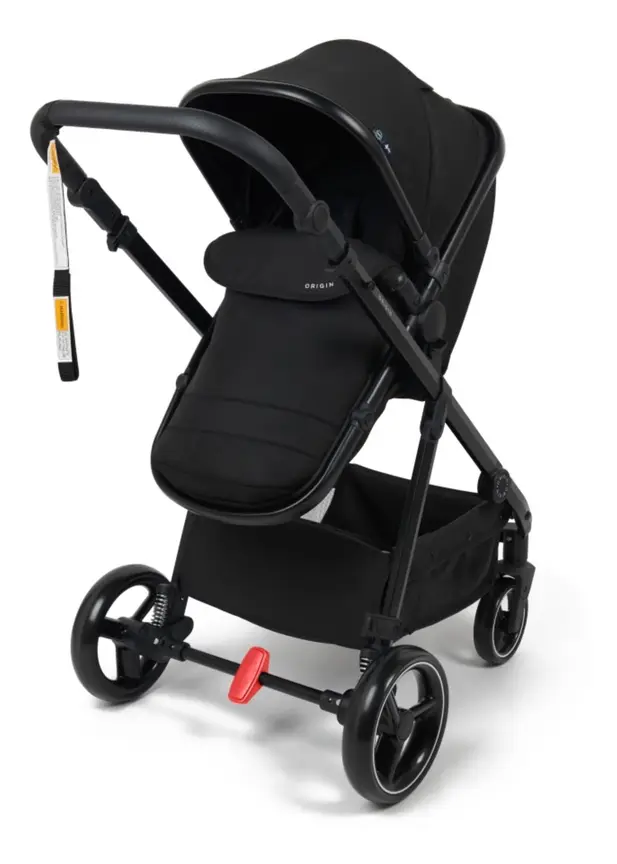
4baby Origin Stroller
A budget pram whose seat turns into a bassinet. The seat can face you or face the world.
Read our full review →
Baby Jogger City Mini GT2
Long-running, lighter all-terrain stroller with a famously simple one-hand strap fold.
 Reviewed
Baby Jogger City Tour 2
A 6.5 kg stroller with a near-flat recline. It folds small and comes with a carry bag.
Read our full review →
What real-time geofencing actually does
Geofencing means drawing an invisible fence on a map inside an app. You might draw a circle around your house, your yard, or a local park. You tell the app to warn you if the tracker crosses that line.
Geofencing on a GPS tracker
A GPS tracker checks its own location every few seconds or minutes. If your toddler wanders outside the park fence, the tracker notices right away. It sends an instant alert to your phone over the mobile network. That is true real-time geofencing.
Fast updates use more battery power. Many GPS trackers let you pick how often they check in. For example, you can set fast updates for a busy outing, and slower updates when you are safely at home.
Why Bluetooth tags cannot do real-time geofencing
Some Bluetooth tag apps let you set a "notify when left behind" alert. That alert simply tells you when your own phone walks out of Bluetooth range of the tag. It does not draw a map fence around a park.
If your toddler runs off while you are chatting, your phone might alert you only after they are already 30 metres away. Worse, if the battery is low or walls block the signal, the alert can arrive late. A Bluetooth tag also cannot tell you which way your child went unless another phone happens to pass them.
For a wandering child, seconds matter. That is why Bluetooth tags are not built for live child tracking.
GPS trackers vs Bluetooth tags side by side
The table below shows how the two types compare for everyday family use.
| Feature | GPS and cellular tracker | Bluetooth crowd-network tag |
|---|---|---|
| How it finds location | Satellites (GPS), Wi-Fi, and mobile towers | Short-range Bluetooth via nearby phones |
| Live map updates | Yes, every few seconds to minutes | No, only updates when a compatible phone passes |
| Real-time geofencing | Yes, sends instant boundary alerts | No, only basic "left behind" phone alerts |
| Working range | Anywhere with mobile network coverage | Needs other network users within about 10 to 30 metres |
| Indoor accuracy | Can be weak inside big concrete buildings | Often good in busy malls if many phones are near |
| Battery type | Rechargeable lithium-ion battery | Usually a coin-sized button battery (some are rechargeable) |
| Battery life | Typically 1 to 5 days per charge | Months to a year on one coin battery |
| Ongoing cost | Needs a SIM card or monthly subscription | Usually no monthly fee |
| Best family use | Toddlers, preschoolers, and older kids | Strollers, prams, nappy bags, and luggage |
| Main safety risk | Charging habits and lithium battery care | Severe button battery swallowing hazard for young kids |
Choosing for a toddler vs choosing for a stroller
Parents often ask which tracker is best. The honest answer depends on what you are tracking.
Tracking a toddler or young child
Toddlers move fast and have no sense of danger. They can slip out of sight in seconds at a beach, market, or playground. If you want a tracker for a toddler, a small GPS and cellular tracker is the better choice.
Look for these features in a child GPS tracker:
- Secure fit: It should clip firmly to a belt loop or sit on a watch strap that a toddler cannot easily undo.
- Water resistance: Kids splash in puddles and spill drinks. Pick a model rated to handle rain and splashes.
- Simple SOS button: For older toddlers and preschoolers, one big button to call you is helpful.
- No distracting games: A tracker for a young child does not need video games or open internet access.
- Good battery life: A tracker that dies by midday will not help you in the afternoon.
Even with a GPS tracker, keep your eyes on your child. Teach them to stay close and hold hands near roads and water.
Tracking a stroller or pram
A pram or stroller is much easier to track than a moving child. Often, you park it outside a cafe, at a theme park, or check it in at an airport. In these spots, lots of people walk past with phones in their pockets.
A Bluetooth crowd-network tag works very well for a stroller. It is tiny, light, and needs almost no upkeep. You do not have to remember to charge it every night.
Where you put the tag matters for both theft prevention and child safety:
- Hide it from thieves: If a thief sees a bright tag hanging on the handlebar, they will simply cut it off. Tuck it inside the under-seat basket lining, under the seat pad, or inside a zip pocket.
- Keep it away from tiny hands: Never clip a Bluetooth tag onto the bumper bar, harness, or hood where a baby or toddler can grab it and put it in their mouth.
- Follow stroller safety rules: Stroller standards in Australia (AS/NZS 2088), the UK and Europe (BS EN 1888), and the US (ASTM F833) warn against hanging heavy items or loose cords on a stroller. Keep any tracker small, light, and cordless.
If your stroller is stolen or lost by an airline, a Bluetooth tag helps you point staff or police to the right building or terminal.
Age stages: when each option fits best
Your child's age changes what kind of tracker makes sense, and whether you need one at all.
| Age stage | What is happening | Best tracker choice | Key safety rule |
|---|---|---|---|
| Birth to 12 months | Baby is carried or in a pram. Cannot wander alone. | Bluetooth tag hidden on the stroller or nappy bag only. | Never attach any tag or button battery device to a baby or their clothes. |
| 1 to 2 years | Walking, climbing, and putting objects in the mouth. | Avoid loose tags. Use a secure GPS tracker only if needed on trips. | Keep all button batteries completely out of reach. Watch closely near water and roads. |
| 3 to 4 years | Running fast in parks and shops. Starting to learn rules. | Small clip-on GPS tracker or simple GPS watch with geofencing. | Check the strap has no choking or snagging hazards on playground slides. |
| 5 years and up | Walking to school or playing at friends' houses. | GPS watch with two-way calling and safe-zone alerts. | Use strong app passwords and limit who can call the watch. |
Side by side: more prams & strollers to compare
Real products from our catalogue. We don't show star ratings or review counts; check the current price, stock and reviews on Amazon before you buy.
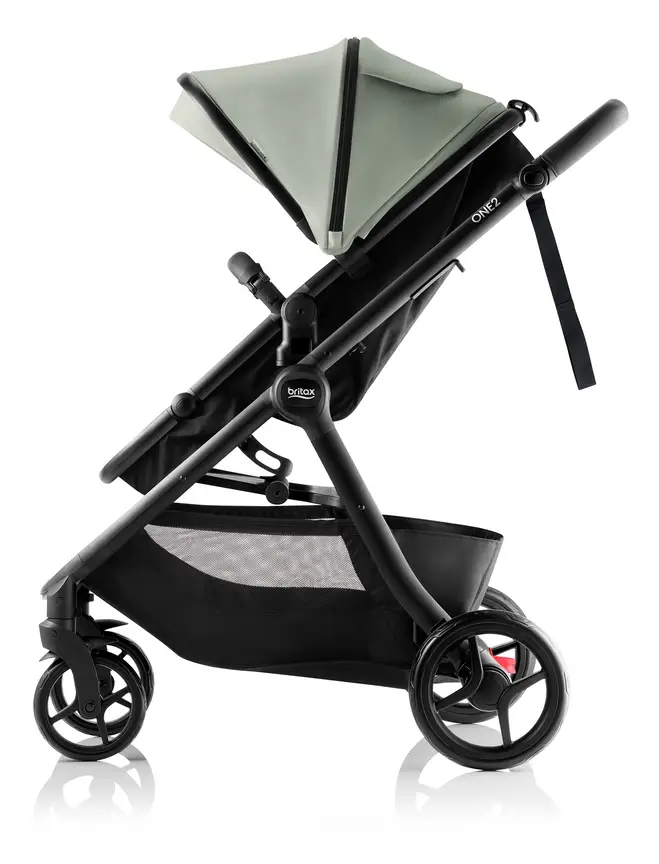
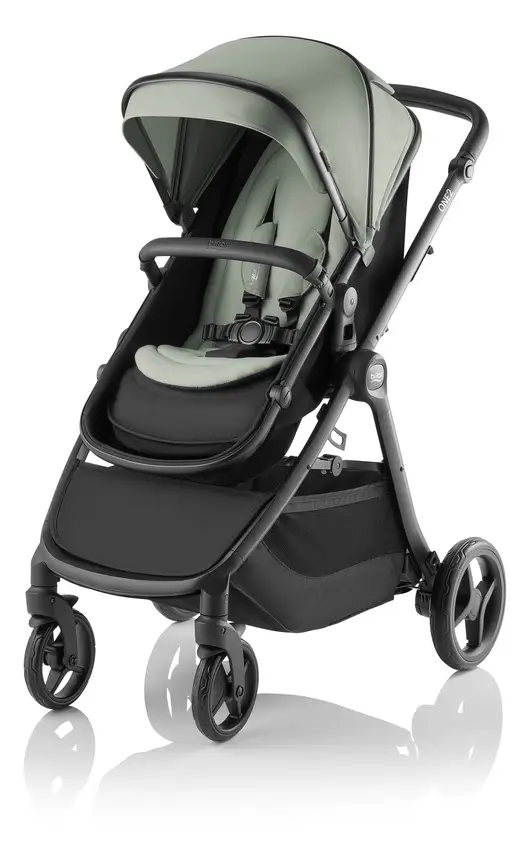


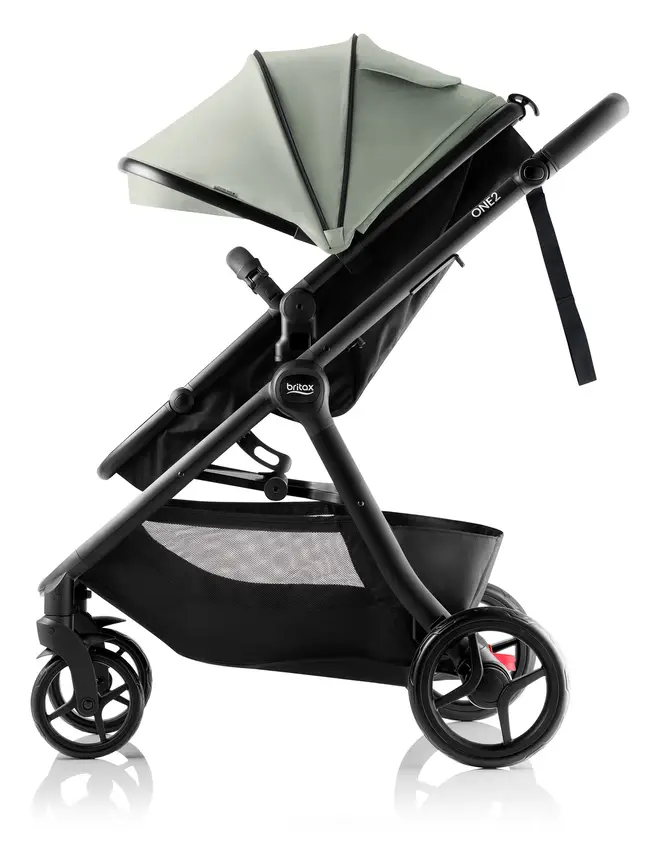


Britax One2
A pram that starts as a single and can take a second child. The seat turns into a lie-flat bassinet.
Read our full review →

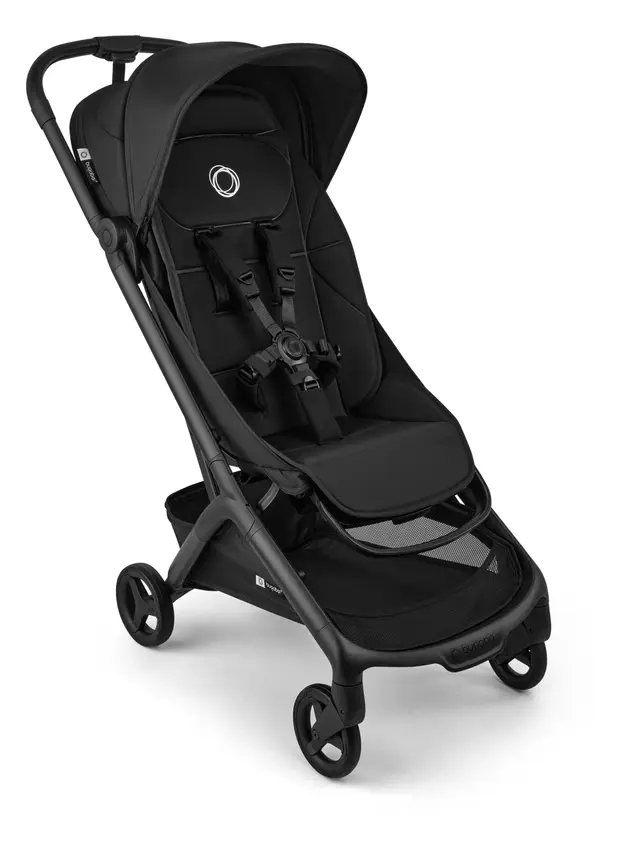
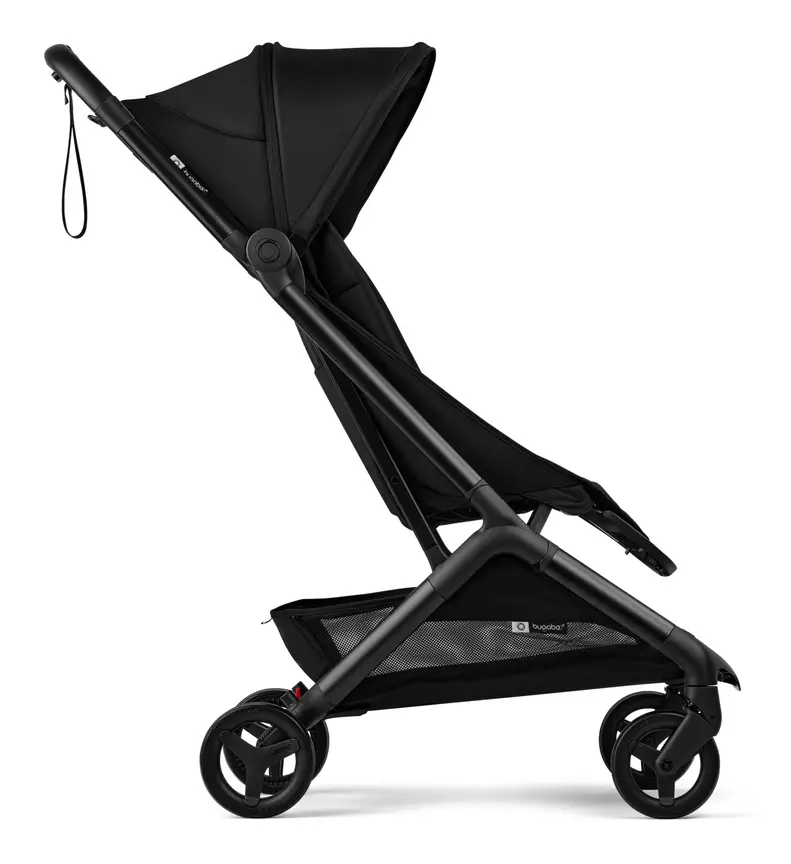


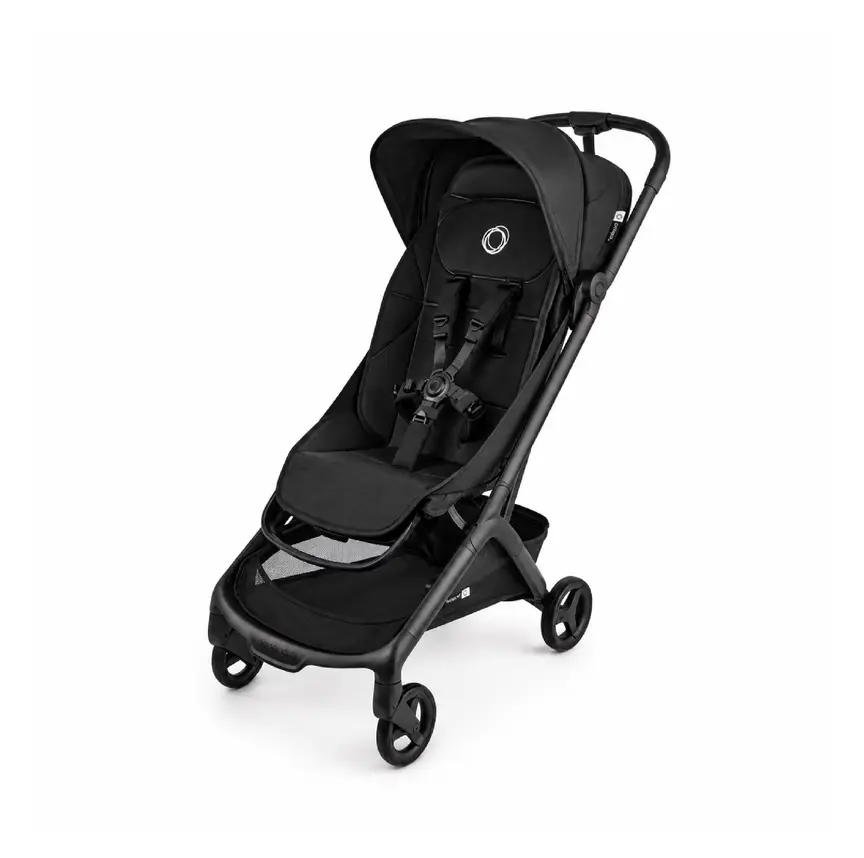
Bugaboo Butterfly
Bugaboo's cabin-friendly compact stroller with a one-second fold — the travel partner to a Fox, not a replacement for it.
Battery safety: button batteries and lithium-ion cells
Trackers run on batteries. Both main battery types carry real safety risks if handled poorly. Knowing these risks keeps your family safe.
The button battery danger in Bluetooth tags
Most popular Bluetooth tags use a flat, round, coin-sized lithium battery. These are called button batteries. They look shiny and small, just like a lollie or a coin to a toddler.
If a child swallows a button battery, it is a medical emergency. The battery can get stuck in the throat. Saliva creates an electrical current that burns through tissue in as little as two hours. This can cause life-threatening injury or death, even if the battery is old or flat.
Product safety bodies in Australia (ACCC), the UK (OPSS), the US (CPSC), and Canada (Health Canada) all warn parents about button batteries. In Australia, products that use button batteries must meet strict mandatory rules. Battery doors must be secure so young children cannot open them easily, and packaging must be child-resistant.
Follow these simple rules for any Bluetooth tag:
- Never let a baby or toddler play with a Bluetooth tag, even as a toy.
- Check that the battery door twists or screws shut tightly. Some tags need a strong push and twist, while others have no screw. Add a protective holder that screws shut if you use a tag around kids.
- Store spare coin batteries locked up high, out of sight and reach.
- Tape over both sides of used button batteries before recycling them, so a child cannot get a shock or burn from a flat cell.
- If you think a child swallowed a battery, seek emergency medical help right away. Do not wait for symptoms.
Safe charging for lithium-ion GPS trackers
GPS trackers usually hold a rechargeable lithium-ion battery. These are the same type of batteries found in phones and laptops. When damaged or charged badly, lithium-ion batteries can overheat and catch fire.
Fire services such as Fire and Rescue NSW share clear steps for safe charging:
- Use the charger and cable that came with the tracker, or a trusted certified brand.
- Charge the tracker on a hard, flat surface like a kitchen bench or table.
- Never charge a tracker on a bed, sofa, pillow, or near curtains.
- Unplug the tracker once it is full. Do not leave it plugged in all night under a bed.
- Stop using the tracker right away if the case swells, feels hot, smells strange, or gets crushed.
- Never throw a lithium-ion tracker in your normal household rubbish bin. Take it to a proper battery recycling drop-off point.
Flying with trackers and strollers
Many families put a tracker in a checked stroller or suitcase when flying. Before you fly, check the lithium battery rules from your aviation authority.
Aviation bodies—including CASA in Australia, the CAA in the UK, the FAA in the US, and Transport Canada—have rules for lithium batteries on planes. Spare lithium batteries and power banks must always go in carry-on luggage, never in checked bags. Small devices with tiny installed batteries (like a standard Bluetooth tag) are usually allowed in checked bags, as long as the device is well protected from crushing and accidental damage. However, rules vary by airline and battery size. Always check your airline's current rules before packing a GPS tracker in a gate-checked stroller.
Privacy, data security, and official guidance by country
A tracker knows where your child and your family go every day. That data is private. You must protect it just like you protect your bank account.
Smart device security rules
Hackers sometimes target smart baby gear and tracking apps that use weak passwords. Governments in all four countries now push for safer smart devices:
- Australia: The Department of Home Affairs sets security standards for smart devices, calling for unique passwords and regular security updates.
- United Kingdom: The UK Government enforces smart device security rules (known as PSTI) that ban easy-to-guess default passwords and require security update timelines.
- United States: The Federal Communications Commission (FCC) runs the U.S. Cyber Trust Mark programme to help families spot safer connected products.
- Canada: Get Cyber Safe (Government of Canada) gives parents clear tips for locking down connected baby gear and home apps.
Take four quick steps when you set up any tracker app:
- Use a long, unique password you do not use anywhere else.
- Turn on two-step login (a code sent to your phone or app).
- Turn on automatic updates for both the phone app and the tracker software.
- Only share the tracker's location with trusted family members, and remove access when someone no longer needs it.
Anti-stalking alerts on Bluetooth tags
Modern Bluetooth tags include safety features to stop people from secretly tracking others. If an unknown tag travels with someone for a while, their phone may pop up an alert saying a tag is moving with them. The tag may also start beeping.
This is a great safety feature for everyone. However, it can affect parents too. For example, if you leave a Bluetooth tag in your stroller and your partner takes the stroller out without your phone, the tag might beep or alert your partner's phone. Many tag apps now let you share a tag with family members so those false alerts stop.
Official bodies by country
Here is where to check recalls, battery safety, and smart device rules where you live.
| Topic | Australia | UK | US | Canada |
|---|---|---|---|---|
| Product recalls and button batteries | ACCC / Product Safety Australia | Office for Product Safety and Standards (OPSS) | Consumer Product Safety Commission (CPSC) | Health Canada |
| Stroller safety guidance | Product Safety Australia (AS/NZS 2088) | OPSS and RoSPA (BS EN 1888) | CPSC (ASTM F833) | Health Canada |
| Smart device security | Department of Home Affairs | UK Government PSTI rules | FCC (Cyber Trust Mark) | Get Cyber Safe |
| Air travel battery rules | CASA | Civil Aviation Authority (CAA) | Federal Aviation Administration (FAA) | Transport Canada |
Common mistakes parents make with trackers
Even good gear fails if used the wrong way. Watch out for these six common traps.
1. Treating a tracker like a babysitter
A tracker only tells you where your child is after they have already moved. It cannot stop a child from running onto a road or falling into a pool. Always keep young children within arm's reach near water, traffic, and crowds.
2. Putting a Bluetooth tag in a toddler's pocket or shoe
Some shops sell silicone shoe clips or wristbands for Bluetooth tags. Remember that many tags pop out of soft silicone holders easily. A curious toddler can pull the tag out and try to chew it. If the battery door opens, a button battery is right there. Keep Bluetooth tags for bags and strollers, not toddlers.
3. Forgetting to check mobile signal
GPS trackers need mobile phone signal to send their location to you. If you camp in a national park or visit a basement car park with no mobile bars, the tracker cannot send live updates. It can only log where it is and send the data once signal returns.
4. Letting the battery run flat
GPS trackers work hard and drain fast. Many parents charge the tracker on Sunday, put it in a bag, and find it dead by Thursday. Make charging part of your nightly routine before big outings, just like charging your phone.
5. Hanging trackers on loose cords
Never hang a tracker around a baby or toddler's neck on a lanyard or string. Cords around the neck are a serious strangulation hazard. On a stroller, avoid dangling keychains where a child can pull them off or snag them on doors.
6. Skipping privacy settings
Leaving a default password or sharing your child's live map with old accounts puts your home address at risk. Check your app's sharing list every few months and remove anyone who does not need access.
More options, from budget to premium
Real products from our catalogue. We don't show star ratings or review counts; check the current price, stock and reviews on Amazon before you buy.
Bugaboo Butterfly 2
The newer Butterfly. It folds in about one second, has a lay-flat seat and a bigger basket with a back pocket.
Read our full review →
Bugaboo Donkey 5
Converts from single to side-by-side double (siblings or twins) by widening the frame.

Bugaboo Dragonfly
Bugaboo's city pram: smaller footprint and lighter than the Fox, built for footpaths, lifts and car boots rather than bush tracks.
Frequently asked questions
Can an Apple AirTag or Tile track my toddler in real time?
No. Apple AirTags, Tiles, and similar Bluetooth tags do not have GPS or mobile data. They only update when another person's phone walks within Bluetooth range. In a quiet park or rural area, you might get no updates at all. For live tracking and real-time geofencing, you need a GPS and cellular tracker.
Are Bluetooth tags safe around babies and toddlers?
Bluetooth tags are safe on a stroller or bag when hidden completely out of a child's reach. They are not safe for a baby or toddler to hold or wear. Most Bluetooth tags contain a coin-sized button battery that causes severe internal burns within hours if swallowed.
Do GPS trackers work indoors or in shopping centres?
GPS signals from space struggle to pass through thick roofs and concrete walls. Good GPS trackers use Wi-Fi and mobile tower signals as a backup when indoors. That helps narrow down the building, though it may not show the exact shop. Once your child steps outside, the satellite signal locks back on.
Do all GPS trackers need a monthly SIM plan?
Yes, almost all true live GPS trackers need a cellular data connection to send their location to your phone. Some brands bundle a built-in SIM card with a monthly or yearly subscription. Others let you buy your own low-cost SIM card. Always check the ongoing fee before you buy.
Can I take a GPS tracker or Bluetooth tag on a plane?
Rules depend on the battery type and your airline. Spare lithium batteries must always travel in your carry-on bag, never in checked luggage. Small Bluetooth tags with tiny batteries inside are often allowed in checked bags, while larger GPS trackers may need to stay in carry-on or be switched off. Check your national aviation authority (CASA, CAA, FAA, or Transport Canada) and your airline before flying.
Where should I hide a tracker on a pram or stroller?
Pick a spot that is dry, out of sight from thieves, and impossible for your child to reach. Good spots include a zipped pocket under the basket, tucked inside the frame padding, or secured under the seat liner. Make sure it does not block the stroller's folding hinges or locks.
Will a tracker stop my child from getting lost?
No. A tracker helps you find a child or stroller faster if they go missing, but it cannot prevent them from wandering off. Close adult supervision, holding hands near roads, and teaching older kids what to do if they get lost are always the most important steps.
Sources
- Product Safety Australia – Button batteries guide
- Fire and Rescue NSW – Lithium-ion batteries: shop, charge and recycle safely
- Australian Department of Home Affairs – Security standards for smart devices
- UK Government – Security rules for smart devices (PSTI)
- Federal Communications Commission (US) – U.S. Cyber Trust Mark
- Get Cyber Safe (Government of Canada) – Cyber security tips for your baby gear
- Federal Aviation Administration (US) – PackSafe: lithium batteries
- Product Safety Australia – Prams and strollers guide
Related guides
More Prams & Strollers →
Stroller Wagons vs Double Strollers: How to Choose for Daily Trips and Theme Parks

Lightweight Prams and Strollers: How to Choose One That Steers Easily

Bassinet Attachments for Strollers: How to Choose and Use One Safely
