













Smart Monitors and High-Tech Strollers: What Tech Actually Helps Parents
Learn which smart baby monitors and high-tech strollers actually help parents, what safety checks matter in AU, UK, US and Canada, and what to skip.

On this page
- Key points
- What smart baby gear is, and why it is everywhere
- Smart baby monitors: audio, video, and wearable sensors
- High-tech strollers and prams: motors, brakes, and trackers
- Other nursery tech: sound machines, smart bassinets, and bottles
- Side-by-side comparison of smart baby gear
- Tech needs by age stage
- Safety standards and official advice: Australia, UK, US, and Canada
- How to choose smart baby gear without overspending
- Common mistakes parents make with baby tech
- Frequently asked questions
- Sources
Short answer: Some baby tech makes daily life easier, while a lot of it just adds cost and stress. A simple audio or closed-circuit video monitor helps you hear or see your baby from another room. A pram with good brakes and a smooth fold beats a heavy frame packed with screens. Most importantly, no smart gadget can replace safe sleep habits or your own eyes.
Health and safety groups in Australia (Red Nose, ACCC), the UK (The Lullaby Trust, NHS, OPSS), the US (American Academy of Pediatrics, CPSC) and Canada (Health Canada, Canadian Paediatric Society) all agree on this. Fancy sensors do not prevent sudden infant death, and they can bring new risks like loose cords, weak passwords, and unsafe batteries.
Key points
- Monitors do not prevent SIDS: Red Nose, The Lullaby Trust, and the American Academy of Pediatrics say wearable breathing and heart monitors have no proven benefit for healthy babies.
- Keep cords far away: The US Consumer Product Safety Commission warns that monitor cords near a cot can strangle a baby. Keep cords at least one metre away from the sleep space.
- Lock down Wi-Fi cameras: Any monitor that connects to your home internet needs a strong, unique password and regular software updates.
- Prams still need the basics first: Look for a five-point harness, strong brakes, and compliance with AS/NZS 2088 (Australia), BS EN 1888 (UK), or ASTM F833 (US) before looking at motors or apps.
- Check battery safety: Motorised strollers and wireless sensors use lithium-ion batteries. Use only the charger that came in the box, and keep button batteries locked away from children.
- Skip loud sleep machines: Keep sound machines well back from the cot and at a low volume so they do not hurt your baby's hearing.
What smart baby gear is, and why it is everywhere
Smart baby gear means everyday nursery or travel items that have sensors, motors, Wi-Fi, Bluetooth, or phone apps built into them. Examples include video monitors that stream to your phone, socks that track heart rate, prams with electric push-assist motors, and bassinets that rock on their own.
New parents are often tired and worried. Marketing teams know this. They sell the idea that more data equals a safer baby. In truth, extra alerts and graphs can make you check your phone all night instead of resting.
Good baby tech should solve a real problem in your home. For example, a steep hill on your daily walk might make an electric-assist pram helpful. A large house with thick walls might make a long-range audio monitor useful. Tech that creates new chores, needs constant charging, or sends false alarms usually ends up in a cupboard.
Prams & Strollers worth a look
Real products from our catalogue. We don't show star ratings or review counts; check the current price, stock and reviews on Amazon before you buy.
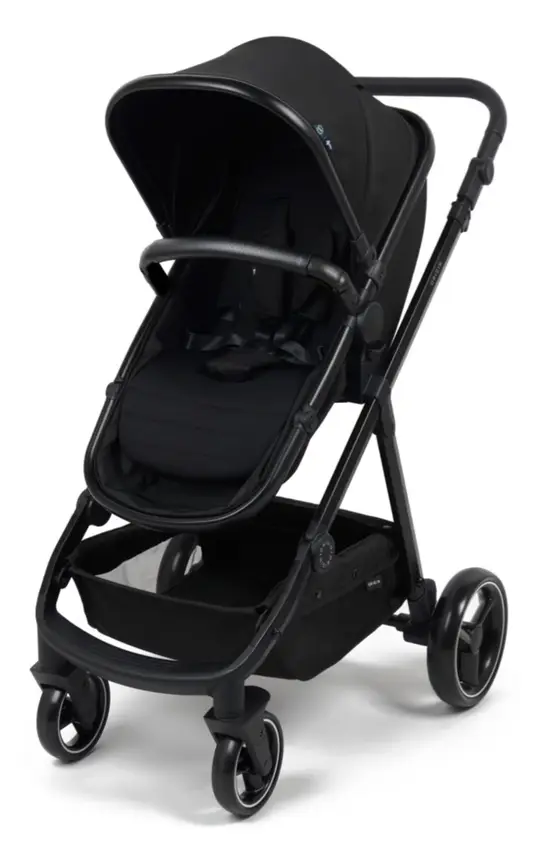
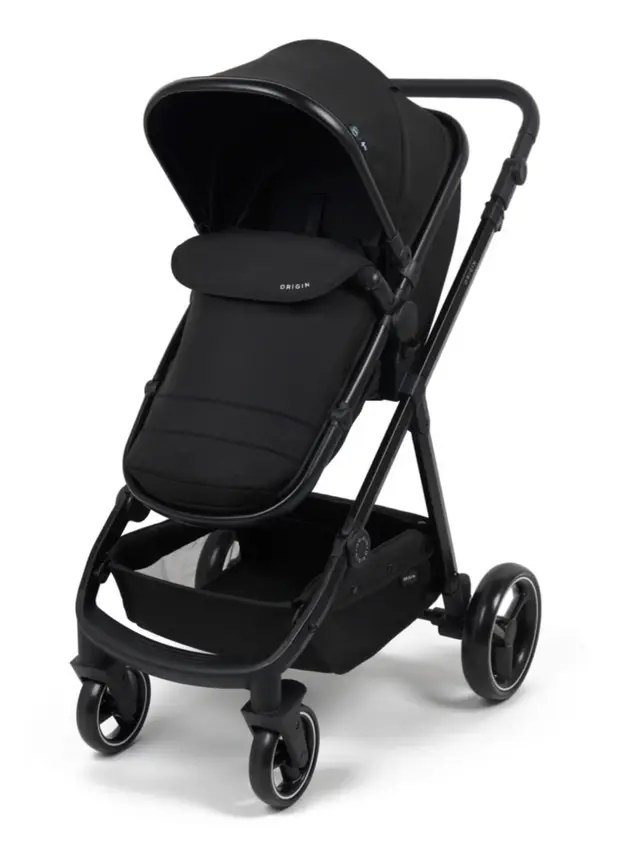
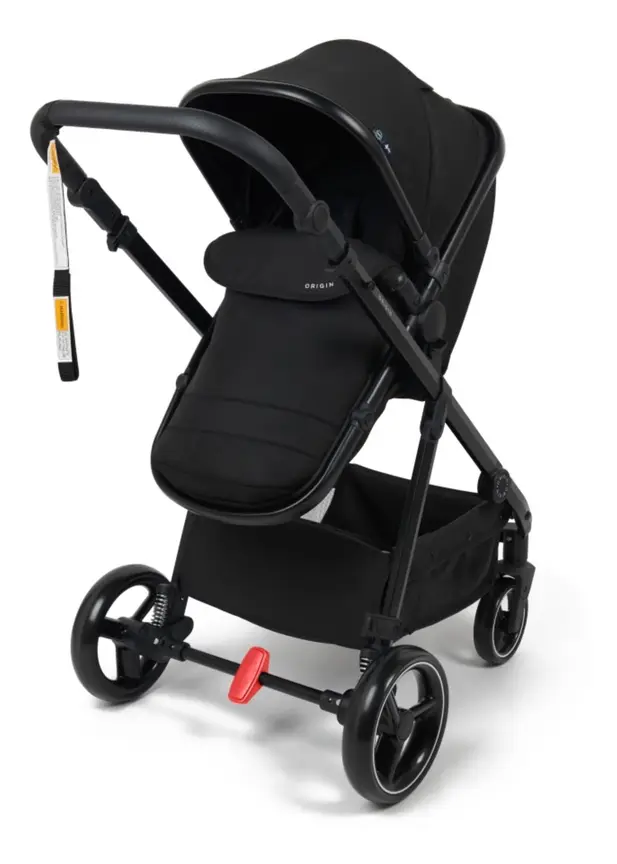
4baby Origin Stroller
A budget pram whose seat turns into a bassinet. The seat can face you or face the world.
Read our full review →
Baby Jogger City Mini GT2
Long-running, lighter all-terrain stroller with a famously simple one-hand strap fold.
 Reviewed
Baby Jogger City Tour 2
A 6.5 kg stroller with a near-flat recline. It folds small and comes with a carry bag.
Read our full review →
Smart baby monitors: audio, video, and wearable sensors
Baby monitors fall into three main groups. Knowing how each one works helps you pick the right tool and avoid gadgets you do not need.
Audio and non-Wi-Fi video monitors
An audio monitor works like a one-way or two-way radio. A small unit sits in the baby's room, and you carry the parent unit. A closed-circuit video monitor adds a small camera and a dedicated handheld screen.
These monitors use a direct radio signal between the two units. They do not connect to the internet. That means they keep working if your home Wi-Fi drops out. It also means strangers on the internet cannot log into your camera feed.
Many models show room temperature on the parent screen. Treat that number as a rough guide only. Cheap temperature sensors placed near a wall or window can be off by a few degrees. Feel your baby's chest or the back of their neck to check if they are too hot or too cold.
Wi-Fi monitors and phone apps
Wi-Fi monitors send video and sound through your home router to an app on your phone. You can check the feed from the backyard or while at work. Some apps save short video clips when they detect crying or movement.
The upside is convenience and clear picture quality. The downside is your phone becomes the monitor. If your phone battery dies, or if your internet slows down, you lose the feed. Some apps also put basic features, like sleep history or cry alerts, behind a monthly paid plan.
Any camera linked to the internet brings privacy risks. Hackers look for cameras that still use the factory password. We cover how to lock these down in the cyber security section below.
Wearable breathing and heart rate monitors
Wearable monitors include smart socks, ankle bands, nappy clips, and under-mattress pads. They claim to track your baby's breathing, movement, or blood oxygen levels while they sleep.
Major health bodies advise against buying these for healthy babies. Red Nose Australia states that home monitors have not been shown to prevent sudden infant death syndrome (SIDS). The Lullaby Trust in the UK gives the same advice. The American Academy of Pediatrics also advises parents not to rely on home cardiorespiratory monitors to reduce SIDS risk.
Research published in the medical journal JAMA tested consumer infant pulse-oxygen monitors in a hospital setting. The researchers found that these consumer devices were not accurate enough to match medical equipment. They also missed real drops in oxygen or gave false alarms when a baby simply kicked their foot.
Doctors at the Children's Hospital of Philadelphia warn that healthy babies do not need home medical-style tracking. False alarms wake parents up in a panic. Worse, a green light on an app can give a false sense of safety, tempting parents to skip safe sleep rules like putting a baby on their back in an empty cot.
If your baby was born early or has a heart or lung condition, your hospital team will tell you if you need a medical monitor. They will supply a hospital-grade unit and train you to use it.
Cord safety and camera placement
A video monitor needs power, which often means a long wall cord. This cord is a real danger once a baby can reach, sit, or pull up.
The US Consumer Product Safety Commission (CPSC) has documented deaths where babies and toddlers pulled monitor cords into the cot and strangled. Never mount a camera on the cot rail. Never place a corded unit on a shelf or table right next to the cot.
Keep the camera and every centimetre of its cord at least one metre (about three feet) away from the edge of the cot. Secure the cord to the wall with proper cable covers so little hands cannot yank it loose. A battery-powered camera unit removes the cord risk near the cot, though you still must keep the charger out of reach.
High-tech strollers and prams: motors, brakes, and trackers
Pram makers have started adding electronics to frames that used to be purely mechanical. Some of these features genuinely help certain families. Others add weight and things that can break.
Motor-assisted and self-braking prams
An e-stroller (or electric-assist pram) has small motors built into the rear wheels and a rechargeable battery pack in the frame. Sensors in the handlebar feel when you are pushing uphill and add gentle power to help. When you walk downhill, the motors slow the wheels so the pram does not run away from you.
Some electric prams also have automatic hand-release brakes. If you let go of the handlebar to grab your keys or chase a toddler, the wheels lock on their own. A few models even offer a gentle rocking mode that moves the pram back and forth while parked.
These features can be helpful if you live in a very hilly area, carry two children in a double pram, or have joint or back pain. However, motors and batteries make the pram much heavier. Lifting a heavy frame into a car boot several times a day can hurt your back more than pushing a normal pram up a small slope. Also check what happens if the battery runs flat mid-walk. A good motorised pram should still roll freely without power.
Built-in lights, electric folds, and trackers
Some newer prams come with LED lights built into the footrest or frame. These help cars see you during early morning or evening walks. You can get the same safety boost on any pram with a cheap clip-on bike light.
A few high-end prams use a motor to fold and unfold the frame at the press of a button. While neat, a manual one-hand strap fold is faster, lighter, and will never fail because of a flat battery or a jammed switch.
Some parents slip a small Bluetooth tracker tag inside the pram basket. This is a low-cost way to find a pram if it is taken or left behind at a busy park. Just hide the tag inside a zipped pocket where a toddler cannot find it and put it in their mouth. Most small trackers contain a coin-shaped button battery, which is deadly if swallowed.
What still matters most on any pram
Electronics never make up for a poor frame. Before looking at any tech feature, check the safety basics:
- Five-point harness: Straps over both shoulders, both hips, and between the legs keep your baby secure.
- Foot brake: The parking brake should lock both rear wheels firmly and be easy to engage with your foot.
- Flat recline for newborns: Young babies need a flat bassinet or a fully flat seat so their head does not slump forward and block their airway.
- Safety standard label: Check that the pram meets AS/NZS 2088 in Australia, BS EN 1888 in the UK, or ASTM F833 in the US.
- Everyday weight and size: Measure your car boot and your front hallway before you buy.
Other nursery tech: sound machines, smart bassinets, and bottles
Monitors and prams are not the only smart items on the shelf. Parents also see apps and sensors on sleep aids and feeding gear.
White noise machines and smart nightlights
Sound machines play steady white noise, rain, or heartbeat sounds to mask household noise. Some connect to your phone so you can change the volume from the hallway.
Be careful with volume and placement. A study published in the journal Pediatrics tested infant sleep machines and found that many could play louder than safe hearing limits for babies when placed near the cot. Always place a sound machine across the room, never inside the cot or clipped to the rails. Keep the volume low, like a soft shower in the next room, and turn it off once your baby is asleep if you can.
Smart nightlights let you dim the glow from your phone during night feeds. Choose a dim, warm red or amber light rather than a bright white or blue light. Research shows blue-rich light at night can suppress sleep hormones and make it harder for babies and parents to settle back down.
Rocking bassinets and smart sleepers
Smart bassinets use motors and microphones to rock your baby when they cry. They can give tired parents an extra hour of sleep in the early weeks. Still, they must follow every safe sleep rule.
The sleep surface inside any bassinet must be flat and firm. Never use a smart sleeper that holds your baby at an incline or has soft, padded sides. Keep the bassinet completely clear of loose blankets, pillows, and soft toys. Stop using any bassinet as soon as your baby starts to roll or reaches the maker's weight limit.
App-linked bottle warmers and formula makers
Some bottle warmers and formula dispensers connect to Wi-Fi so you can start warming water from bed. While convenient, do not trust a phone alert blindly.
Formula makers must heat water enough to kill germs in powdered formula, or follow the exact safe preparation guide from your local health service. Always swirl the bottle well and test a drop on the inside of your wrist before feeding your baby. Hot spots in warmed milk can burn a baby's mouth fast.
Side-by-side comparison of smart baby gear
This table shows how common smart baby products compare on real usefulness and safety risks.
| Gear type | Main job | Real benefit | Main risk or drawback | Worth it for most families? |
|---|---|---|---|---|
| Audio or non-Wi-Fi video monitor | Lets you hear or see baby from another room | Reliable, works without internet, private signal | Cord near cot is a strangulation hazard if placed too close | Yes, very useful once baby sleeps in their own room |
| Wi-Fi video monitor | Streams video to your smartphone app | Clear picture, check from anywhere | Needs strong passwords, stops if Wi-Fi drops, often needs subscriptions | Only if you lock down security and keep a backup plan |
| Wearable breathing or pulse monitor | Tracks movement, heart rate, or oxygen | May feel reassuring to anxious parents | No proof it prevents SIDS; false alarms cause stress; inaccurate readings | No, health groups advise against them for healthy babies |
| Motor-assisted pram | Electric wheels help push uphill and brake downhill | Easier on steep hills or with heavy double loads | Heavy to lift into a car, high cost, battery needs charging | Only for very hilly areas or parents needing physical help |
| Smart white noise and nightlight | Masks noise and gives soft light for night feeds | Dim red light helps everyone stay sleepy | Too loud or too close can harm baby's hearing; bright light disrupts sleep | Basic model is enough; app control is optional |
Side by side: more prams & strollers to compare
Real products from our catalogue. We don't show star ratings or review counts; check the current price, stock and reviews on Amazon before you buy.
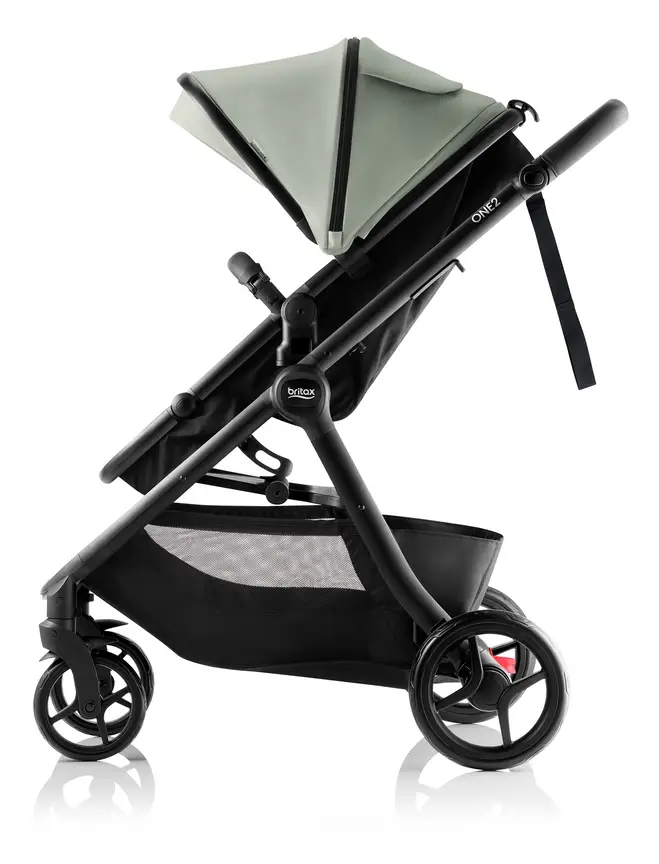
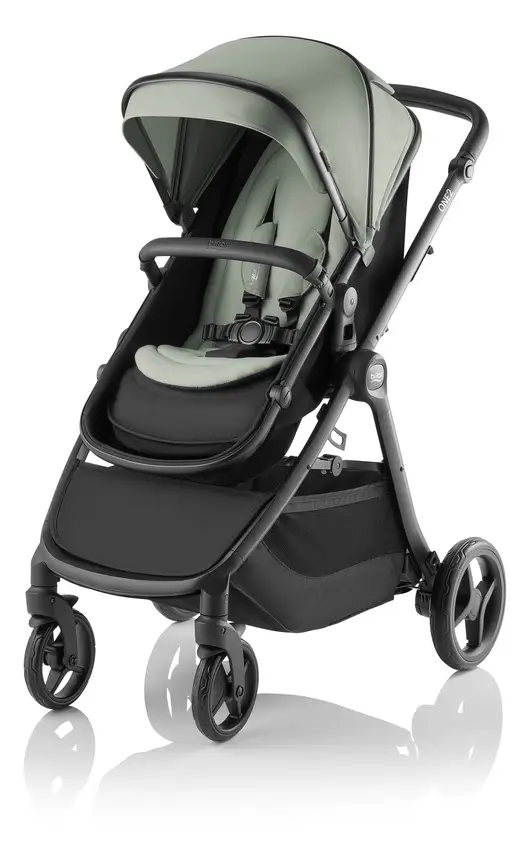


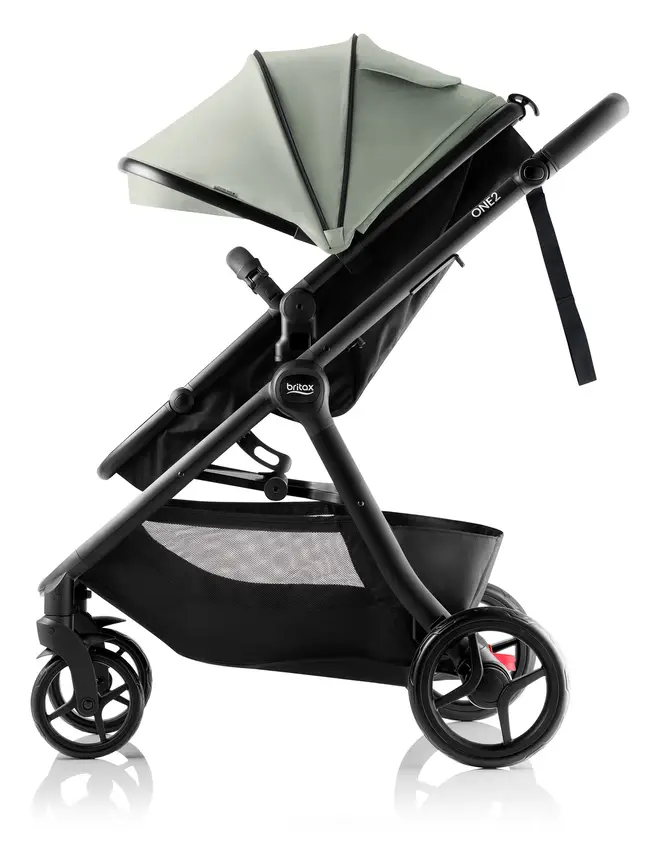


Britax One2
A pram that starts as a single and can take a second child. The seat turns into a lie-flat bassinet.
Read our full review →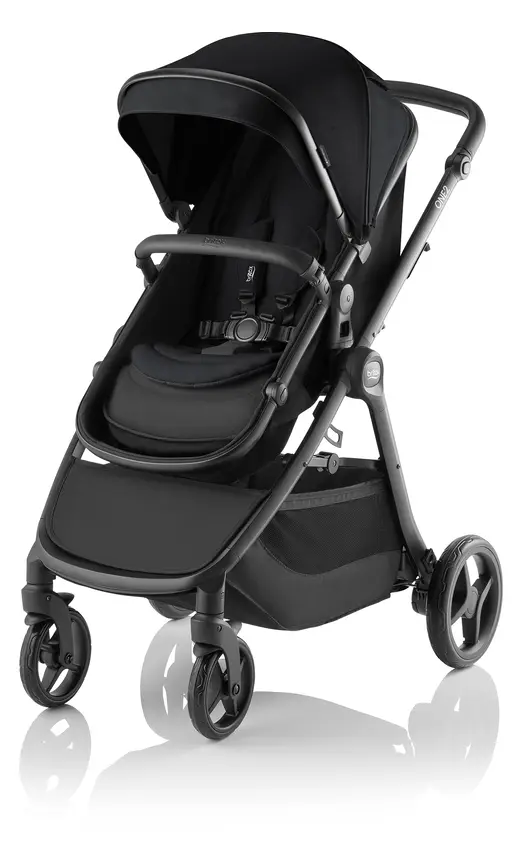
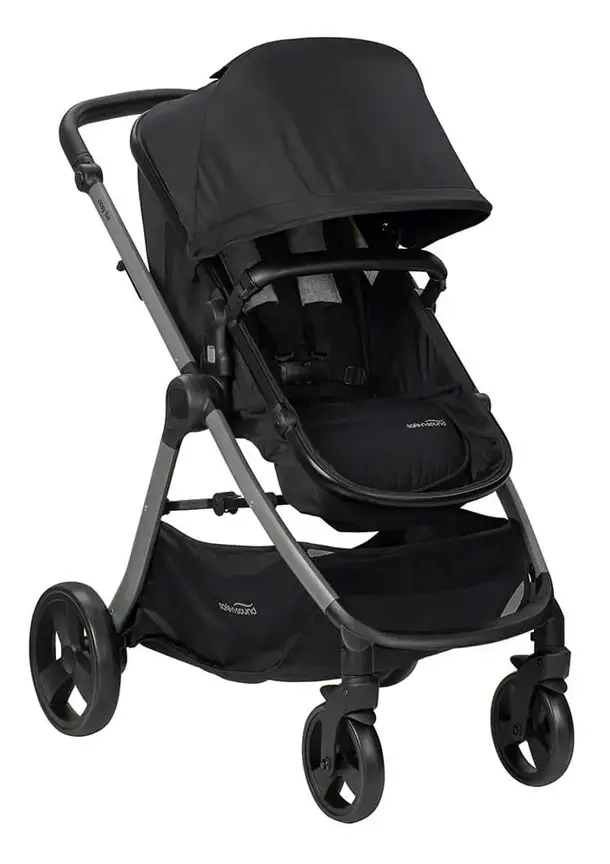

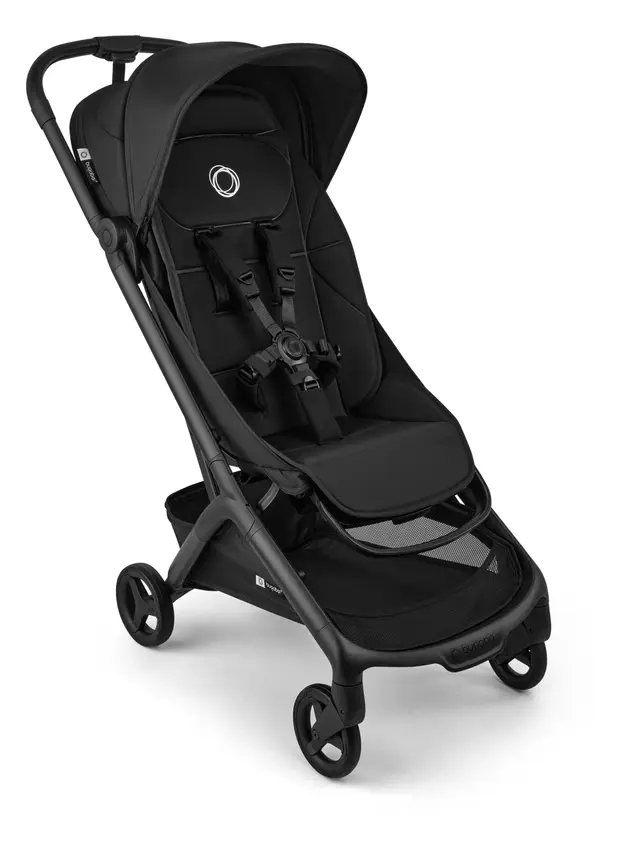
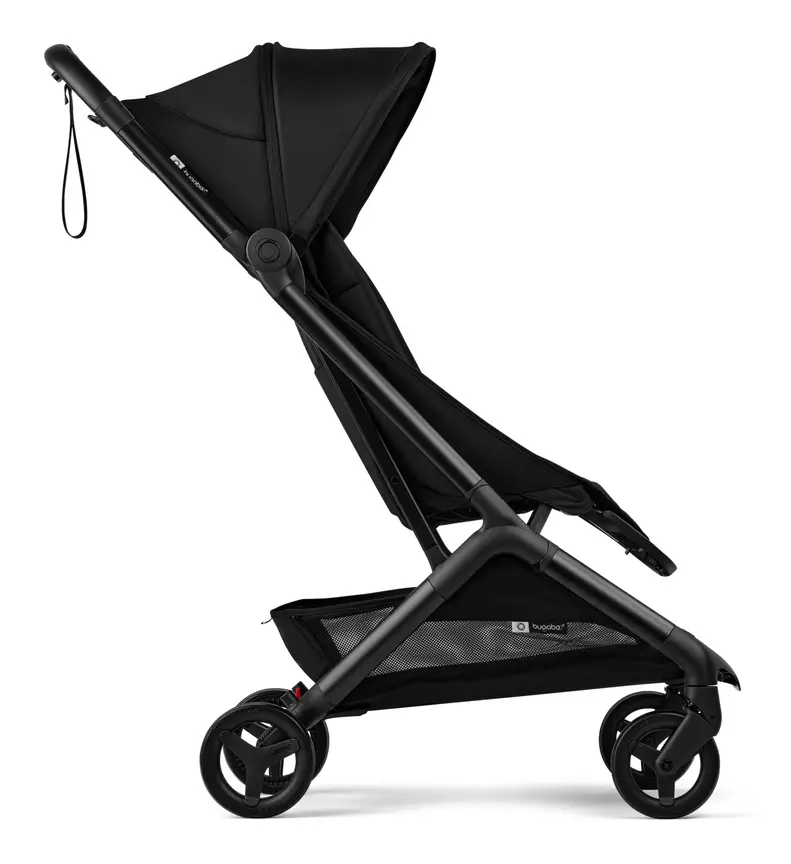


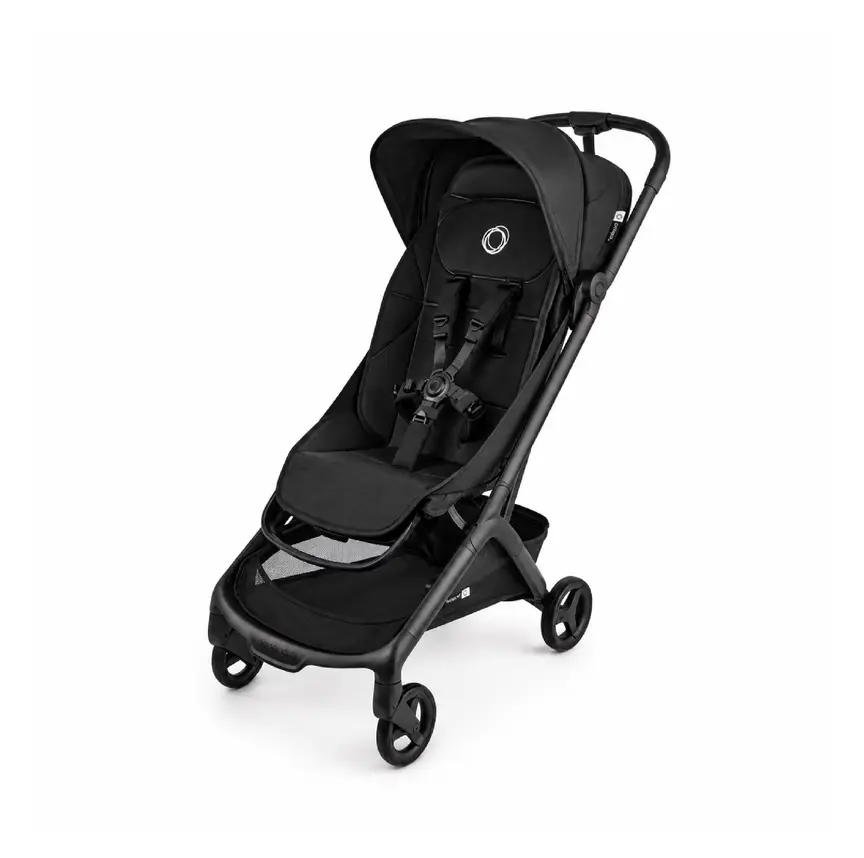
Bugaboo Butterfly
Bugaboo's cabin-friendly compact stroller with a one-second fold — the travel partner to a Fox, not a replacement for it.
Tech needs by age stage
Your baby grows fast, and what you need from tech changes every few months.
Newborn to 3 months
In the first three months, health groups in Australia, the UK, the US, and Canada recommend that your baby sleeps in your room, in their own safe cot or bassinet. Because your baby is right beside you at night, you do not need a video monitor overnight. A simple audio monitor is handy for daytime naps when you are in the kitchen or yard.
For travel, your newborn needs a pram with a flat bassinet or full flat recline. You do not need a motorised pram just for short, flat neighbourhood walks. Focus on easy lifting and a smooth brake.
3 to 6 months
Around three to four months, babies become more alert and start rolling. If your baby is still in a smart rocking bassinet, watch closely for rolling signs. Most babies outgrow bassinets during this stage and move into a full-size cot.
Check your pram harness every few weeks as your baby grows. Make sure the straps sit snugly and that you switch from a bassinet to a reclined seat only when your baby has good head control and meets the pram maker's age and weight guide.
6 to 12 months
Many families move their baby into their own bedroom after six months. This is when a monitor becomes most useful. Babies at this age also pull themselves up to stand and grab anything within arm's reach.
Do a fresh cord check around the cot. What was out of reach for a tiny newborn may now be easy for an eight-month-old to grab. Move monitor cameras, sound machines, and nightlight cords well away from the cot bars. Keep tracker tags hidden inside zipped pram pockets, out of reach of curious fingers.
12 months and older
Toddlers walk, climb, and test latches. Look at your pram's weight limit and check that the frame still feels stable when your child leans forward. If you use a monitor, a simple audio unit or wall-mounted camera well above cot height is enough. Many parents turn off video screens once their toddler settles well, or keep audio only for peace of mind.
Safety standards and official advice: Australia, UK, US, and Canada
Rules for prams, monitors, batteries, and smart devices differ slightly across countries, but the core safety advice is very similar.
| Topic | Australia | UK | US | Canada |
|---|---|---|---|---|
| Baby monitors | Red Nose says monitors do not prevent SIDS and cords must stay away from cots | The Lullaby Trust says breathing monitors do not prevent SIDS | AAP and CHOP advise against home monitors to prevent SIDS; CPSC warns on cord strangulation | Health Canada and Caring for Kids stress safe sleep basics over gadgets |
| Prams and strollers | ACCC / Product Safety Australia: must meet AS/NZS 2088 | OPSS: look for BS EN 1888 compliance | CPSC: must meet ASTM F833 stroller rules | Health Canada: carriage and stroller safety rules apply |
| Smart device security | Home Affairs smart device security rules apply to internet gear | UK Government smart device security rules ban weak default passwords | FCC Cyber Trust Mark label helps spot safer smart devices | Get Cyber Safe urges strong passwords and software updates |
| Lithium and button batteries | ACCC button battery rules; Fire and Rescue NSW and CASA battery rules | OPSS battery safety warnings; UK airline limits on spare cells | CPSC battery rules; FAA rules for batteries in luggage | Health Canada battery alerts; Transport Canada air travel rules |
Cyber security and camera privacy
Internet-connected baby cameras are small computers. If you do not secure them, strangers can view your home. Governments now take this seriously. The UK has smart device security rules that ban factory default passwords like "admin" or "1234". Australia has similar rules for smart devices sold locally. In the US, the Federal Communications Commission (FCC) runs the Cyber Trust Mark program to help shoppers spot safer devices. In Canada, the Get Cyber Safe site gives clear steps for parents.
Follow these simple steps for any Wi-Fi baby product:
- Change the default username and password right away.
- Use a long, unique password you do not use anywhere else.
- Turn on two-factor login (where the app sends a code to your phone) if the app offers it.
- Install firmware and app updates as soon as they appear.
- Secure your home Wi-Fi router with a strong password too.
- Unplug or turn off the camera when nobody is sleeping in the room.
Lithium-ion batteries and button batteries
High-tech prams, wireless cameras, and sensor socks often use lithium-ion batteries. Fire and Rescue NSW warns that damaged or cheap lithium-ion batteries can overheat and catch fire.
Always buy prams and monitors from trusted makers, not unknown online sellers. Only use the charger that came with the product. Never charge a pram battery or monitor on a bed, sofa, or near your baby's cot. Stop using any battery that swells, smells odd, or gets very hot.
If you plan to fly with a motorised pram, check airline rules early. Aviation bodies like CASA in Australia, the FAA in the US, and Transport Canada limit the size of lithium batteries allowed on planes. Large removable batteries often must travel in your carry-on bag, not in checked luggage.
Small remote controls, thermometer probes, and pram tracker tags often use button batteries. If a child swallows a button battery, it can burn through their throat in hours. Check that every battery door on your baby gear needs a screwdriver to open, and keep spare batteries locked up high.
How to choose smart baby gear without overspending
Before you tap "buy" on a high-tech baby product, run through these five quick questions:
- What real problem does it solve? If a simple, non-smart version does the same job safely, save your money.
- Does it work if the internet goes down? A monitor or nightlight should still work when your Wi-Fi drops.
- How heavy is it? Lift an electric pram folded up before buying. Make sure you can put it in your car boot without straining your back.
- Are there hidden monthly fees? Some smart monitors lock basic video history or alerts behind a paid app plan.
- Can you replace the battery? Ask what happens in two years when the built-in battery stops holding a charge.
Common mistakes parents make with baby tech
Even careful parents can slip up with new gadgets. Watch out for these common traps:
- Putting the monitor cord too close: Placing a camera on the edge of the cot or letting the wire hang down behind it creates a strangulation risk.
- Trusting a sensor over safe sleep rules: A breathing monitor is never an excuse to put a baby to sleep on their tummy, on a couch, or with loose blankets.
- Leaving factory passwords unchanged: Skipping the password setup step leaves Wi-Fi cameras open to strangers.
- Buying grey-market imports: Cheap electronics bought from unverified overseas sites may skip AS/NZS 2088, BS EN 1888, ASTM F833, and local charger safety checks.
- Playing white noise too loudly: Placing a sound machine inside the cot or at full volume can harm delicate ears.
- Forgetting about button batteries: Leaving a Bluetooth tracker tag or camera remote within a toddler's reach can lead to a life-threatening accident.
More options, from budget to premium
Real products from our catalogue. We don't show star ratings or review counts; check the current price, stock and reviews on Amazon before you buy.
Bugaboo Butterfly 2
The newer Butterfly. It folds in about one second, has a lay-flat seat and a bigger basket with a back pocket.
Read our full review →
Bugaboo Donkey 5
Converts from single to side-by-side double (siblings or twins) by widening the frame.

Bugaboo Dragonfly
Bugaboo's city pram: smaller footprint and lighter than the Fox, built for footpaths, lifts and car boots rather than bush tracks.
Frequently asked questions
Do smart breathing monitors prevent SIDS?
No. Red Nose in Australia, The Lullaby Trust in the UK, the American Academy of Pediatrics in the US, and Health Canada all state there is no proof that home monitors prevent SIDS. The safest way to lower risk is to put your baby on their back on a firm, flat mattress in a clear cot, in a smoke-free home.
Are Wi-Fi baby monitors safe from hackers?
They can be safe if you set them up properly. Change the default password to a strong, unique one, turn on two-step login, and keep the app updated. If you want zero risk of online snooping, pick a non-Wi-Fi monitor with a dedicated parent screen instead.
Are motorised strollers worth the extra weight and cost?
For most families on flat paths, a standard lightweight pram is easier to lift, fold, and store. An electric-assist pram is mainly worth considering if you walk up steep hills every day, push two children at once, or have a physical condition that makes pushing hard.
Can I take a battery-powered pram on a plane?
Maybe, depending on the battery size. Check your airline's rules before you book. Aviation regulators in Australia, the UK, the US, and Canada restrict lithium-ion battery size on aircraft and usually require removable batteries to go in cabin baggage.
How far should a baby monitor be from the cot?
Place any corded monitor and its power cable at least one metre (about three feet) away from every side of the cot. Clip or cover the cord along the wall so a standing baby cannot reach it and pull it in.
What happens to smart baby gear if my internet goes down?
Wi-Fi cameras and app-only sound machines often stop working or lose phone alerts if your internet drops. Non-Wi-Fi audio and video monitors use their own local signal, so they keep working even during an internet outage.
Sources
- Red Nose Australia – Baby monitors
- The Lullaby Trust (UK) – Baby monitors
- Children's Hospital of Philadelphia – Consumer baby monitors have little proven benefit for healthy infants (2017)
- U.S. Consumer Product Safety Commission – Infants and toddlers can strangle in baby monitor cords (Publication 5066)
- Product Safety Australia – Prams and strollers guide
- Get Cyber Safe (Government of Canada) – Cyber security tips for your baby gear
- UK Government – Security rules for smart devices (PSTI)
- Fire and Rescue NSW – Lithium-ion batteries: shop, charge and recycle safely
Related guides
More Prams & Strollers →
Bassinet Strollers: What They Are, How They Help New Parents, and How to Use One Safely

From Strollers to Swaddles: Essential Baby Gear Tips for First-Time Parents
High-View Prams and Strollers: Seat Height, Cafe Tables, Street Air, and Stability
